Mac driver for Wacom drawing tablets that no longer have official support.
One self-contained app. Pen input runs at top priority, so it stays responsive.


MockTab is a community project, not affiliated with Wacom Co., Ltd. or Xencelabs. Product names describe compatibility only.
MockTab supports these Wacom families:
- Intuos 1–5 / Intuos Pro Gen 1 (PTH-x50/x51, PTZ, PTK series), USB.
- Intuos Pro Gen 2 (PTH-460, PTH-660, PTH-860), USB and Bluetooth.
- Intuos Pro Gen 3 (PTK-470, PTK-670, PTK-870), USB, experimental.
- Cintiq pen displays, including CintiqV1 and IntuosV2-format models.
- DTU / DTUS small pen displays, USB, experimental.
- Bamboo and consumer CTL/CTH tablets.
- Xencelabs Pen Display and Quick Keys remote, wired and wireless.
Full list: mocktab.org/hardware
Other tablets may not work yet. To request one, file an issue with the data from Help › Collect Device Data…
- macOS 13 Ventura or later.
- Download the latest
.dmgfrom Releases. Snapshots are newer but may be incomplete. - Drag
MockTab.appto Applications and launch it. - Grant Accessibility if asked.
- Grant Input Monitoring if asked.
- Plug in or pair your tablet.
If a permission has no effect, remove MockTab from the list and add it again. Moving or reinstalling the app can undo earlier permissions.
| Tablet area | Pen feel |
|---|---|
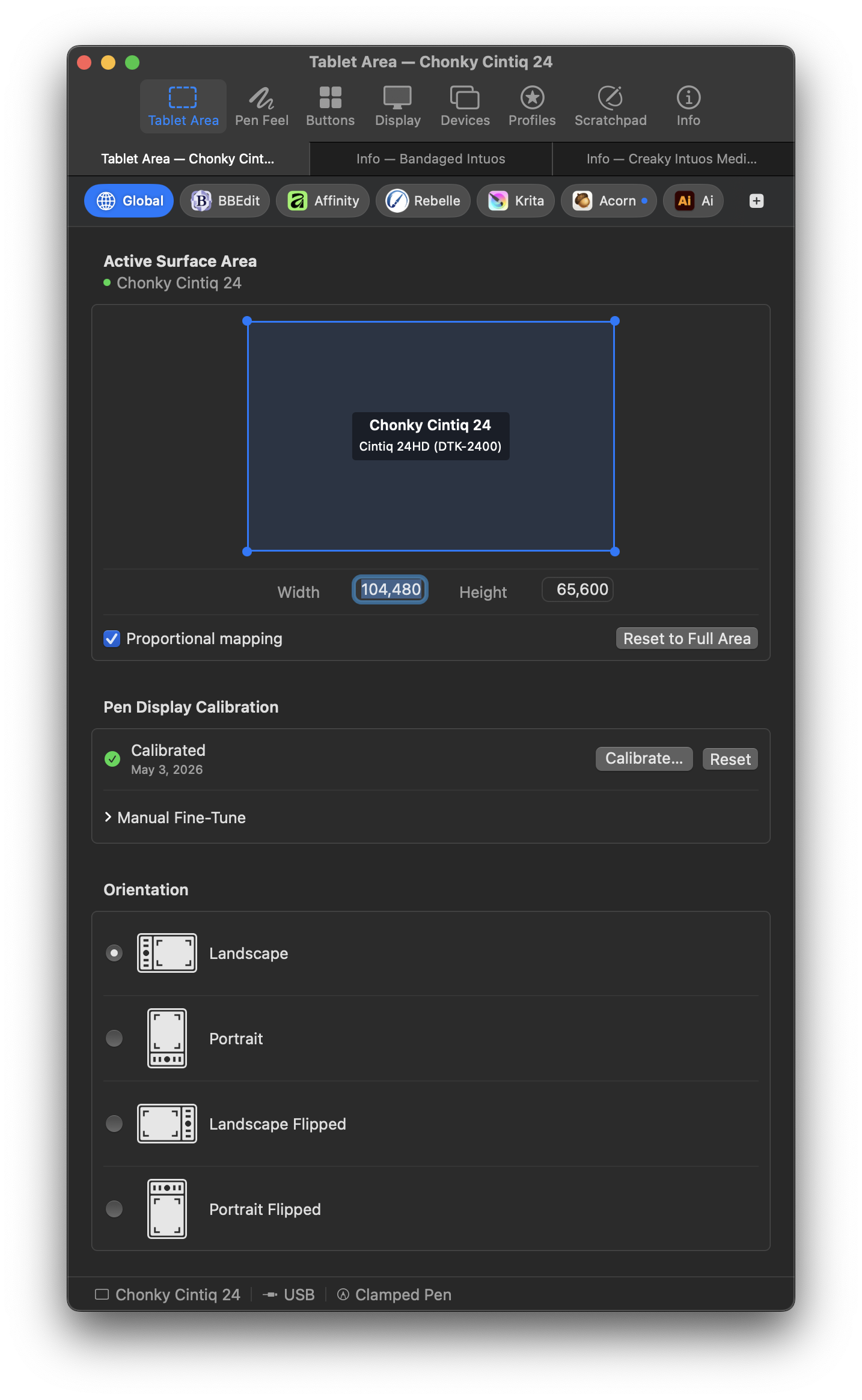 |
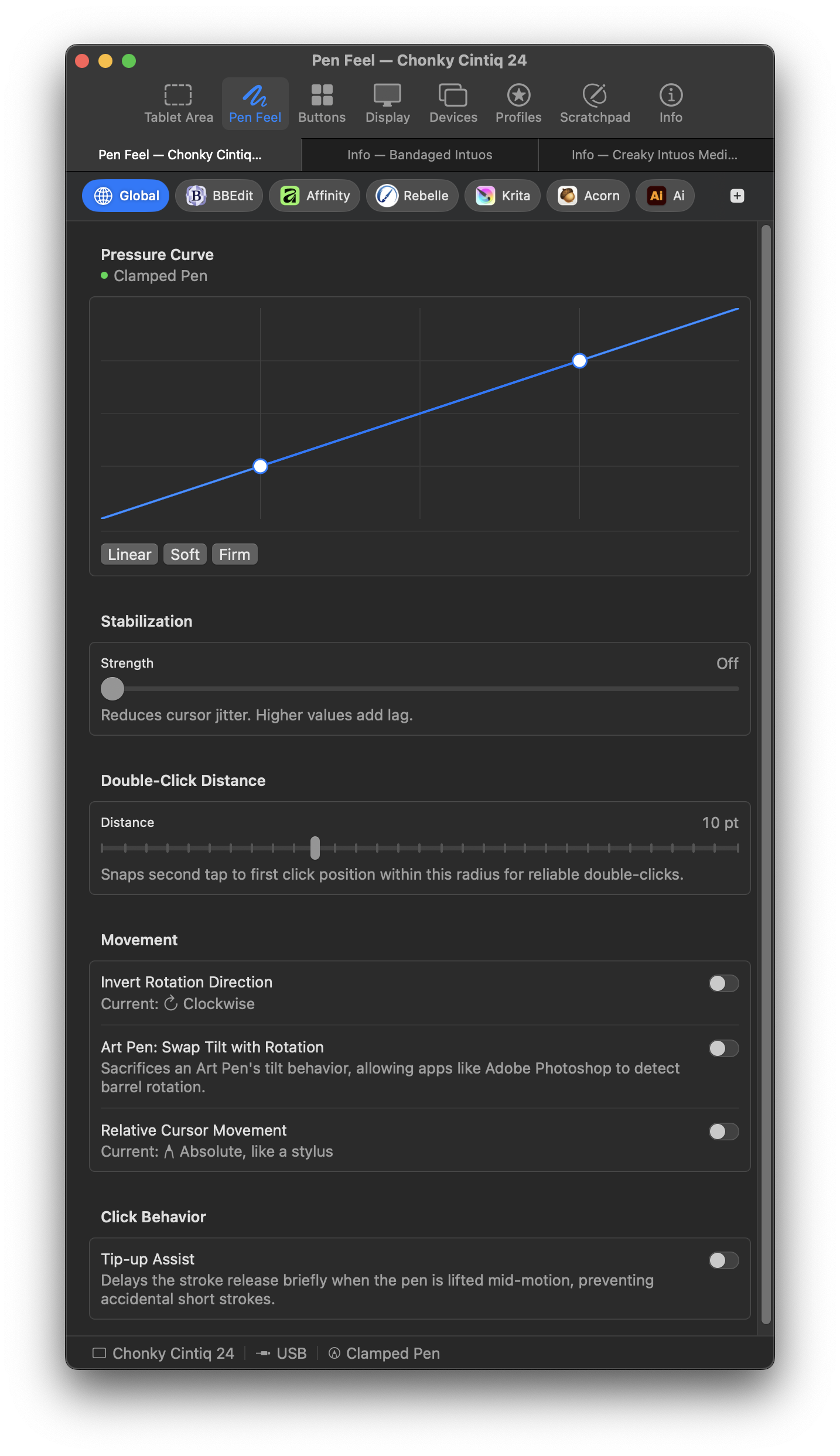 |
| Button mapping | Display mapping |
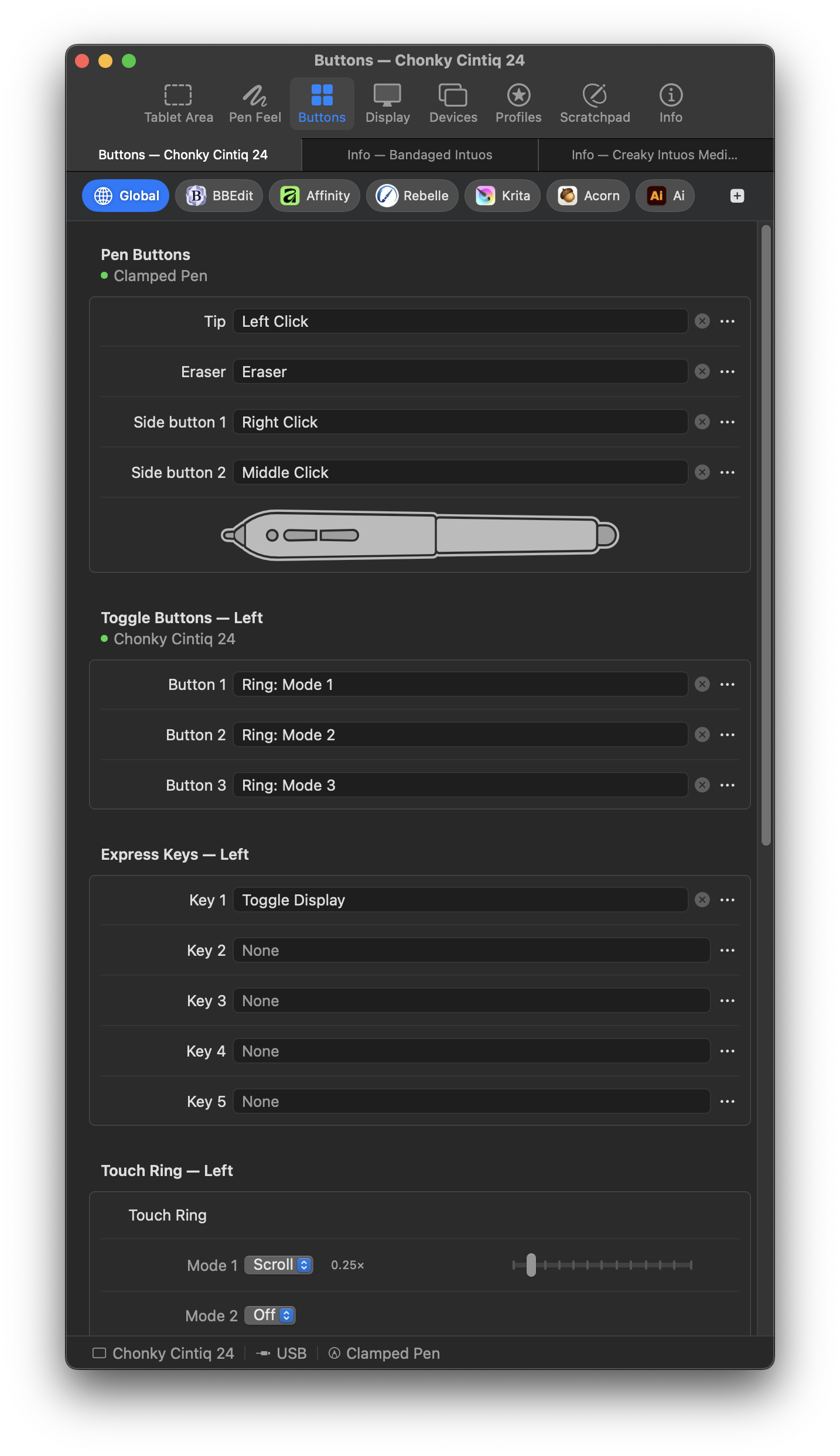 |
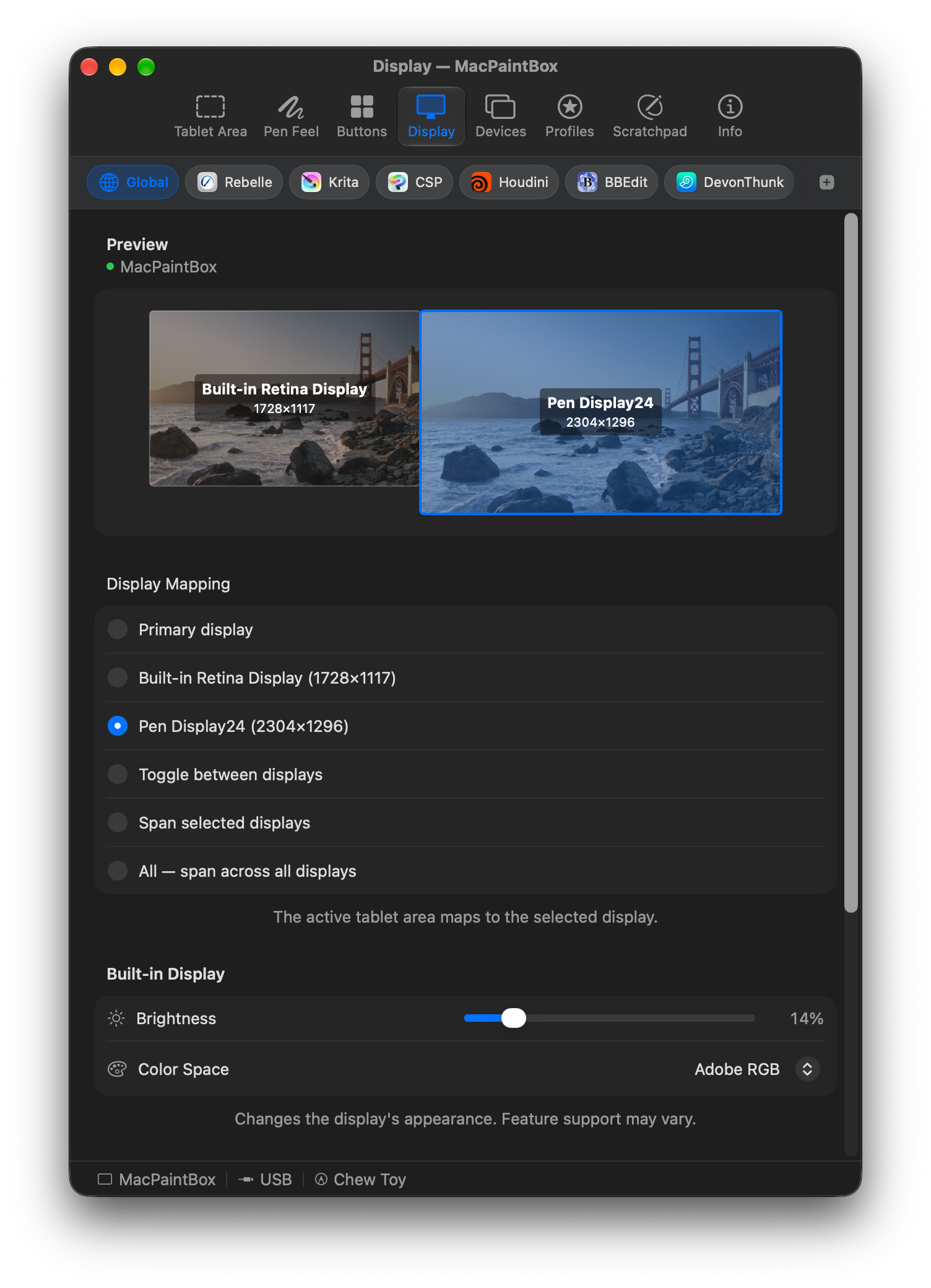 |
| Touch | Scratchpad |
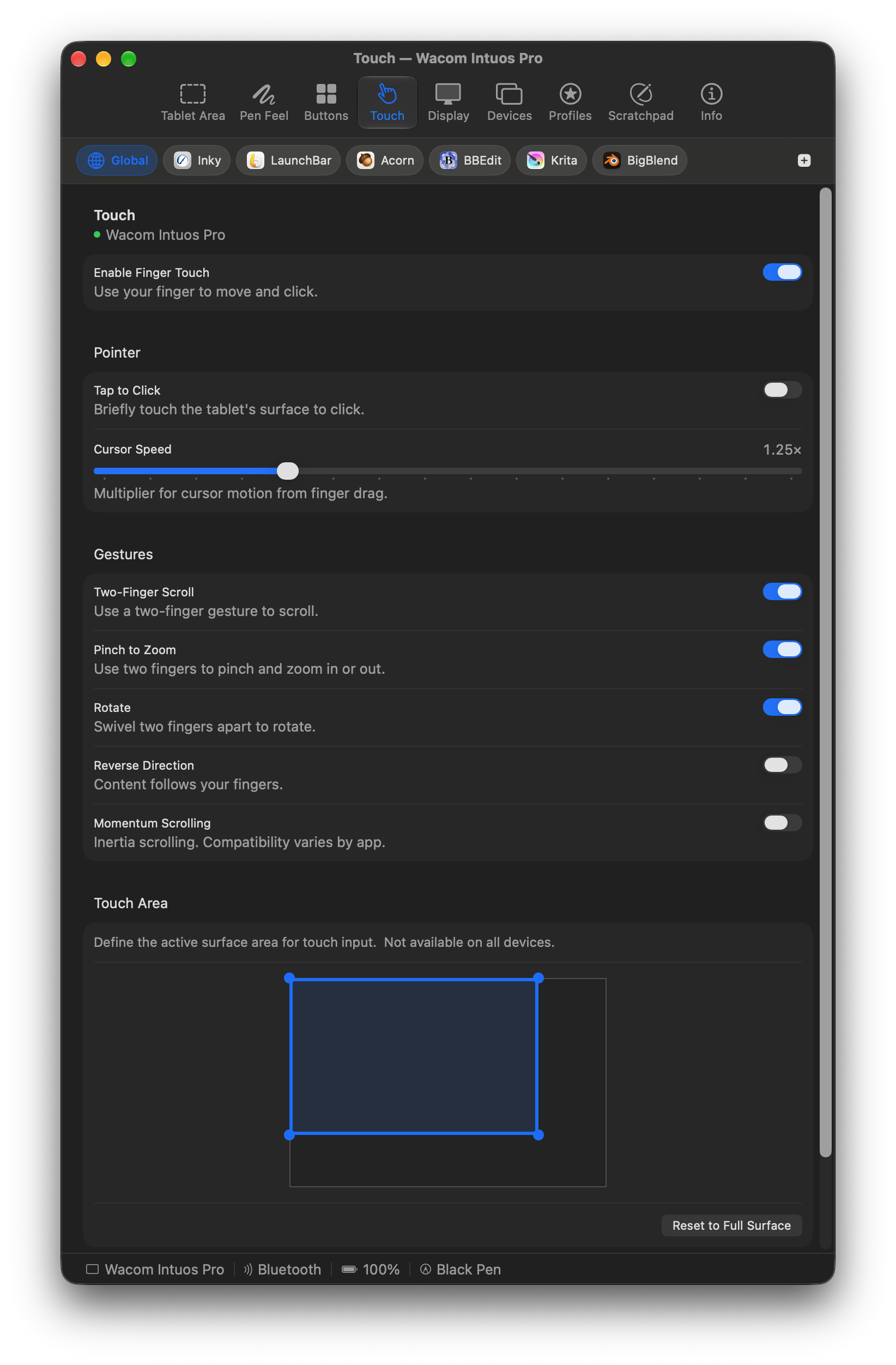 |
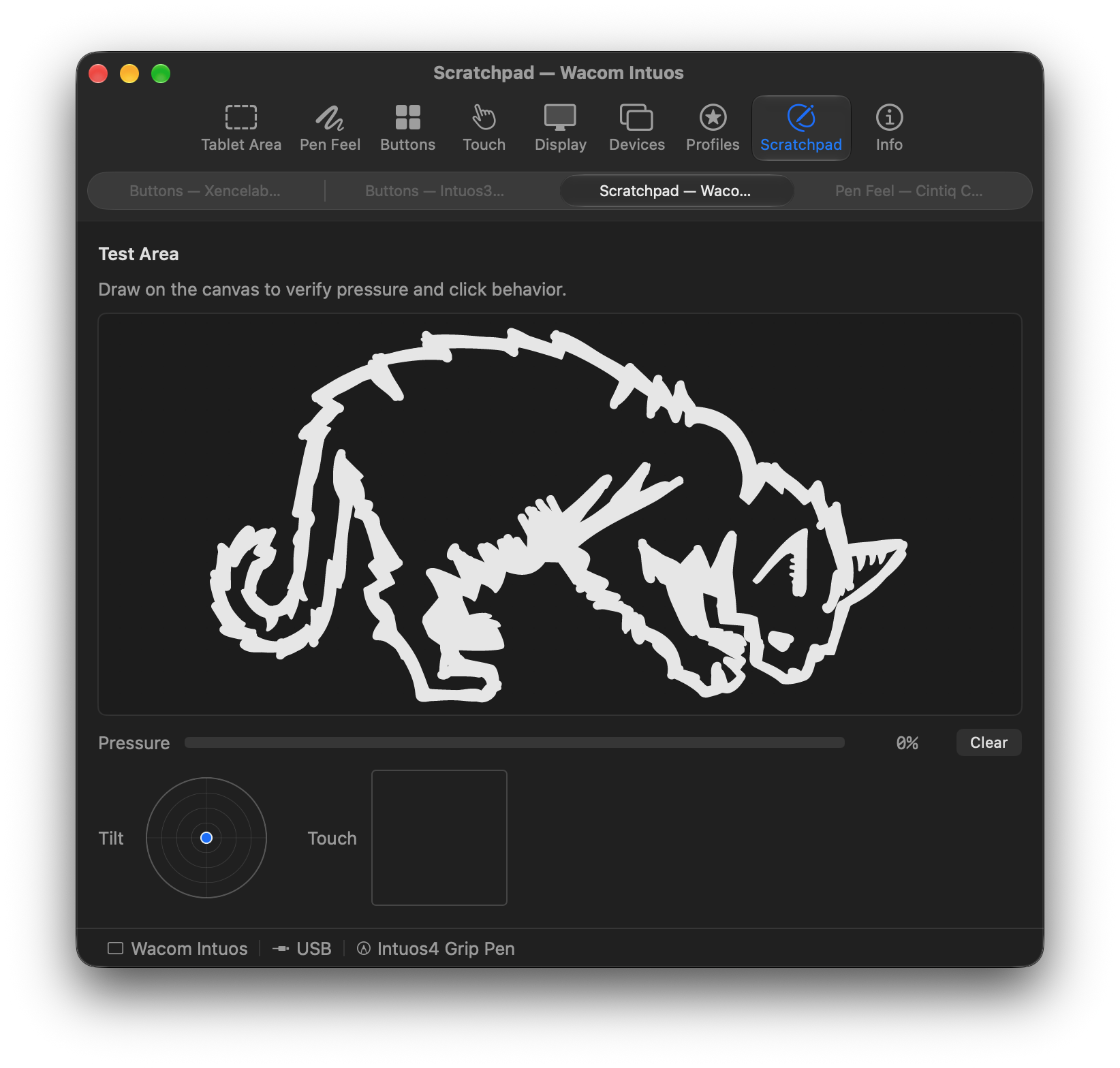 |
- Map the tablet to any part of any display.
- Tune pressure and pen feel.
- Assign pen buttons, ExpressKeys, touch rings, and dials.
- Give each app its own settings.
- Connect over USB, Bluetooth, or a USB dongle.
- Touch to scroll, zoom, rotate, and click, when available.
- Test input in a live scratchpad.
- Import and export profiles.
- Hide the Dock icon and run from the menu bar.
- Connect tablets across different generations at the same time.
- Low-latency pen performance.
- One self-contained, signed, and notarized app, with no background services or launchers.
- Huion, XP-Pen, and other makers besides Xencelabs.
- Recent Wacom models. Without further testing, support is experimental.
- Windows, Linux, and iPad.
git clone --recurse-submodules https://github.com/Cyzor/tablet-driver.git
cd tablet-driver
open MockTab.xcodeproj
You need Xcode 26 or later. Select the MockTab scheme and build. To build a fork, set signing to your own team under Signing & Capabilities.
If you cloned without --recurse-submodules, run git submodule update --init. To run the TabletKit tests, run swift test in TabletKit/.
TabletKit is the Swift package that turns a tablet's raw reports into pen position, pressure, tilt, rotation, and touch. It has no AppKit dependencies, so it works in any Swift project. See its README to add it to yours.
It lives here as a git submodule at TabletKit/.
The app is GPL-3.0-or-later (LICENSE). You can run, study, change, and share it. Changed versions must keep the same license.
TabletKit is MPL-2.0 (LICENSES/MPL-2.0.txt). Changes to its own files must stay open, but any project can use it, whatever its license.
Each file names its license in an SPDX-License-Identifier: header.
MockTab builds on several open-source projects. OpenTabletDriver supplies all of TabletKit’s non-Wacom tablet entries and some Wacom ones. wacom-hid-descriptors guided decoders for many tablet families, and libwacom supplies Wacom tablet sizes. Much of the report format knowledge traces back to input-wacom and the Linux kernel.
Options to help include filing bug reports, providing hardware details, improving localization, and revising decoders. See Contributing.md. Decoder pull requests go to TabletKit.
See TabletKit’s Contributing notes for an overview of analyzing tablet behavior.
Wacom’s official driver may still work with some coaxing. If the tablet light is on but Wacom Center shows “No device connected,” or Wacom’s installer says “Supported tablet not found,” Wacom has likely retired your model. Troubleshooting covers symptoms, affected tablets, and steps to try, plus problems after installing MockTab.
- CHANGELOG.md — release history.
- mocktab.org — website and FAQ.
- Hardware compatibility — full device list.
- Tablet protocol notes — report formats for Wacom and Xencelabs tablets, and how Mac apps read tablet events.
- Troubleshooting — common problems and fixes.
- Issues — bug reports and feature requests.