

About | Features | Technologies | Requirements | Starting | Contributing
I needed a simple way to record my applications working to post on LinkedIn, or record interviews to review later. But every screen recording tool I tried required creating accounts, setting up workspaces, had recording limits, or demanded a whole complicated setup just to make a simple recording. 😩
That's why I created Screen Recorder — a straightforward, no-nonsense tool that just works. 💪
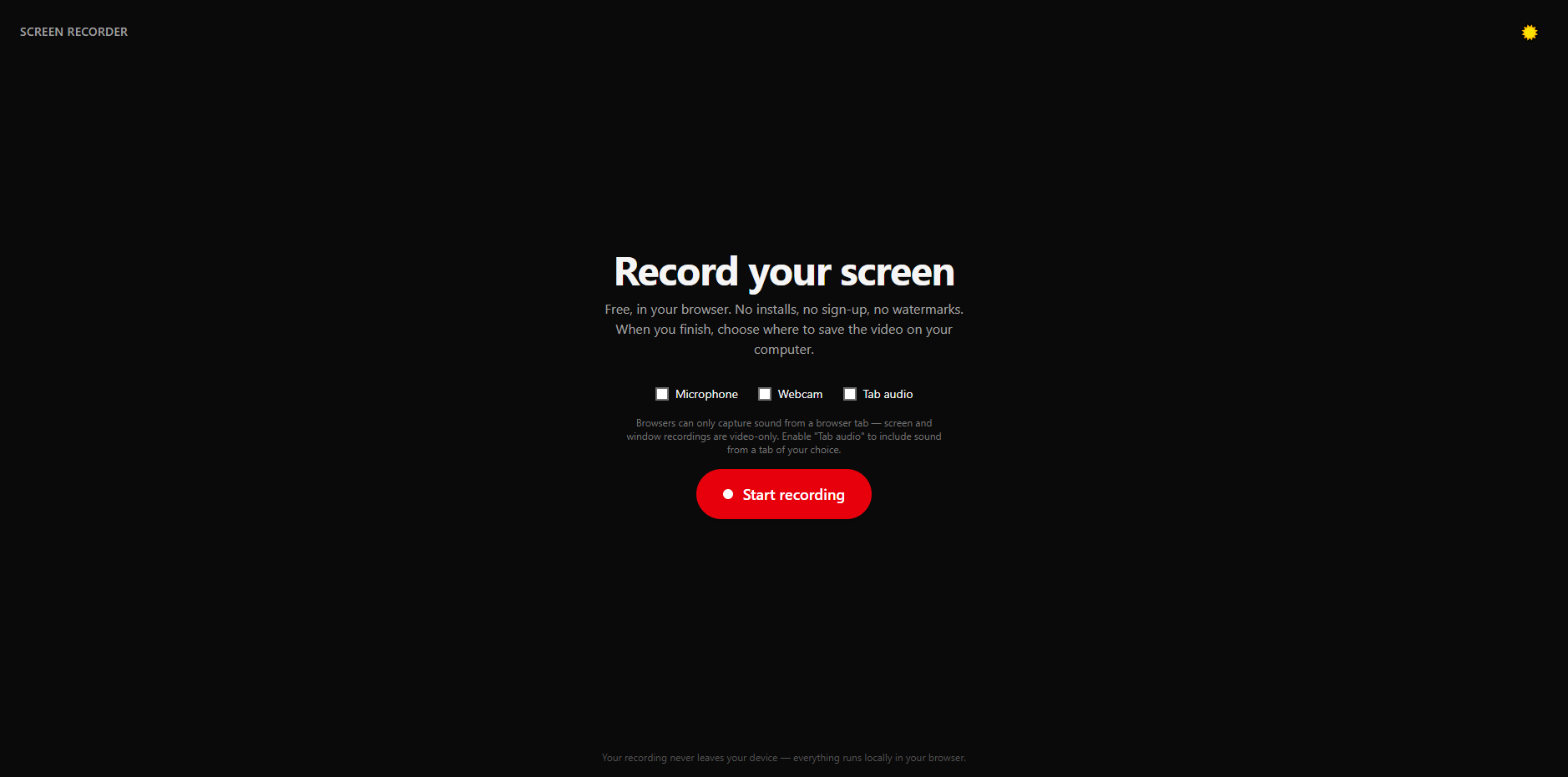
This is a 100% browser-based screen recorder that runs entirely in your browser. ✨ No installation required, no sign-up needed, no watermarks, and no limits. Just open the page, hit record, and save your video directly to your computer. 📝
With this tool, screen recording has never been so simple and fast. ⚡ You can save time and focus on what really matters — capturing your screen content without the hassle. 🚀
Don't waste time with complicated recording software. Give it a try and see for yourself how easy and convenient it is! 😉
Loved the tool? Please consider starring ⭐ the repository to support its
continuous improvement and development!
✔️ Browser-based — Runs entirely in your browser, no installation required;
✔️ No sign-up — Start recording immediately without creating an account;
✔️ No watermarks — Your recordings are clean and professional;
✔️ No limits — Record as long as you need, no time restrictions;
✔️ Microphone support — Add voice commentary to your recordings;
✔️ Webcam overlay — Include your camera in the recording;
✔️ Tab audio capture — Record audio from specific browser tabs;
✔️ Local processing — Everything runs locally, your data never leaves your device;
✔️ Dark mode — Comfortable viewing in any lighting condition;
✔️ Responsive design — Works great on desktop and mobile devices.




Before starting 🏁, make sure you have Git and Node installed on your system. (nvm recommended).
# Clone this project
$ git clone https://github.com/maurodesouza/screen-recorder

# Access
$ cd screen-recorder

# Install dependencies
$ npm install

# Run the project
$ npm run dev

# The server will initialize in the <http://localhost:5173>dev: starts the development server atlocalhost:5173;build: creates an optimized production build of the application;preview: previews the production build locally;tsc: runs TypeScript compiler for type checking.
This project is licensed under the MIT License. For more details, please refer to the LICENSE file.
Made with ❤️ by Mauro de Souza
Readme created with Simple Readme