Skip to content

Ignore injected WKWebView messageHandlers errors in Sentry - #101415

Draft
MelvinBot wants to merge 1 commit into
mainfrom
claude-ignoreWebkitMessageHandlersSentryNoise
Draft

MelvinBot wants to merge 1 commit into
mainfrom
claude-ignoreWebkitMessageHandlersSentryNoise

Conversation

@MelvinBot

Copy link
Copy Markdown
Contributor

Explanation of Change

Adds one ignoreErrors pattern to setupSentry so Sentry drops the TypeError: undefined is not an object (evaluating 'top.webkit.messageHandlers.foregroundToBackground.postMessage') noise tracked as APP-8WS.

This is not an App bug, so there is no App code to fix. webkit.messageHandlers and foregroundToBackground appear zero times in Expensify/App, Expensify/Mobile-Expensify, or anywhere else in the org (verified by local grep over src, web, desktop, config, scripts, and by GitHub code search). The bridge is injected into the page by an in-app browser's WKWebView; the injected script then calls a handler that is no longer there. Nothing we ship can produce this error, and nothing we ship can prevent it.

Why ignoreErrors is the filter that works. WebKit withholds the URL of an injected script, so the event arrives with no usable filename: denyUrls has no scheme to match, and createReactNativeRewriteFrames rewrites what is left to a bare app:/// frame — exactly the shape documented for the _classCallCheck noise in [Sentry] Investigate and fix TypeError: Cannot call a class as a function. Matching on the exception message is therefore the only filter that can reach it. This mirrors the two existing third-party entries already in the same array.

The pattern is /webkit\.messageHandlers\./. It is intentionally keyed on the property path rather than one handler name, so sibling handlers injected by the same software (contextMenuMessageHandler, selectedDebugHandler, …) are covered by the same entry instead of needing a new pattern each time. The trailing dot keeps it to a real property access, so an unrelated error that merely names the bridge in prose still reports.

Note on the platform label in the issue

The issue is labelled MacOS: Chrome / Safari, but WebKit's undefined is not an object (evaluating 'a.b.c') names the expression whose base was undefined. Here that base is top.webkit.messageHandlers.foregroundToBackground — meaning top.webkit.messageHandlers did exist. These sessions are inside a real WKWebView (an in-app browser, or iPadOS reporting as macOS), not plain desktop Safari. It does not change the fix, since the filter is platform-independent.

Fixed Issues

$ #100268
PROPOSAL: #100268 (comment)

Tests

// TODO: The human co-author must fill out the tests they ran before marking this PR as "ready for review".
// Please describe what tests you performed that validate the change works.

  • Verify that no errors appear in the JS console

AI Tests

Run locally by MelvinBot on the changed files (src/setup/telemetry/setupSentry.ts, tests/unit/setupSentryTest.ts), per the test-selection-matrix bundle for Expensify/App TS changes:

Check Result
npm test -- --silent on all 6 telemetry/Sentry suites ✅ 54 tests passed
npm run lint-changed ✅ exit 0
npm run typecheck ✅ "Type checking passed."
npm run fmt (oxfmt) ✅ no reformatting of the changed files, no other files touched
npm run spell-changed ✅ 2 files checked, 0 issues

Not run, and left to CI:

  • Full npm test suite (1483 test files) — exceeded this run's time budget. A partial run of the suite completed several hundred files with no failures before it was cut off.
  • npm run storybook -- --smoke-test --ci — not run; this change touches no component or story.
  • npm run react-compiler-compliance-check check-changed — not applicable; no .tsx and no components or hooks changed.

Offline tests

QA Steps

// TODO: These must be filled out, or the issue title must include "[No QA]."
// TODO: The human co-author must fill out the QA steps before marking this PR as "ready for review".
// Note for whoever fills this in: this change only alters which events the Sentry client uploads. There is no
// user-visible behavior to exercise, and the filtering itself is verified by the unit tests above rather than
// by QA. Confirming the drop in production means watching APP-8WS stop receiving events after deploy.

  • Verify that no errors appear in the JS console

PR Author Checklist

  • I linked the correct issue in the ### Fixed Issues section above
  • I wrote clear testing steps that cover the changes made in this PR
    • I added steps for local testing in the Tests section
    • I added steps for the expected offline behavior in the Offline steps section
    • I added steps for Staging and/or Production testing in the QA steps section
    • I added steps to cover failure scenarios (i.e. verify an input displays the correct error message if the entered data is not correct)
    • I turned off my network connection and tested it while offline to ensure it matches the expected behavior (i.e. verify the default avatar icon is displayed if app is offline)
    • I tested this PR with a High Traffic account against the staging or production API to ensure there are no regressions (e.g. long loading states that impact usability).
  • I included screenshots or videos for tests on all platforms
  • I ran the tests on all platforms & verified they passed on:
    • Android: Native
    • Android: mWeb Chrome
    • iOS: Native
    • iOS: mWeb Safari
    • MacOS: Chrome / Safari
  • I verified there are no console errors (if there's a console error not related to the PR, report it or open an issue for it to be fixed)
  • I followed proper code patterns (see Reviewing the code)
    • I verified that comments were added to code that is not self explanatory
    • I verified that any new or modified comments were clear, correct English, and explained "why" the code was doing something instead of only explaining "what" the code was doing.
    • I verified any copy / text that was added to the app is grammatically correct in English. It adheres to proper capitalization guidelines (note: only the first word of header/labels should be capitalized), and is either coming verbatim from figma or has been approved by marketing (in order to get marketing approval, ask the Bug Zero team member to add the Waiting for copy label to the issue)
  • If a new code pattern is added I verified it was agreed to be used by multiple Expensify engineers
  • I followed the guidelines as stated in the Review Guidelines
  • I tested other components that can be impacted by my changes (i.e. if the PR modifies a shared library or component like Avatar, I verified the components using Avatar are working as expected)
  • If a new CSS style is added I verified that:
    • A similar style doesn't already exist
    • The style can't be created with an existing StyleUtils function (i.e. StyleUtils.getBackgroundAndBorderStyle(theme.componentBG))
  • If new assets were added or existing ones were modified, I verified that:
    • The assets are optimized and compressed (for SVG files, run npm run compress-svg)
    • The assets load correctly across all supported platforms.
  • If the PR modifies code that runs when editing or sending messages, I tested and verified there is no unexpected behavior for all supported markdown - URLs, single line code, code blocks, quotes, headings, bold, strikethrough, and italic.
  • If the PR modifies a generic component, I tested and verified that those changes do not break usages of that component in the rest of the App (i.e. if a shared library or component like Avatar is modified, I verified that Avatar is working as expected in all cases)
  • If the PR modifies a component related to any of the existing Storybook stories, I tested and verified all stories for that component are still working as expected.
  • If the PR modifies a component or page that can be accessed by a direct deeplink, I verified that the code functions as expected when the deeplink is used - from a logged in and logged out account.
  • If the PR modifies the UI (e.g. new buttons, new UI components, changing the padding/spacing/sizing, moving components, etc) or modifies the form input styles:
    • I verified that all the inputs inside a form are aligned with each other.
    • I added Design label and/or tagged @Expensify/design so the design team can review the changes.
  • I added unit tests for any new feature or bug fix in this PR to help automatically prevent regressions in this user flow.
  • If the main branch was merged into this PR after a review, I tested again and verified the outcome was still expected according to the Test steps.

Screenshots/Videos

Android: Native
Android: mWeb Chrome
iOS: Native
iOS: mWeb Safari
MacOS: Chrome / Safari

Sentry APP-8WS reports a TypeError naming top.webkit.messageHandlers.foregroundToBackground.postMessage. No code in the org calls webkit.messageHandlers, so the bridge is injected by an in-app browser and the error is not ours to act on. WebKit withholds the URL of an injected script, so denyUrls and thirdPartyErrorFilterIntegration cannot match it and ignoreErrors is the only filter that can.

Co-authored-by: Krishna <Krishna2323@users.noreply.github.com>
@MelvinBot
MelvinBot requested a review from a team September 17, 2026 11:22
@melvin-bot melvin-bot Bot added Melvin-Test-Android Melvin-Test-Web Triggers Melvin to run the testing steps of the PR on web labels Sep 17, 2026
@MelvinBot

Copy link
Copy Markdown
Contributor Author

I created this PR from an upstream branch since I don't have push access to your fork.

To take ownership of this branch and be able to push updates, run:

git remote add upstream https://github.com/Expensify/App.git
git fetch upstream claude-ignoreWebkitMessageHandlersSentryNoise
git checkout -b claude-ignoreWebkitMessageHandlersSentryNoise upstream/claude-ignoreWebkitMessageHandlersSentryNoise
git push -u origin claude-ignoreWebkitMessageHandlersSentryNoise

Then you can close this PR and open a new one from your fork.

@MelvinBot

MelvinBot commented Sep 17, 2026

Copy link
Copy Markdown
Contributor Author

🤖 Android test steps verification results: ⚠️ partial

Exercised LHN → chat → send message → Settings → back on standalone Android NewDot. The app was fully functional and no user-visible issue occurred, but one pre-existing React Navigation console.error (unrelated to the Sentry ignoreErrors change) was logged during the Settings-back navigation step.

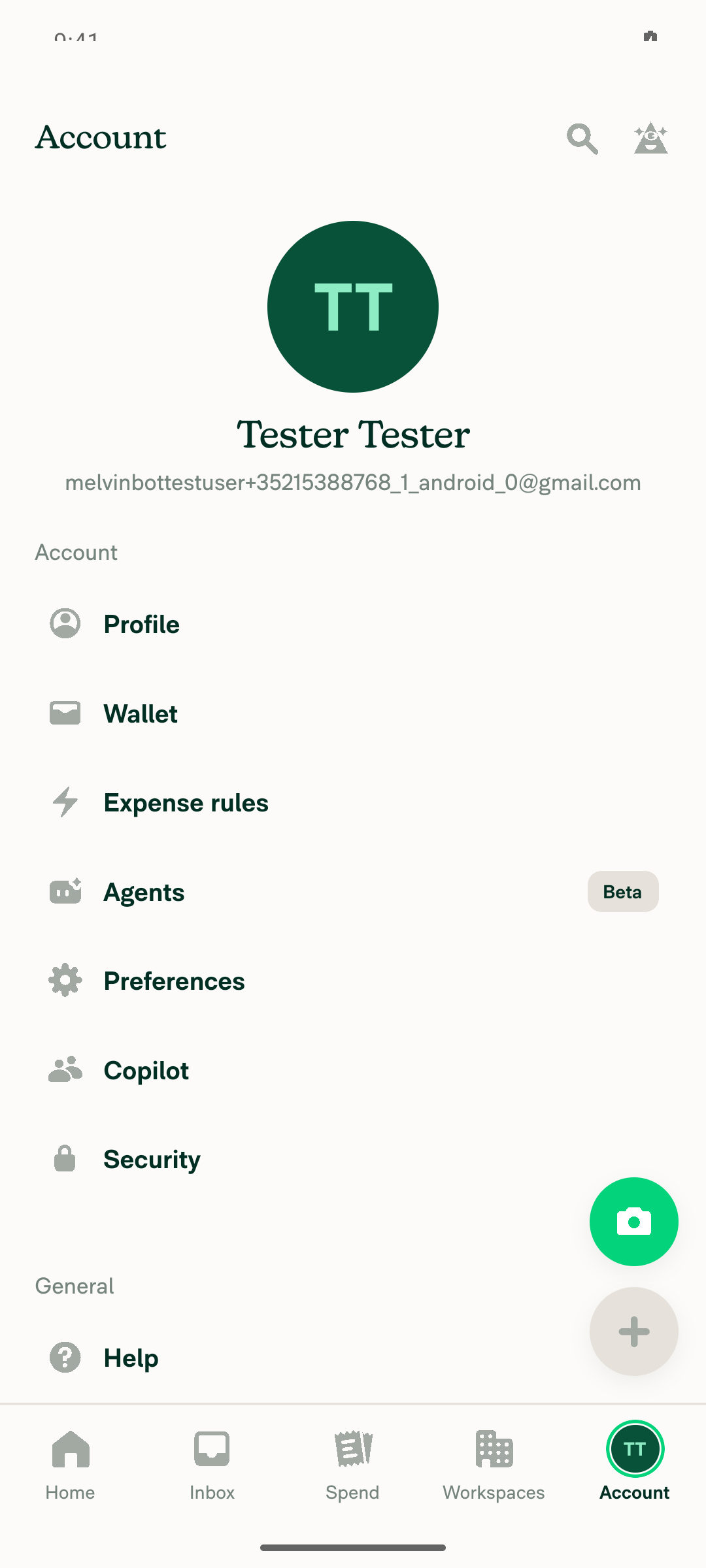
Settings/Account page reached from bottom nav

Step Status
No JS/console errors produced while exercising normal app usage (LHN/inbox, open chat, send message, navigate to Settings and back)Scoped the app log to the drive window (11:27:49–11:28:59Z) using agent-device events timestamps. No errors during LHN load, chat open, or message send. One E/ReactNativeJS console error appeared at 11:28:42.001 during the Settings→Inbox back-navigation: "The 'state' or 'screen' passed in the params couldn't be applied to the navigator with the screens: 'Inbox', 'Report'." That is a known React Navigation dev-only warning logged via console.error, unrelated to this PR's Sentry ignoreErrors filter, which changes only what is uploaded to Sentry — not whether console.error fires. No crash or redbox, and the app stayed responsive.
Two other E/ReactNativeJS lines ("getSnapshot should be cached…" at 11:26:36 and "DISMISS_MODAL was not handled…" at 11:27:10) happened before the drive began, during CI prestart/sign-in, so they are out of scope.
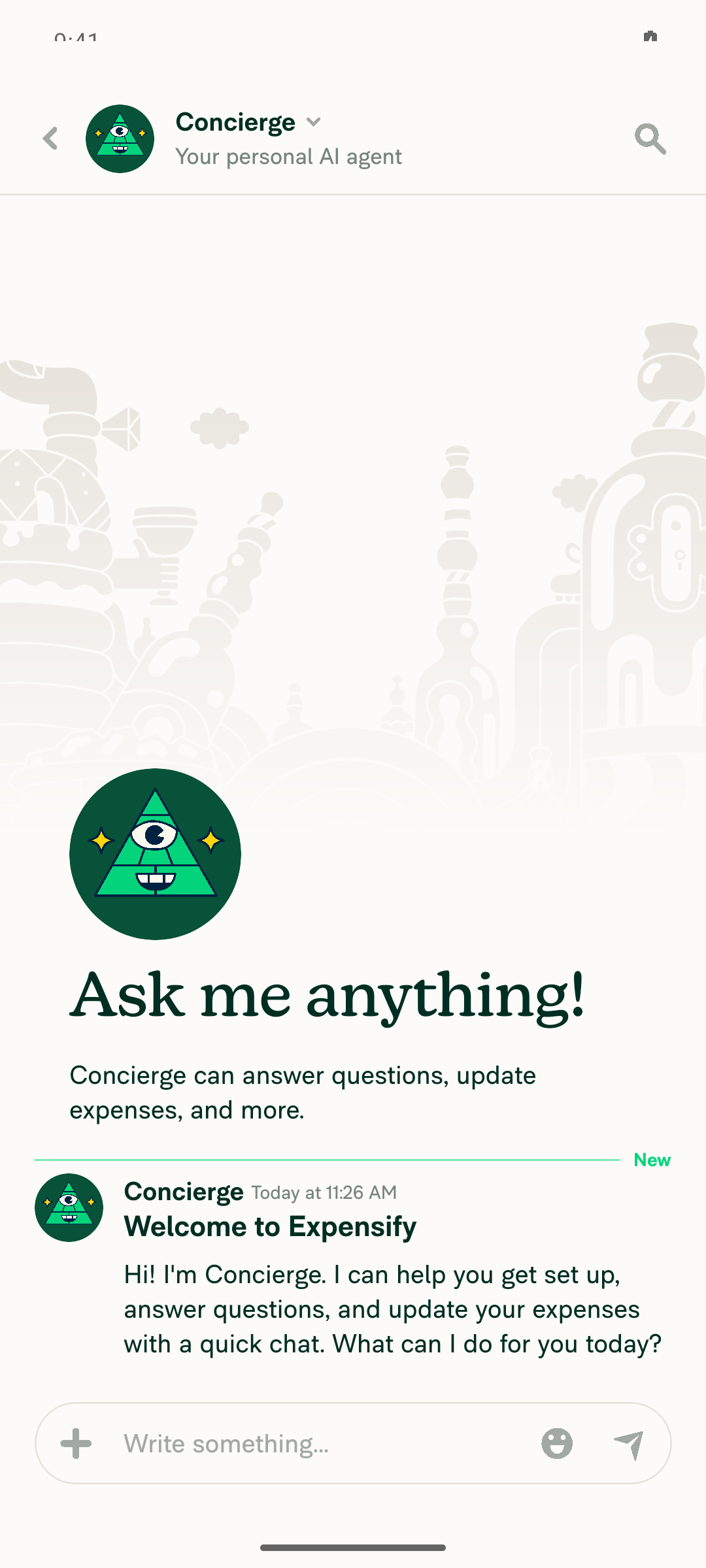
Concierge chat opened from LHN
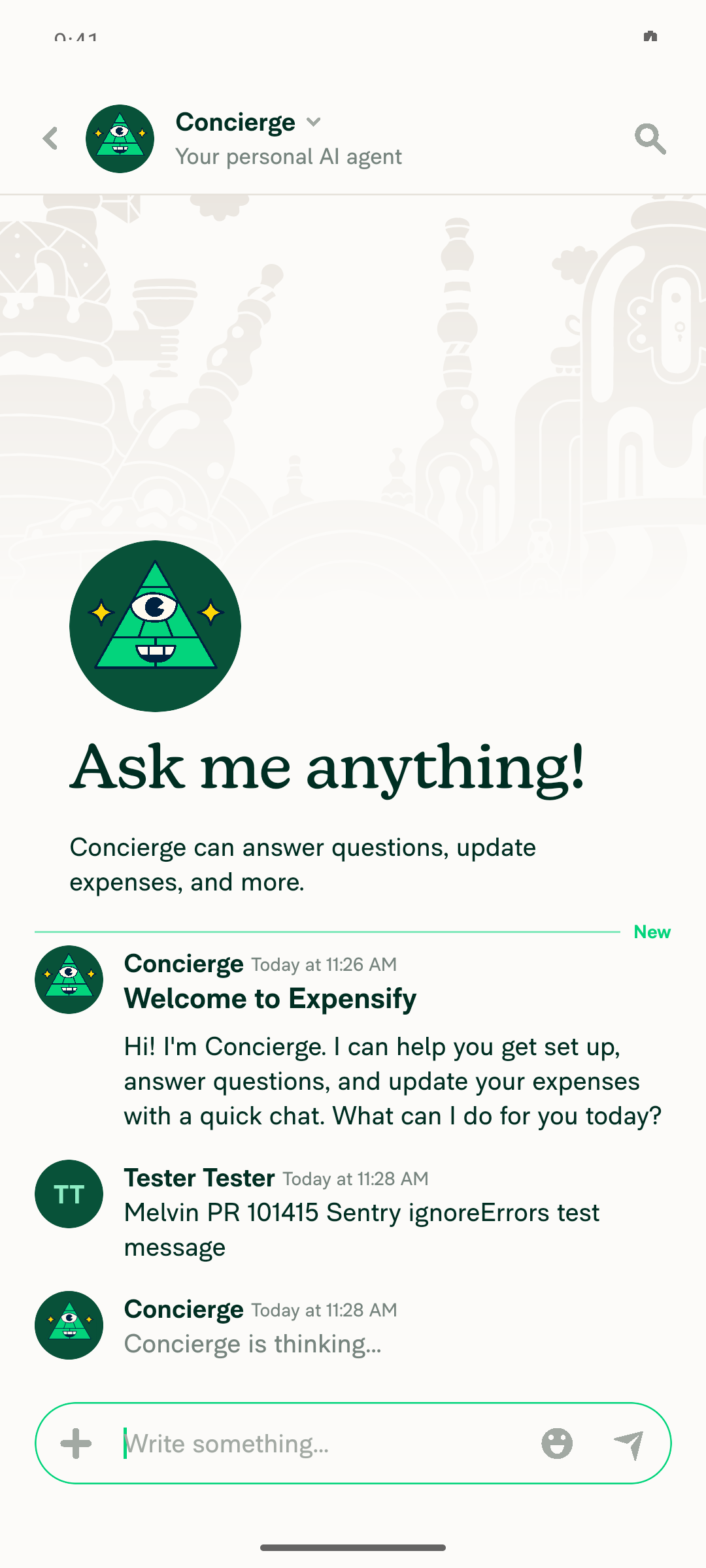
Test message sent and visible in the Concierge chat
Settings/Account page reached from bottom nav

view run · view recording

@MelvinBot

MelvinBot commented Sep 17, 2026

Copy link
Copy Markdown
Contributor Author

🤖 Web test steps verification results: ⚠️ partial

Exercised the full normal-usage flow (LHN/Inbox, open chat, send message, Settings navigation, back) on dev NewDot web with no visible errors, crashes, or failed network calls. However, the web test harness has no supported command to read the browser JS console directly, so the literal console-error assertion could only be inferred, not directly confirmed.

Navigated back to Inbox, prior state intact

Step Status
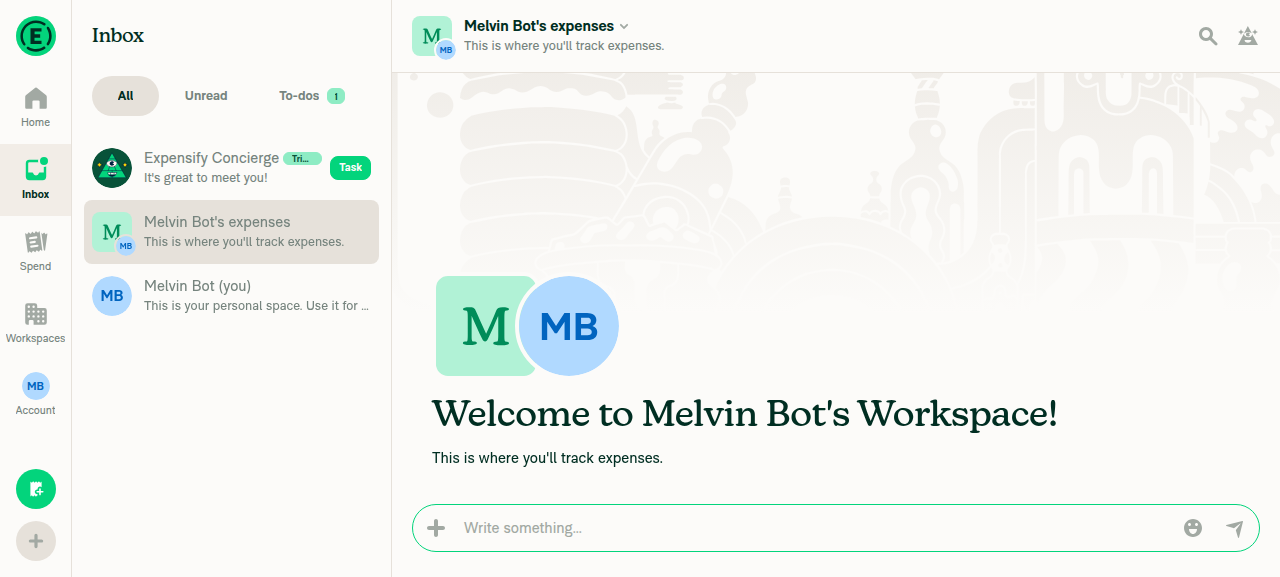
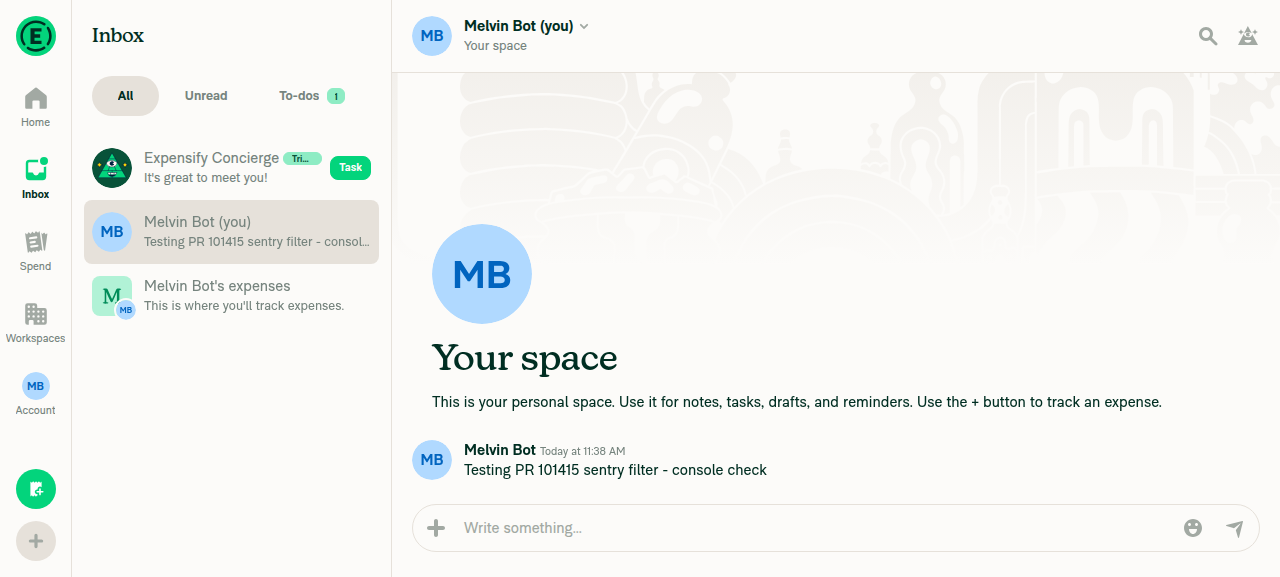
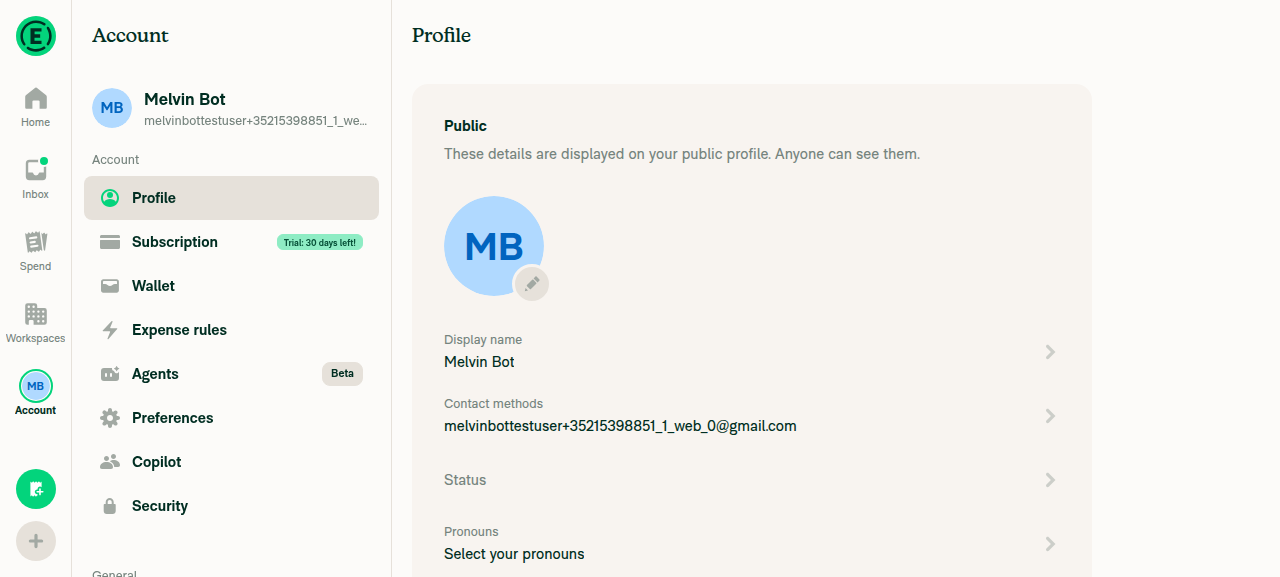
No JS console errors during normal app usage (LHN/inbox, open a chat, send a message, navigate to Settings and back)Drove the full flow on the dev web build: opened the Inbox/LHN, opened the "Melvin Bot (you)" chat, sent a message (confirmed delivered), navigated to Account → Profile, and navigated back to the Inbox with the sent message still present. No error banners, broken screens, or crash boundaries appeared at any step. A network dump showed every HTTP request during the session (OpenReport, AddComment, Log, OpenInitialSettingsPage, Ping, bundle loads) returning status 200, with none failing.
Caveat: the web platform of the test harness does not expose a JS-console-read command (browser runtime/console debugging is explicitly out of scope there), so this is the strongest available evidence rather than a literal console readout. The session also arrived stuck mid-onboarding and had to be completed before the flow could start.
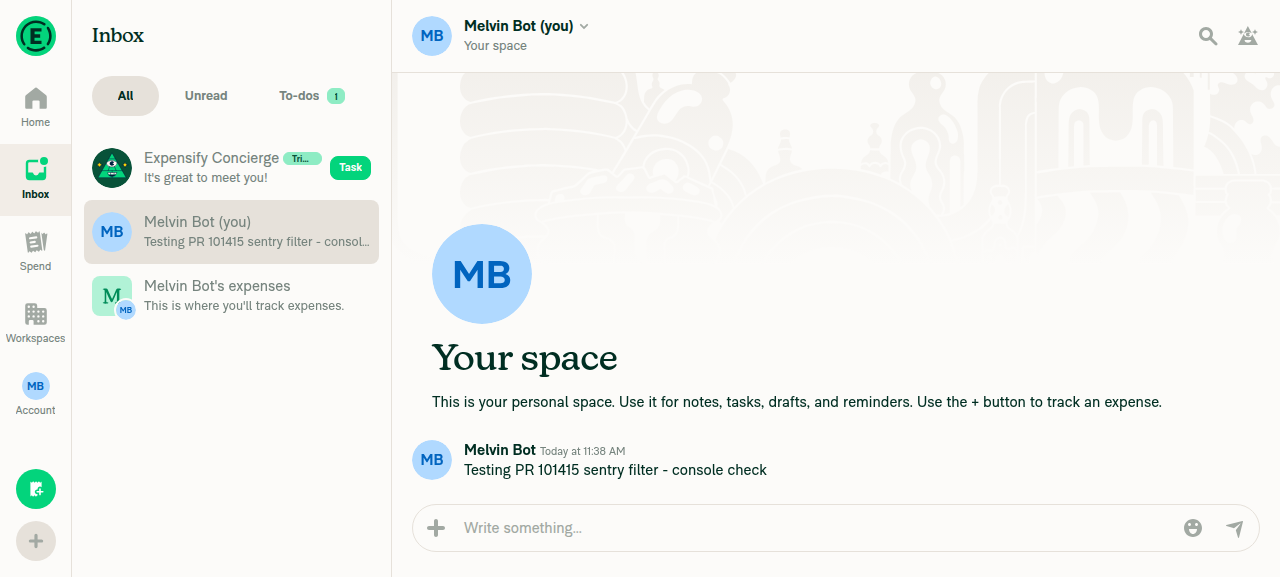
LHN/Inbox with chat list
Message sent successfully in chat
Navigated to Settings/Account/Profile
Navigated back to Inbox, prior state intact

view run · view recording

@Krishna2323

Copy link
Copy Markdown
Contributor

@MelvinBot can you also make sure this bug isn't related to the Mobile-Expensify repo?

If so, please complete the checklist and mark all the checkboxes as done.

For the QA steps, I think we should simply add: exercise the full normal-usage flow (LHN/Inbox, open chat, send message, Settings navigation, back).

I'll add the test video to the reviewer checklist, so please mark that as done in the author checklist as well and open the PR for review.

Sign up for free to join this conversation on GitHub. Already have an account? Sign in to comment

Labels

Melvin-Test-Android Melvin-Test-Web Triggers Melvin to run the testing steps of the PR on web

Projects

None yet

Development

Successfully merging this pull request may close these issues.

2 participants