
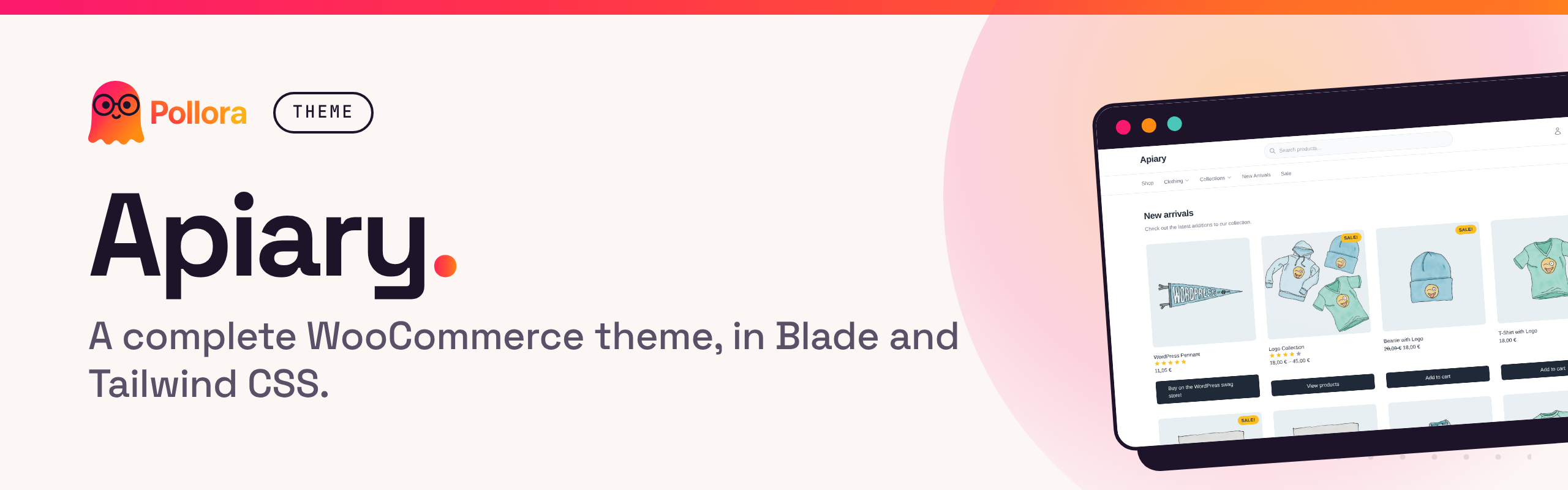


Apiary is a complete WooCommerce storefront for Pollora, written in Blade with Tailwind CSS v4 and Alpine.js. Every shop page is covered, from the product grid to the cart, the checkout and the customer account, so you start a shop from a finished design and change what you need instead of overriding WooCommerce template by template.
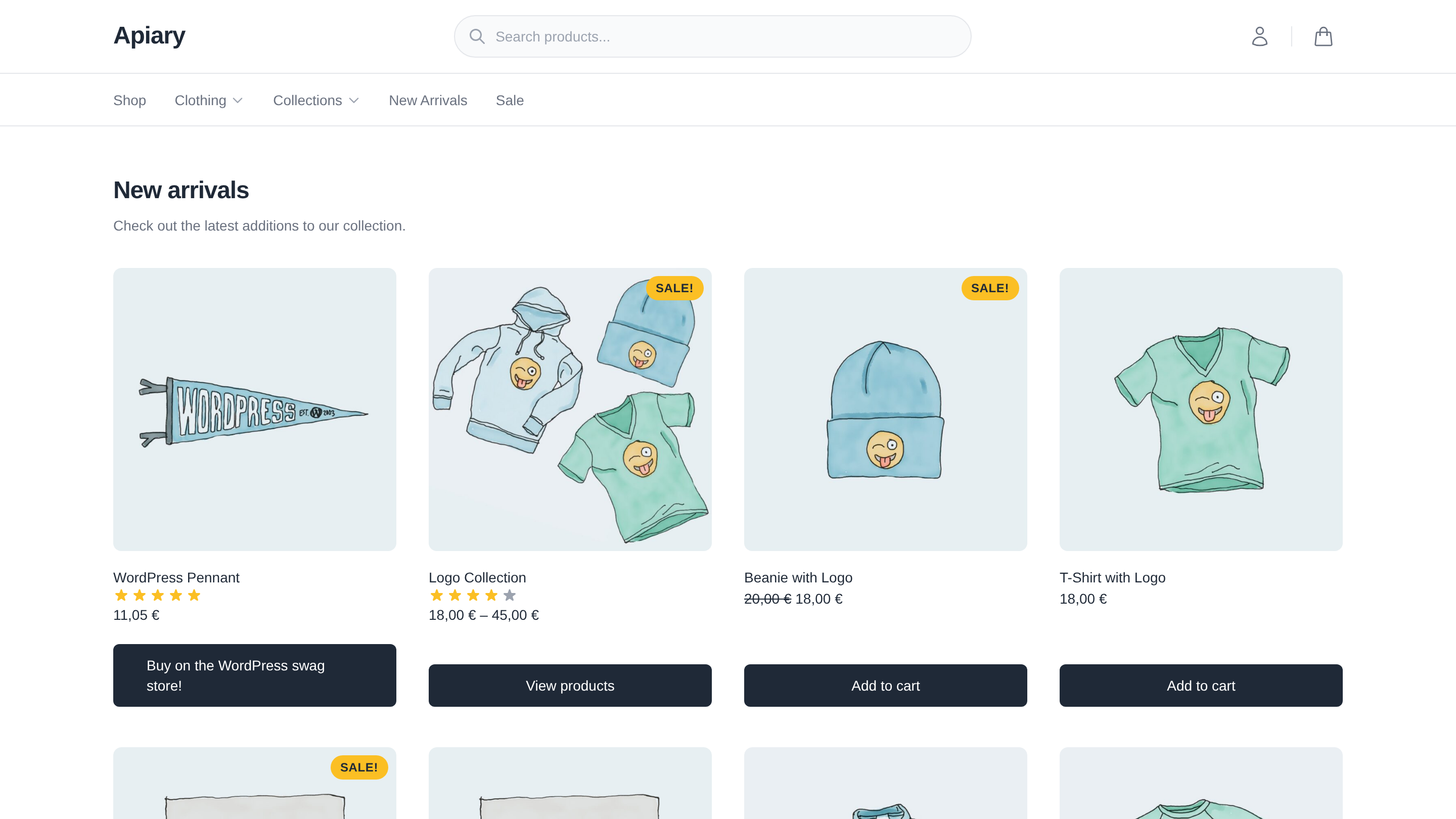
Apiary is the "E-commerce" template of pollora:make:theme:
php artisan pollora:make:theme my-shop   # then choose "E-commerce"
# or, without the prompt
php artisan pollora:make:theme my-shop --repository=Pollora/theme-apiary
The command downloads the latest tag, fills in the theme's name and namespace, compiles the translations, offers to install and activate WooCommerce (declared in requirements.json), runs npm install and npm run build, and offers to activate the theme.
Requirements:
- A Pollora project: PHP 8.4+ and WordPress 7.1+ for a new one
- WooCommerce 10.3+: the template overrides are written against 10.3, and CI runs the current release
- Node.js 20.19+ or 22.12+ (Vite 8), for the asset build
cd themes/my-shop
npm run dev     # Vite dev server with hot reload
npm run build   # production assets
The Vite dev server auto-detects DDEV/Docker environments for proper HMR configuration.
%theme_name%/
├── app/                    # PHP application logic
│   ├── Cms/                # WordPress integrations (setup, cascade layers, WooCommerce)
│   ├── Http/Controllers/   # Controllers, including the product search API
│   ├── Providers/          # Laravel service providers
│   ├── Services/           # Product price, search and URL helpers
│   ├── Walkers/            # Custom menu walkers
│   └── inc/                # Hooks, helpers, WooCommerce customizations
├── config/                 # Theme configuration (menus, sidebars, supports, WooCommerce)
├── resources/
│   ├── assets/             # CSS, JavaScript, fonts, images
│   └── views/              # Blade templates
│       └── woocommerce/    # Full WooCommerce template overrides
├── routes/api.php          # Theme API routes (prefix /api)
├── languages/              # Translations (text domain: %theme_name%)
├── requirements.json       # Packages make:theme offers to install (WooCommerce)
├── theme.json              # Base settings; the build adds the design tokens
└── vite.config.js          # Build configuration
- WooCommerce: Complete template coverage (cart, checkout, my account, orders, product pages)
- Tailwind CSS v4: Design tokens synced with WordPress
theme.json - Alpine.js: Lightweight interactivity (menus, modals, cart slide-over)
- Blade templates: 130 views with component support
- 12 menu locations: Header, footer, mobile, account, and more
- Accessibility: Semantic HTML, ARIA labels, keyboard navigation
- i18n: Fully translatable (French included)
- Product search API:
GET /api/products/search, declared as a theme API route inroutes/api.php
The design lives in the @theme static block of resources/assets/css/app.css:
colors, type scale, fonts and radii, with concrete values. npm run build
writes them into the theme.json the editor reads
(public/build/theme/<slug>/assets/theme.json), so the page and the editor
always offer the same palette and sizes.
- Change a token in
app.css, not intheme.json: the roottheme.jsonis only the base (layout, editor settings), and a slug defined there wins over@theme. - To keep a value out of Tailwind, define that slug in
theme.json, or turn a whole family off invite.config.js(disableTailwindColors,disableTailwindFontSizes,disableTailwindFonts,disableTailwindBorderRadius). - Spacing and layout widths are not generated: set them in
theme.json.
See Theme.json and Vite Build Integration for the details.
Every core block is styled in theme.json (styles: root, elements, blocks),
from the design tokens only, so a paragraph, a quote, a table or a button look
the same in the editor and on the page. Content is no longer styled by
Tailwind Typography (prose); product descriptions still are.
- Reference presets by the name WordPress prints:
2xlbecomesvar(--wp--preset--font-size--2-xl). Never a Tailwind variable: it does not exist in the editor. A block'scsstakes one selector per rule. - Links are styled inside content blocks (paragraph, list, table, verse), not globally, so WooCommerce and the templates keep their own link styles.
app/Cms/StyleLayers.phpputs WordPress's CSS in cascade layers, declared at the top ofapp.css:theme, base, wp-core, wp, components, utilities. The block library and the global styles beat Tailwind's reset, and a Tailwind class always beats them.php bin/tests/design-system.php(run in CI) checks that every preset and custom variable the styles use exists.
All theme behavior is driven by config files in config/:
| File | Purpose |
|---|---|
admin.php |
WordPress admin customization |
config.php |
Asset paths and build settings |
disable.php |
Disable unnecessary WP features |
gutenberg.php |
Block editor categories |
images.php |
Custom image sizes |
login.php |
Login screen logo and switches |
menus.php |
Menu locations |
providers.php |
Additional service providers |
sidebars.php |
Widget areas |
supports.php |
Theme supports (thumbnails, WooCommerce, etc.) |
templates.php |
Custom page templates |
woocommerce.php |
Product grid classes, icons, checkout layout |
- Themes: generating a theme, its structure,
theme.jsonand the Vite build - Assets and Vite
- Theme API routes, as used by
routes/api.php
This repository is a template: its files carry placeholders that pollora:make:theme substitutes, so it does not run as is. Develop on a theme generated under the slug apiary in a Pollora test project, then copy it back with ./bin/package-theme.sh /path/to/project/themes/apiary, which turns the slug and namespace back into placeholders. bin/ is removed when the theme is downloaded; it also holds the CI checks (php bin/tests/design-system.php, the HTTP sweep and the browser tests).
Contributions are welcome: see the contributing guide. Report security issues privately, as described in the security policy.
Apiary is open-source software licensed under the GPL-2.0-or-later. © RuBee group