A free ceramic slicer for clay 3D printers.
ClayShaper turns 3D models into clay printing files. It handles the things clay needs and normal slicers get wrong: one continuous bead with no retractions, a solid base that actually bonds, softening for tricky folds, and a safety check that catches bad files before they reach your machine.
Download for Windows · Use it in your browser · YouTube · Support the project
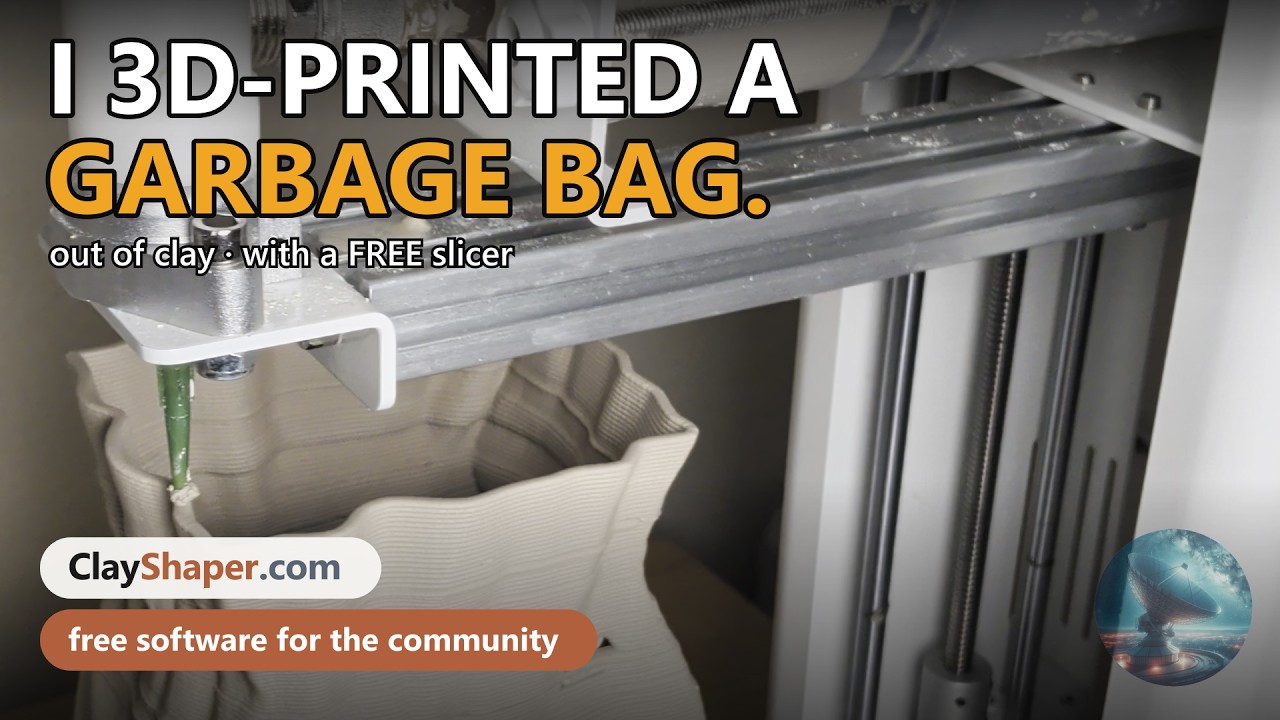
Click to watch: The FREE Clay Slicer for Every 3D Printer.
No installer, no setup, and nothing to configure. Four steps:
- Go to the Releases page and download
ClayShaper-Windows.zip. - Right click the downloaded file and choose Extract All.
- Open the extracted folder and double click
ClayShaper.exe. - ClayShaper opens in its own window. Close the window when you are done.
If Windows shows a blue warning box, click More info, then Run anyway. This appears because the app is not code signed yet, which is simply an expensive certificate. The full source code is right here in this repository if you would like to check it.
The first launch takes about 20 to 30 seconds and needs internet that one time while it sets itself up. Every launch after that opens in a couple of seconds, and your models never leave your computer.
Prefer not to download anything? Go to clayshaper.com and it runs right there in the page. It is the same program with the same features.
Nothing gets uploaded. The slicing happens on your own computer inside the browser tab, so your designs stay private. Works on Windows, Mac, and Linux.
Slice a 3D model Load an STL file (or pick one of the five included samples) and get a clay toolpath. Vase mode prints the whole wall as one unbroken spiral. The staggered base lays the bottom down so it grips instead of peeling. Fold softening tames steep creases so crumpled shapes still print.
Design without a 3D model Build bowls and vases from simple sliders, add ripples or twists, or use the Virtual Wheel: draw the side profile of a pot with your mouse, press spin, and watch it become a real toolpath. There is also a handle maker with nine shapes that print flat on the bed.
Check your file before you print Every file is inspected for the problems that ruin a clay print: walls printing into thin air, over extrusion, speeds outside your machine's limits, missing clay start codes, and how much clay you will actually use in grams. You get one of four clear answers: pass, pass with tips, caution, or fail.
Tuned for the Eazao Potter (165 x 165 x 280 mm). You can add your own printer from the sidebar.
Video tutorials are on the way. Subscribe to YouTube.com/@RandoTechNerd to catch them as they land, covering setup, clay mixing, and getting clean prints.
Stuck on something, or found a bug? Open an issue or email RandoTechNerd@gmail.com. Photos of failed prints are genuinely welcome, because many of the fixes in this slicer came from exactly that.
Buy me a coffee: pay what you can
ClayShaper is free, and there is no paid tier hiding features from you. Comparable clay slicers charge $200 to $300 every year. This one asks for nothing.
Every update, every bug fix, and all the support behind it is funded by me. Rather than building a rough tool just for my own printer, I chose to spend the extra time making it polished, documented, and genuinely usable, then giving it to the whole community for free.
If ClayShaper saved you clay, time, or a subscription, contributing whatever it is worth to you is what keeps it alive and improving. Any amount helps, and no amount is expected.
Eazao is ClayShaper's technical partner. They provided the Eazao Potter that this slicer was built and tested on, and they have backed the decision to release it as a free resource for the entire clay printing community rather than locking it away.
If you are shopping for a clay printer, or need parts and support for one, eazao.com is the place to start.
ClayShaper is Python compiled to WebAssembly, so the whole slicing engine runs inside the browser. There is no server and no build step.
Run it from source:
python -m http.server 8513 --directory webThen open http://localhost:8513.
Build the Windows app:
pip install pyinstaller
cd desktop
pyinstaller ClayShaper.spec
Project layout:
web/                    the app and slicing engine
  app.py                user interface
  stl_slicer.py         STL to clay toolpaths
  clay_lib.py           parametric shapes, handles, G-code writer
  gcode_validator.py    the safety checks
  preview3d.py          lit 3D bead preview
  tools/                sample model generator
desktop/                launcher that wraps the web app as a Windows app
Contributions are welcome. Please read CONTRIBUTING.md first, especially the rules about keeping clay toolpaths continuous.
Free to download, use, and modify, including commercially. Sell every pot you make with it.
Redistributing ClayShaper needs written permission first: bundling it with a printer, shipping it on media, or handing out copies in volume. For makers and small studios the answer is almost always yes, so please just ask. Full terms are in LICENSE.md.
Built by RandoTechNerd · RandoTechNerd.com · YouTube · RandoTechNerd@gmail.com