A blazing-fast, minimalist Neovim configuration for DevOps engineers and backend developers.
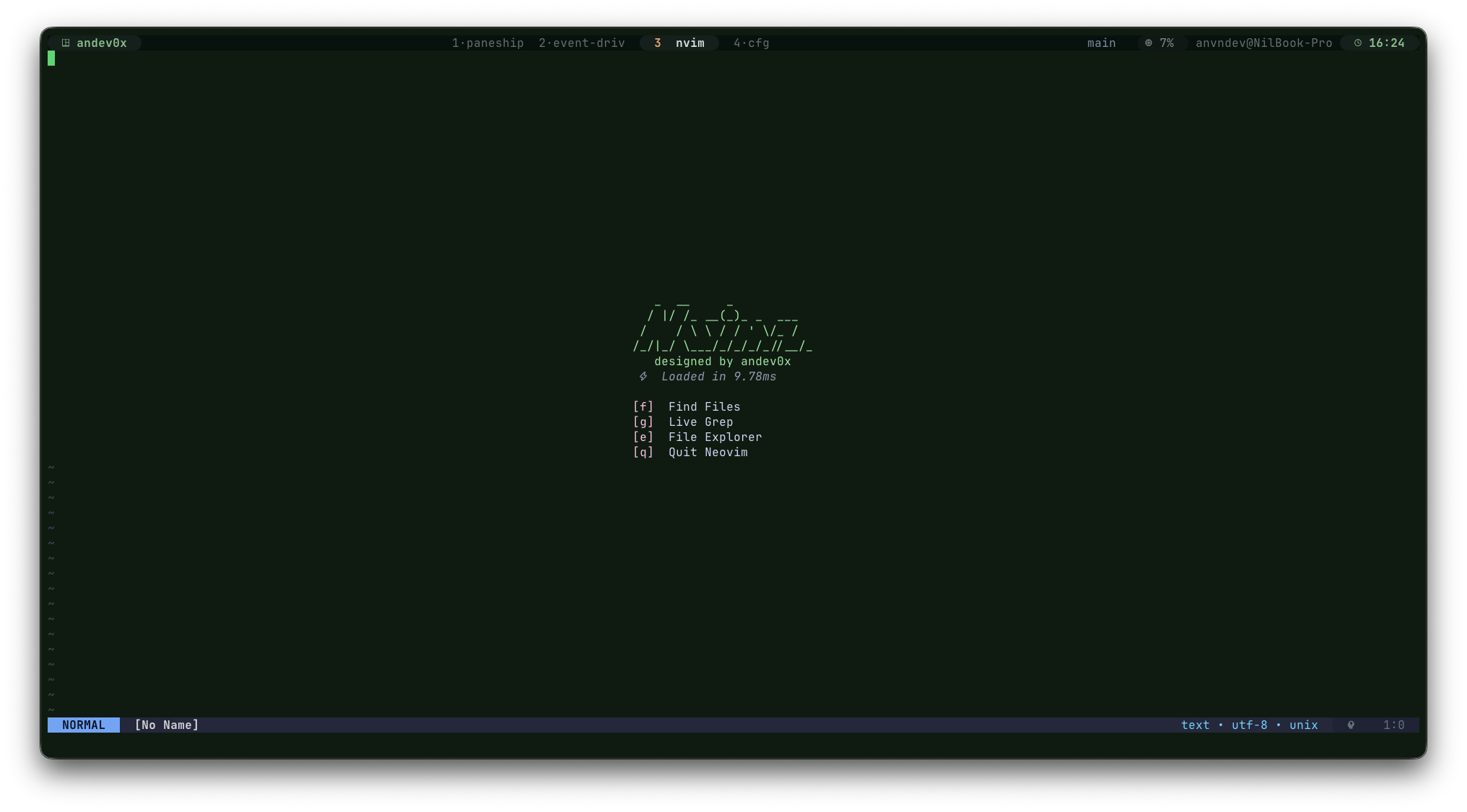
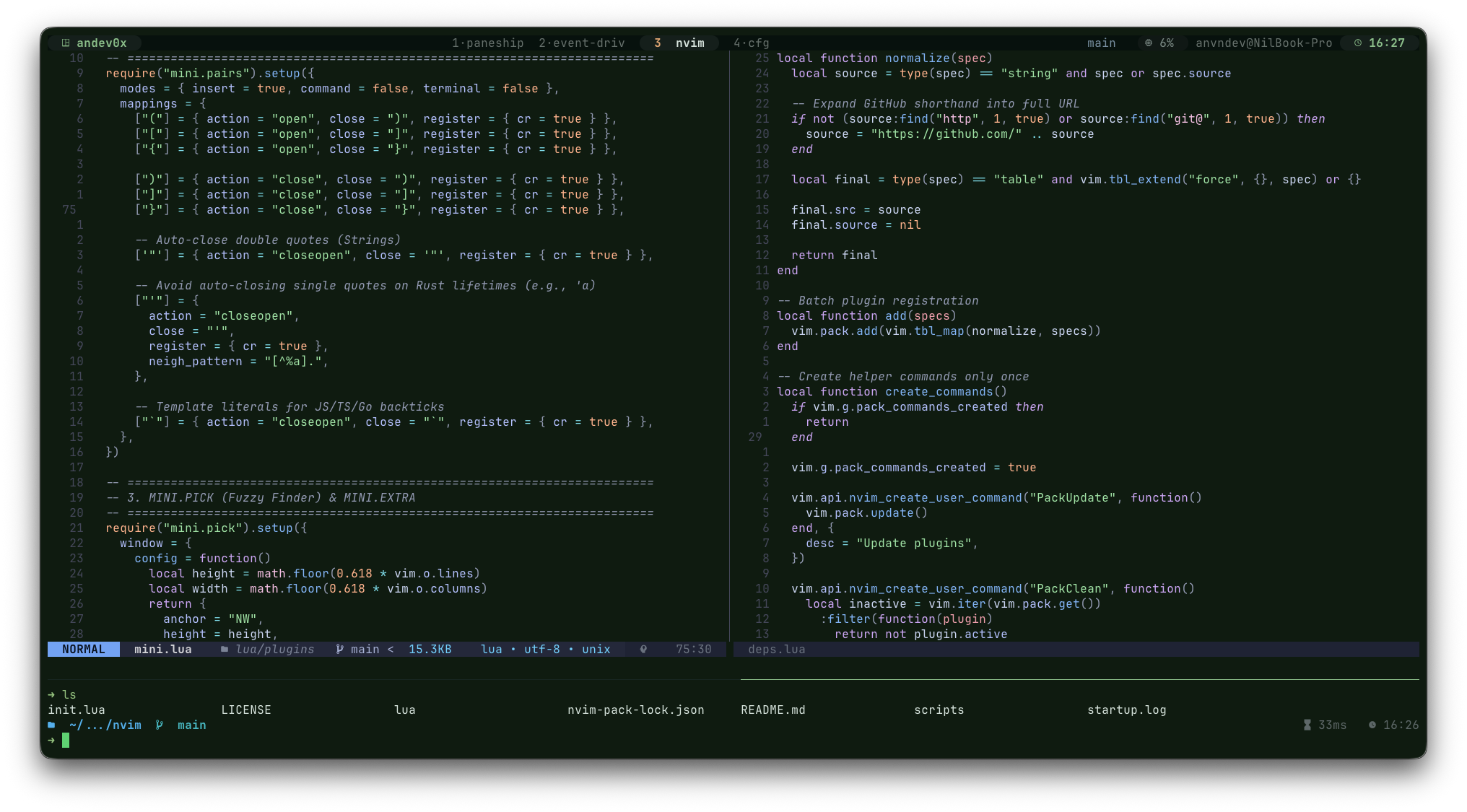
nvimz is a high-performance Neovim setup optimized for Neovim 0.12+ that prioritizes speed, structural simplicity, and developer experience. With a strict startup target under 10ms, it replaces heavy plugin ecosystems with native APIs, the lightweight mini.nvim suite, and the built-in vim.pack package manager.


Unlike heavy configurations that rely on Mason for runtime isolation, nvimz expects language servers and formatters to be pre-installed in your system $PATH. This aligns perfectly with modern infrastructure-as-code and deterministic dotfile management:
- Predictable & Reproducible: Your development environment is managed deterministically by your system's package manager (
Homebrew,Nix,APT). - Zero Startup Overhead: Eliminates execution delays caused by third-party managers checking binaries at startup.
- Native-First Stability: Leverages Neovim 0.12+ built-in features to drastically reduce plugin surface area and minimize breaking changes.
- Phase-Driven Loading: Strategic use of event-driven triggers (
BufReadPre,InsertEnter) andvim.scheduleensures the core initialization path remains completely unblocked.
- Neovim 0.12.0+
- System tools:
git,rg(ripgrep),fd - Optional External Binaries: Ollama (for local AI features),
stylua,black,shfmt,gofmt(for formatting).
# Backup your existing configuration
mv ~/.config/nvim ~/.config/nvim.bak

# Clone and launch nvimz
git clone [https://github.com/andev0x/nvimz.git](https://github.com/andev0x/nvimz.git) ~/.config/nvim
nvim
The configuration uses the built-in vim.pack system to manage plugins. On first launch, packages will be automatically initialized and installed.
For Arch Linux users, a dedicated installation script is available:
./scripts/arch-installThis script will install all necessary system dependencies via pacman (or yay/paru if available).
Run the custom built-in health check to ensure your system $PATH contains the required binaries for LSP and formatting:
:ToolDoctor
Manage your environment using native Neovim commands:
:PackUpdate– Update all managed plugins.:PackClean– Remove unused plugins from your local disk.:ParsersUpdate– Download and compile Tree-sitter parsers directly via native APIs (Go, Rust, TS, Python, etc.).
- Sub-10ms Startup Time: Achieved via strict bytecode caching and event-driven lazy loading through native
vim.pack. - Ultra-Low Latency: Optimized redraw cycles (
lazyredraw), smooth scrolling, and throttled statusline updates to eliminate runtime frame drops. - Smart Resource Allocation: Automatic Tree-sitter throttling for large files (greater than 500KB) and optimized diagnostic polling rates.
- High-Throughput LSP: Non-blocking attach logic and asynchronous diagnostic rendering for an instantaneous editing response.
- Zero Ecosystem Bloat: Replaces heavy third-party dependency chains with modules from the unified
mini.nvimsuite. - Bare-Metal Tree-sitter: Interacts directly with Neovim 0.12's native syntax highlighting and folding engine without bulky wrapper plugins.
- Fluid File Explorer: Rapid, modal file navigation using
mini.files. Pressainside the explorer to instantly create new files or folders. - Fuzzy Finding: Instant search for files, live grep patterns, and buffers powered by
mini.pick. - Git Operations: Comprehensive version control tracking directly from the buffer with
mini.gitandmini.diff. - Scratch Terminal: Instant floating shell access mapped to
<leader>t. - Asynchronous Formatting: Managed cleanly via
conform.nvimleveraging your system's global binaries. - Context completion: Lightweight, low-overhead LSP autocompletion with
mini.completion.
- Advanced Debugging: Pre-configured
nvim-daparchitecture complete with UI overlays and specialized Go debugging workflows. - Local AI Context: Deep integration with local LLMs via Ollama using
gp.nvim. Includes an auto-start script if the local daemon is idle. - GitHub Copilot: Native integration with
copilot.luafor contextual inline suggestions. - Smart Diagnostics: Clean diagnostic hover popups triggered gracefully on cursor-hold events.
| Component | Technology |
|---|---|
| Package Manager | Native Neovim package architecture (vim.pack) |
| Core Ecosystem | mini.nvim suite (files, pick, completion, git, diff, extra) |
| LSP Layer | Native Neovim vim.lsp engine + lspconfig |
| Code Formatting | conform.nvim (bound directly to system binaries) |
| Debugging (DAP) | nvim-dap + nvim-dap-ui |
| Syntax & Highlighting | Native vim.treesitter API + custom manual parser compilation |
| AI Integration | gp.nvim (Ollama) + copilot.lua |
| Color Scheme | tokyonight |
| Key | Action |
|---|---|
<leader>ds |
Open startup dashboard |
<leader>w |
Write current buffer |
<leader>qq |
Close active window |
<leader>h |
Clear active search highlights |
<leader>bd |
Close current buffer |
<leader>bn / bp |
Navigate to Next / Previous buffer |
<C-h/j/k/l> |
Navigate across window splits |
<C-d/u> |
Page down / Page up with automatic cursor centering |
<leader>z |
Toggle code fold |
<leader>tt |
Toggle floating scratch terminal |
<leader>tb |
Toggle bottom layout terminal |
| Key | Action |
|---|---|
<leader>sv |
Split window vertically |
<leader>sh |
Split window horizontally |
<leader>se |
Equalize size of all active splits |
<leader>rj/rk |
Resize window height (Down / Up) |
<leader>rh/rl |
Resize window width (Left / Right) |
| Key | Action |
|---|---|
<leader>e |
Toggle file explorer (mini.files) |
<leader>ff |
Search files by name (mini.pick) |
<leader>fg |
Live project grep search |
<leader>fb |
List active open buffers |
<leader>fh |
Query documentation help tags |
<leader>cp |
Copy relative path to clipboard |
<leader>cP |
Copy absolute path to clipboard |
<leader>cn |
Copy active filename to clipboard |
<leader>cd |
Copy parent directory path to clipboard |
| Key | Action |
|---|---|
gd |
Go to definition |
gD |
Go to declaration |
K |
Trigger hover documentation card |
<leader>rn |
Rename active symbol across project |
<leader>ca |
Open contextual code actions |
<leader>fm |
Format active buffer manually |
<leader>uh |
Toggle global inlay hints |
gl |
Show line-specific diagnostics |
<leader>fd |
Search buffer diagnostics via picker |
<leader>cs |
Document symbols outline |
<leader>cS |
Query workspace wide symbols |
<leader>lr |
Locate references via picker |
<leader>ld |
Locate definition via picker |
<leader>ly |
Locate type definition via picker |
<leader>li |
Locate interface implementation via picker |
| Key | Action |
|---|---|
<leader>gs |
Open interactive Git status window |
<leader>gb |
Trigger inline Git blame overlay at cursor |
<leader>gd |
Toggle side-by-side diff overlay |
<leader>gc |
Browse commits history via picker |
<leader>gh |
Browse changed Git hunks via picker |
| Key | Action |
|---|---|
<leader>db |
Toggle breakpoint on current line |
<leader>dc |
Continue debugging execution |
<leader>di / do |
Step Into / Step Over execution blocks |
<leader>du |
Step Out of current function scope |
<leader>dr |
Open interactive DAP REPL console |
<leader>dt |
Target debug execution test (Go language specialized) |
| Key | Action |
|---|---|
<leader>aa |
Open a new dedicated AI chat window (Ollama backend) |
<leader>aq |
Toggle active AI chat window visibility |
<leader>at |
Toggle GitHub Copilot engine state |
<leader>a3 |
Hot-swap active LLM agent context to Ollama 3B model |
<leader>a7 |
Hot-swap active LLM agent context to Ollama 7B model |
To audit or debug all active runtime mappings for structural conflicts, you can dump your current keymap assignments into a text file using:
:redir! > keymaps.txt | silent map | redir END
You can declare environment-specific variables or overrides using lua/machine/local.lua. This isolated module is ignored by version control to prevent dotfile pollution across different development rigs.
Example structure for lua/machine/local.lua:
return {
    python_path = "/usr/bin/python3",
}
Incorporate new language servers by tracking them cleanly within lua/infra/spec.lua. Ensure the respective binary exists in your host shell $PATH.
M.lsp_servers = {
    gopls = {
        cmd = { "gopls" },
        filetypes = { "go" },
        root_markers = { "go.mod", ".git" },
    },
}
Map additional engines inside lua/infra/spec.lua. They will be instantly ingested and managed downstream by conform.nvim.
M.formatters_by_ft = {
    lua = { "stylua" },
}
MIT © andev0x