A powerful, easy-to-use panel for Termux or any Linux OS to run your Discord bots right from your phone!
Built with Rust (axum + tokio) for maximum performance, minimal memory usage, and rock-solid security.
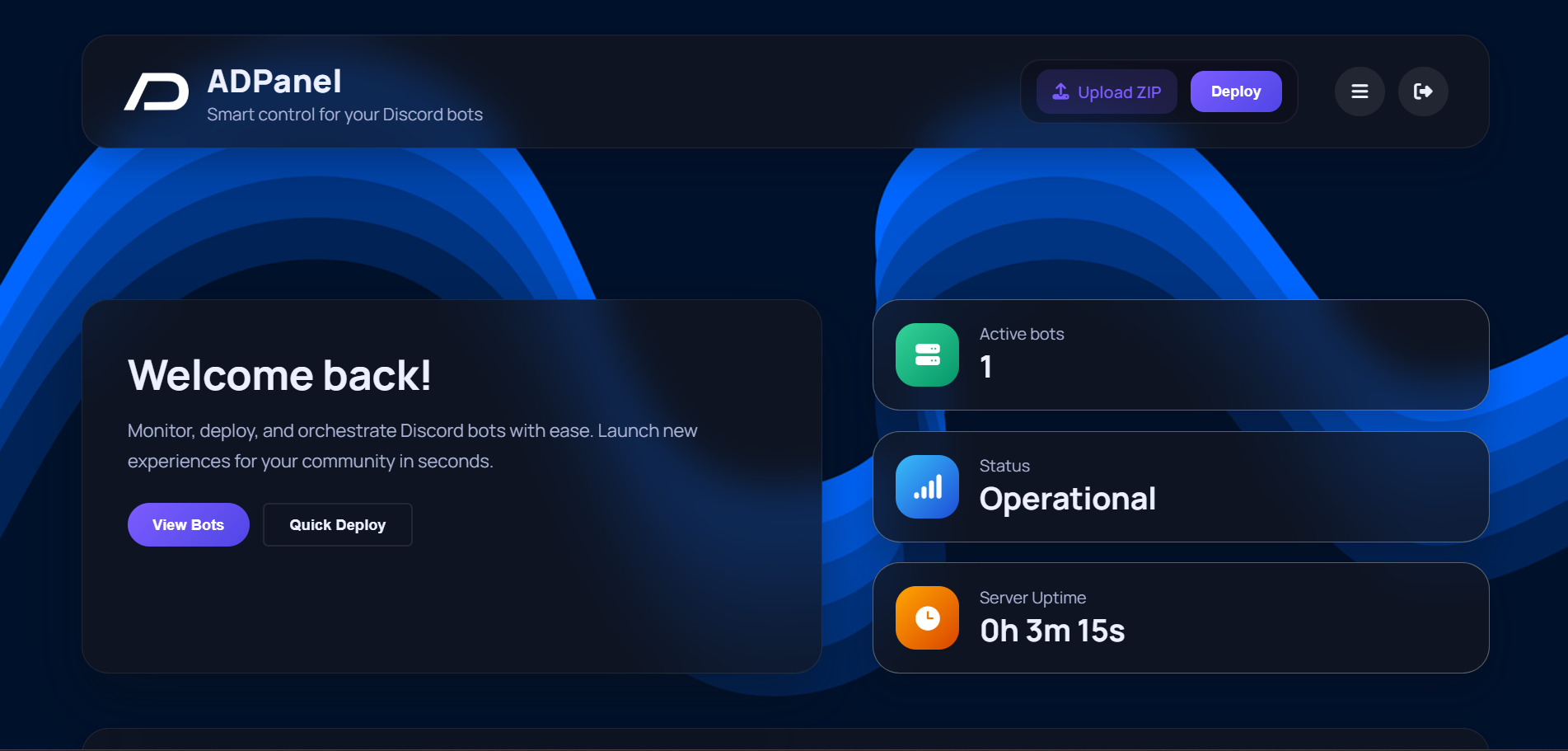
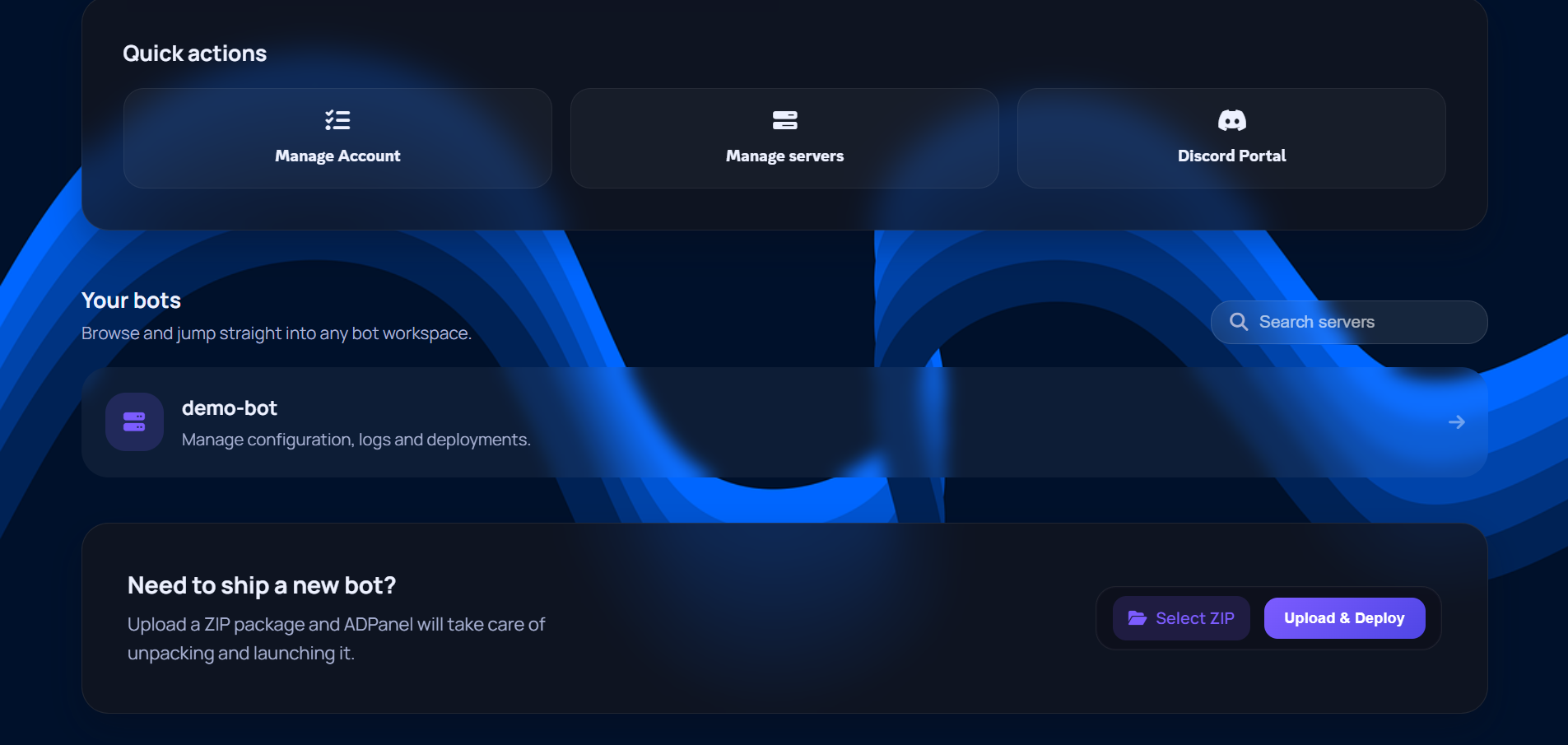
Paste this single command — it works on both Termux (Android) and any Linux distro:
curl -sL https://sh.rustup.rs | sh -s -- -y && . "$HOME/.cargo/env" && (command -v pkg >/dev/null 2>&1 && pkg install -y openssl git nodejs python || true) && (command -v apt-get >/dev/null 2>&1 && sudo apt-get install -y git nodejs npm python3 python3-pip || true) && git clone https://github.com/antonndev/ADPanel-Termux.git && cd ADPanel-Termux && chmod +x initialize.sh start.sh && bash initialize.shWhat it does: Installs Rust via rustup, installs system dependencies (git, Node.js, Python) for your platform, clones the repo, and launches the setup wizard.
cd ADPanel-Termux && bash start.shTermux (Android)
pkg install -y openssl git nodejs python
curl -sL https://sh.rustup.rs | sh -s -- -y
source ~/.cargo/env
git clone https://github.com/antonndev/ADPanel-Termux.git
cd ADPanel-Termux && chmod +x initialize.sh start.sh && bash initialize.sh
Linux (Ubuntu/Debian)
sudo apt-get install -y git nodejs npm python3 python3-pip
curl -sL https://sh.rustup.rs | sh -s -- -y
source ~/.cargo/env
git clone https://github.com/antonndev/ADPanel-Termux.git
cd ADPanel-Termux && chmod +x initialize.sh start.sh && bash initialize.sh
The initialize script will:
- Install Rust if needed and build the panel
- Create your admin account with 2FA
- Configure HTTP/HTTPS settings
- Start the panel
The adpanel binary supports these commands:
./adpanel serve             # Start the web servers
./adpanel init              # Initialize panel (create admin user)
./adpanel create-user       # Create a new user
./adpanel change-password   # Change admin password
./adpanel delete-user       # Delete admin user
Just run this in your terminal:
bash initialize.sh
Or you can access Panel Settings from the dashboard and click on Account category
You can do this in account settings.
Absolutely, it has rate limiting enabled by default, set to 10 requests per minute. You can change the limit by running ./rate-limiting.sh and choosing option 3.
- Backend: Rust (axum, tokio, rustls)
- Frontend: HTML + Tailwind CSS + HTMX
- Real-time Console: WebSocket (native axum)
- Auth: bcrypt + TOTP 2FA
- TLS: rustls (no OpenSSL dependency at runtime