
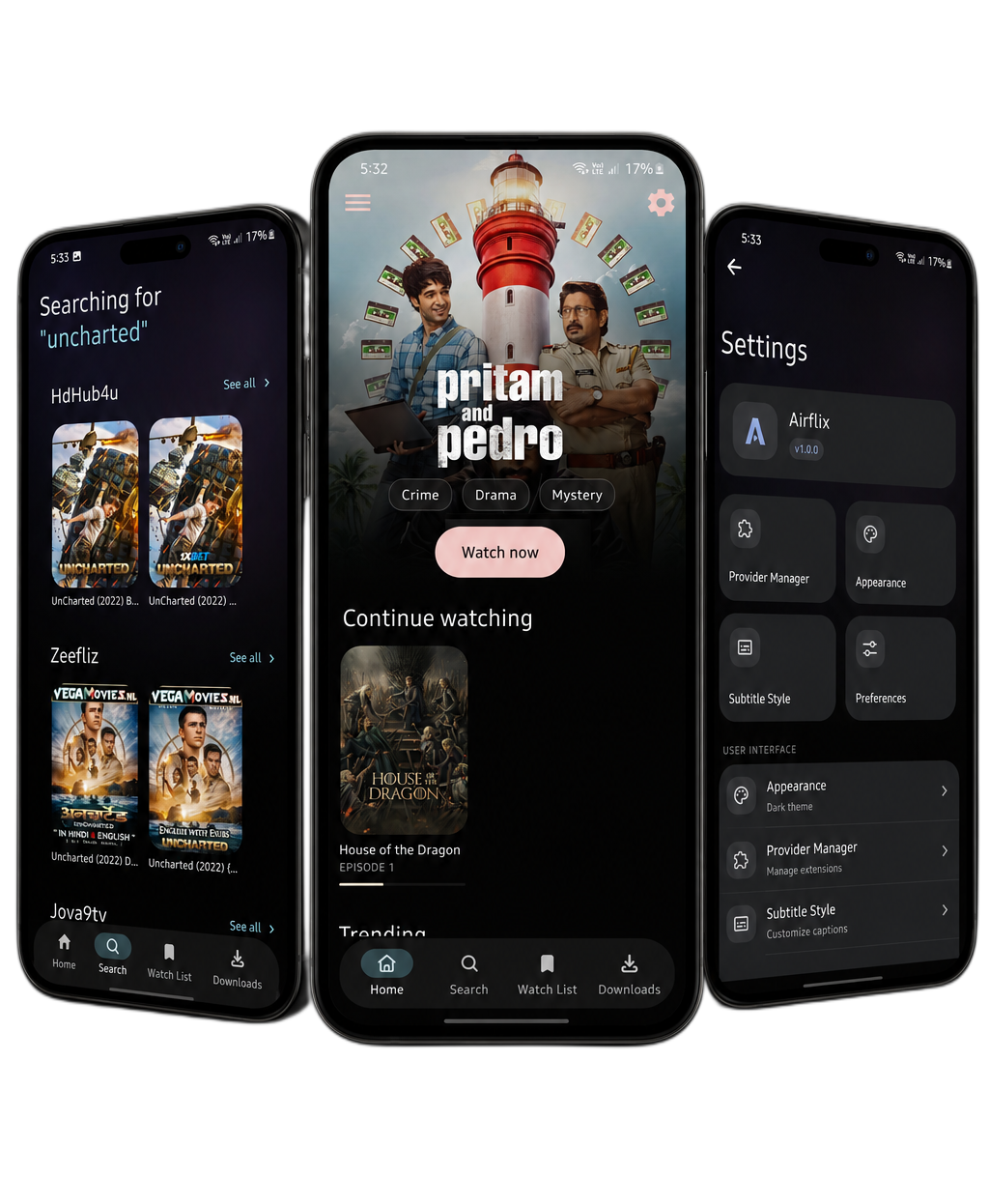
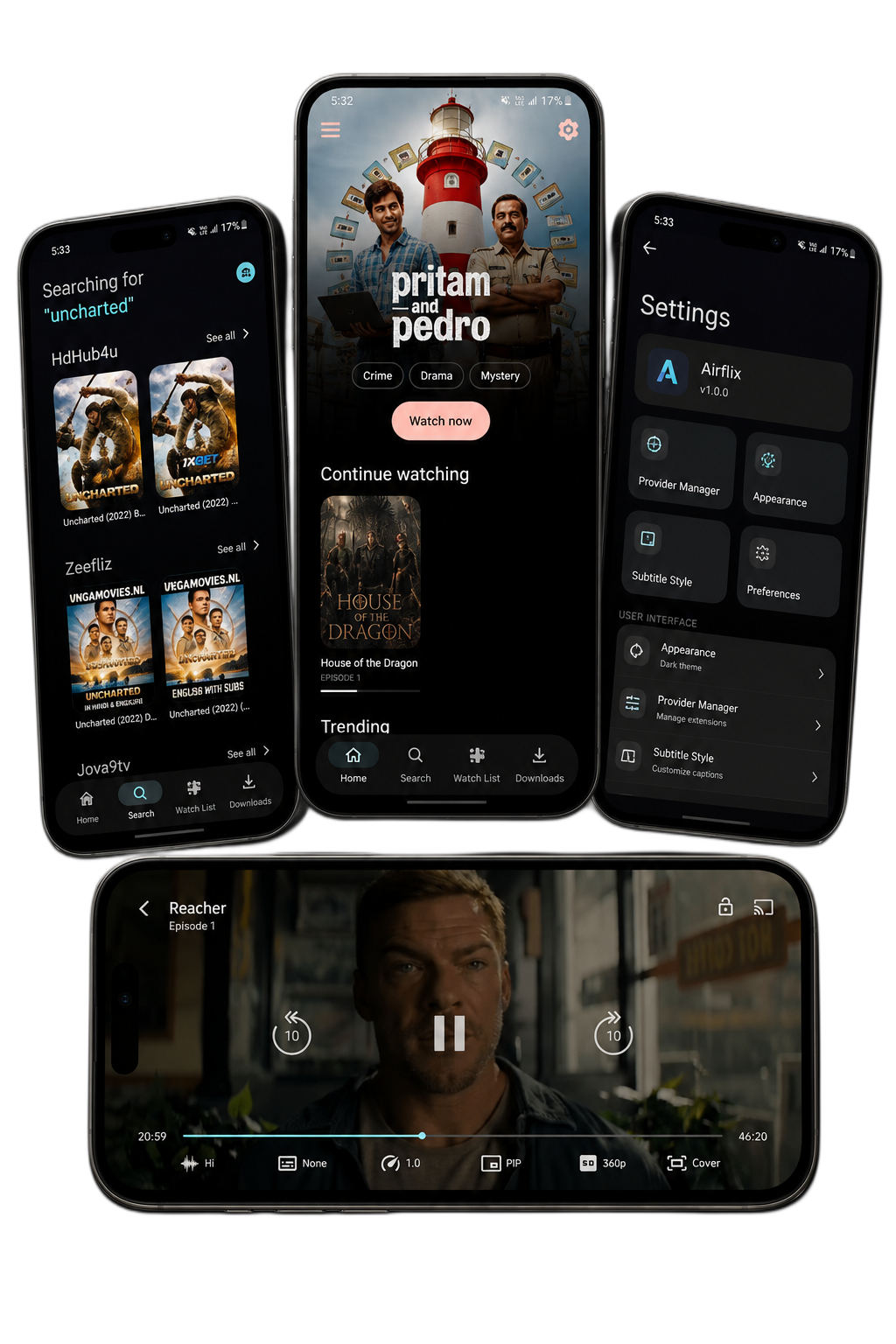
An open-source Android application natively built for performance and immersive media playback.


- 🎬 Stream and Download Ad-Free - Enjoy media uninterrupted.
- 🔊 Multi Audio & External Subs Support - Customize your playback experience.
- 📜 WatchList - Keep track of your favorite movies and shows.
- 🛠️ External Player & Downloader Support - Flexibility to use your preferred tools.
- 💻 Sync with Desktop App - Seamlessly handoff between mobile and desktop.
- 🧩 Create Custom Sources - Build and integrate your own media providers.
| Link | Purpose |
|---|---|
| 🌍 Official Website | Learn more about AirFlix |
| 📥 Download APK | Get the latest version |
| 💻 AirFlix Desktop | Get the desktop application |
| 📚 Provider Guide | Add or create provider sources |

Darkboy - Full-Stack Android Developer

Venom - Creative Design Visionary
Ready to build AirFlix yourself? Follow our comprehensive guide below.
# 1. Clone the repository
git clone https://github.com/d0x-dev/AirFlix.git

# 2. Navigate into the project
cd AirFlix

# 3. Install dependencies
npm install

# 4. Prebuild Native Directories
npx expo prebuild -p android --clean

# 5. Open Metro Dev Server and run
npm run android
Important
Disclaimer: AirFlix App does not host, store, or provide any media content. It is not affiliated with or connected to any external providers or extensions. All content accessed through the app is managed and sourced directly by the user via third-party tools or integrations. The developers of AirFlix have no control over this content.
We'd love your contributions! Here's how to help:
- Fork the repository
- Create a feature branch (
git checkout -b feature/amazing-feature) - Commit your changes (
git commit -m 'Add amazing feature') - Push to the branch (
git push origin feature/amazing-feature) - Open a Pull Request
⭐ If you love AirFlix, please consider giving us a star on GitHub! ⭐