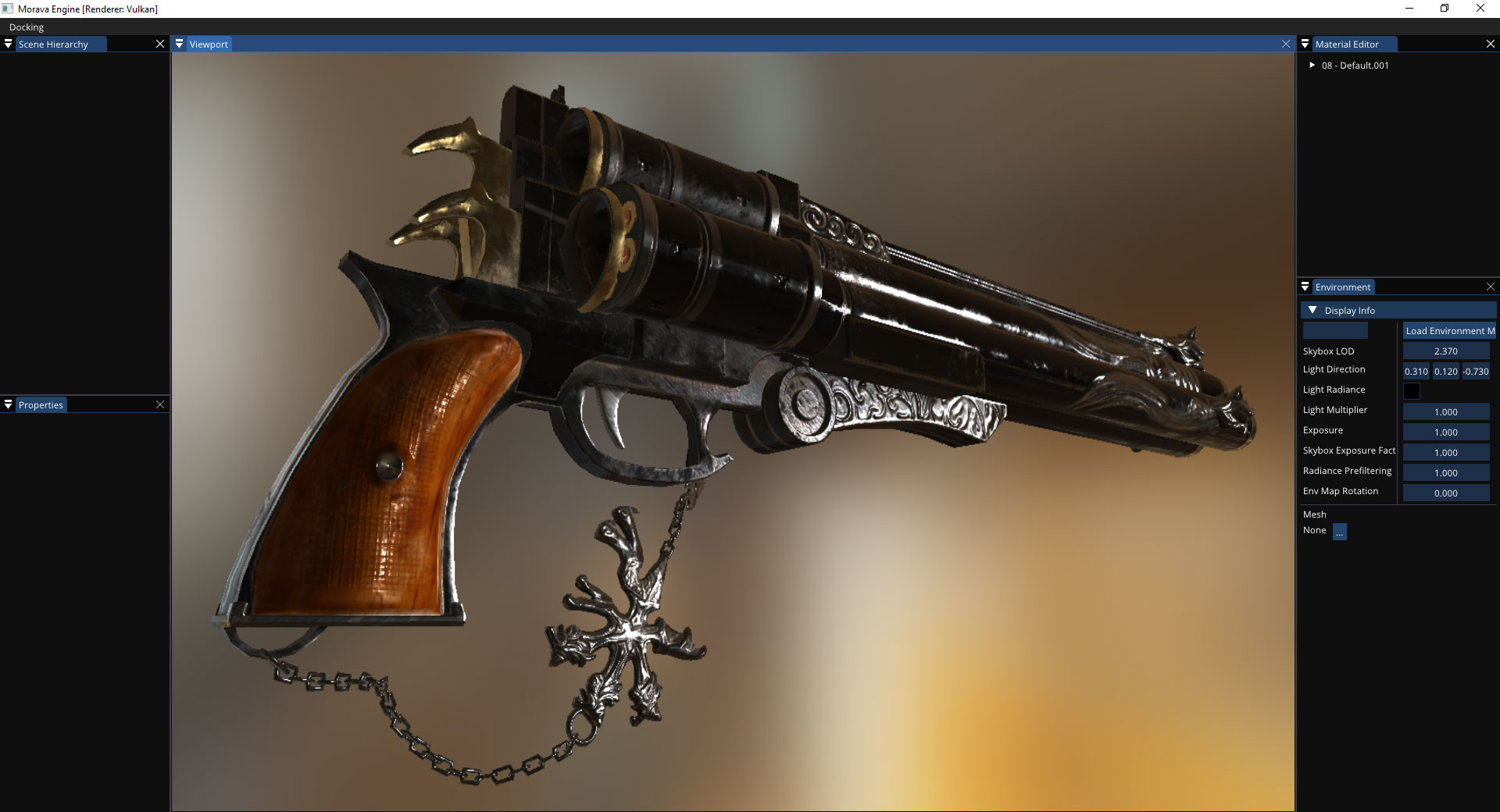
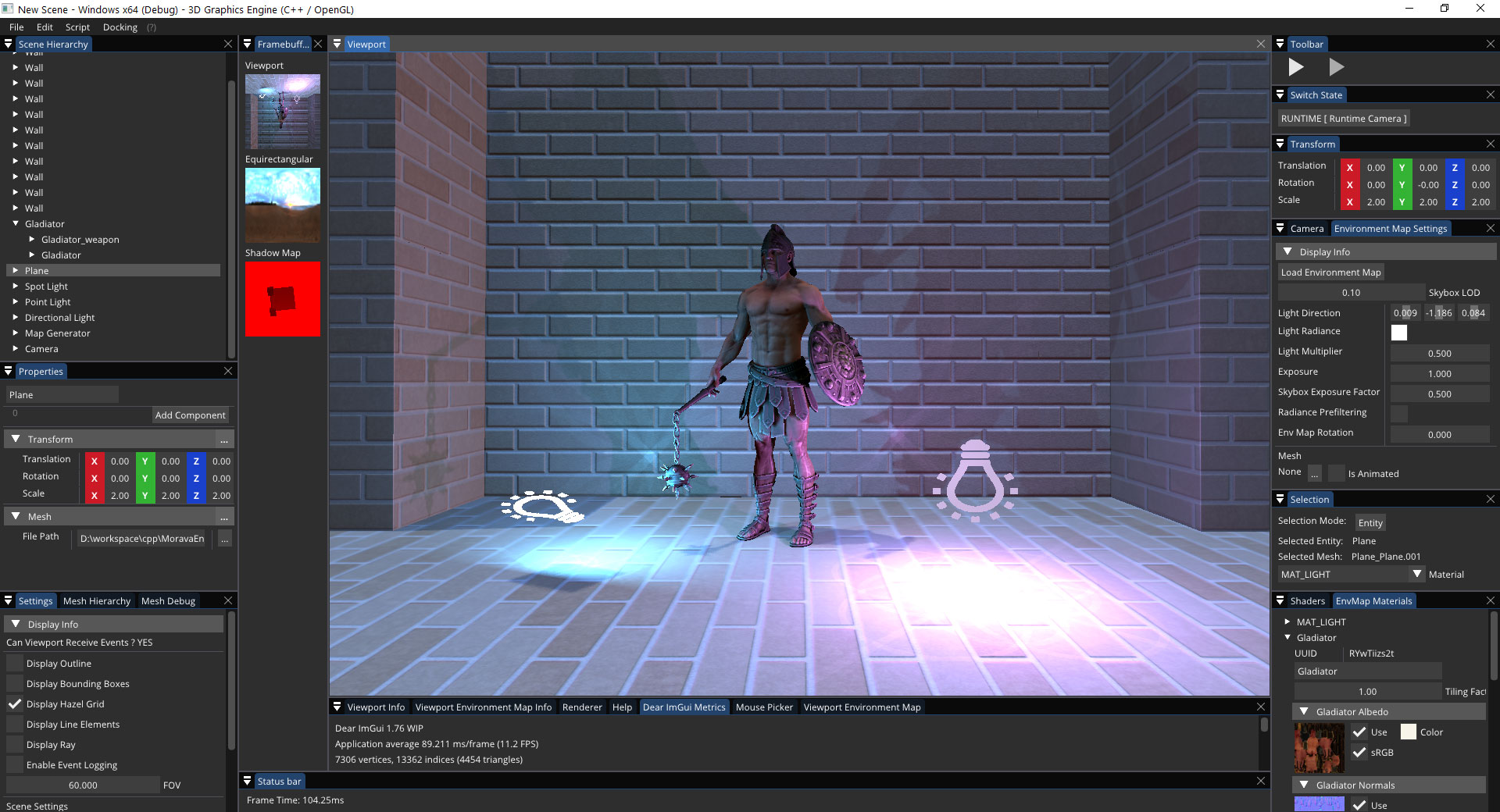
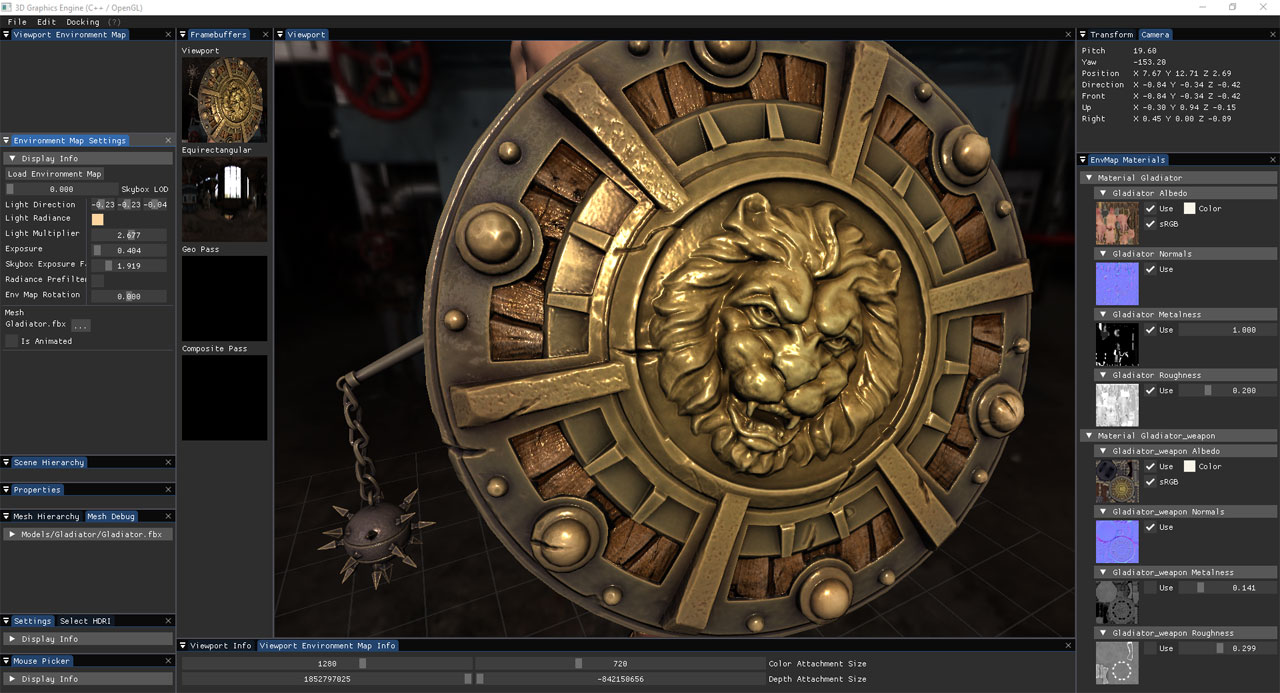
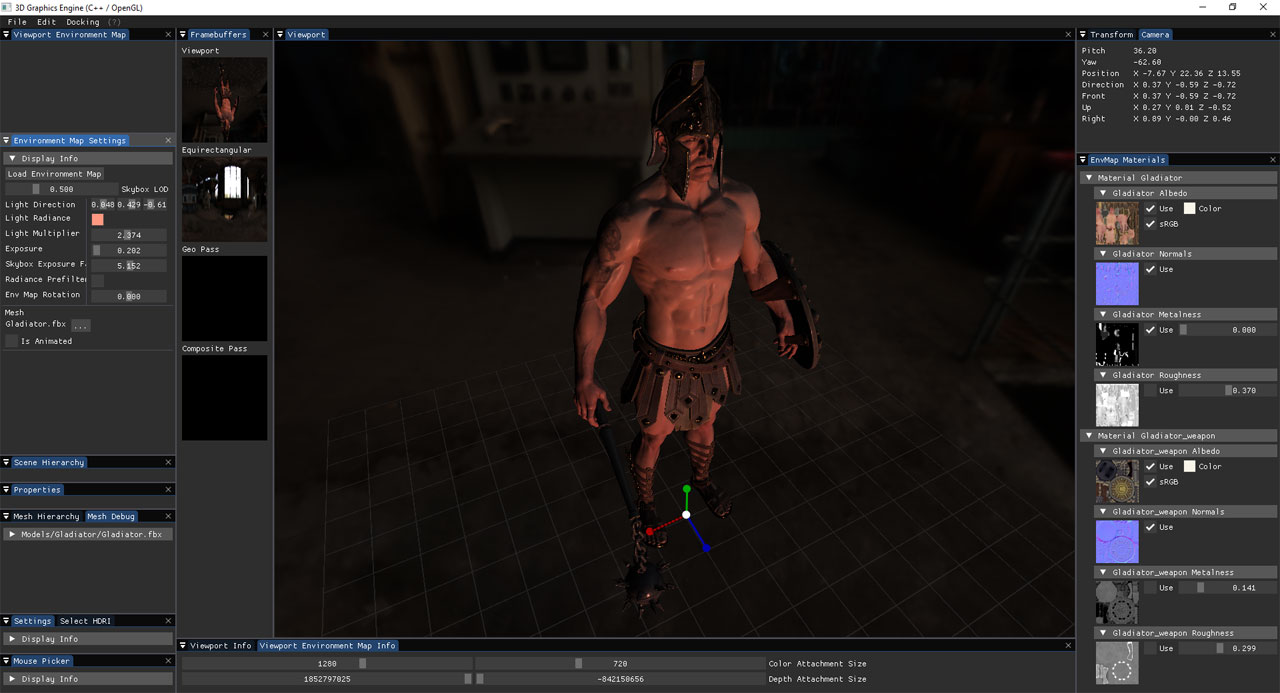
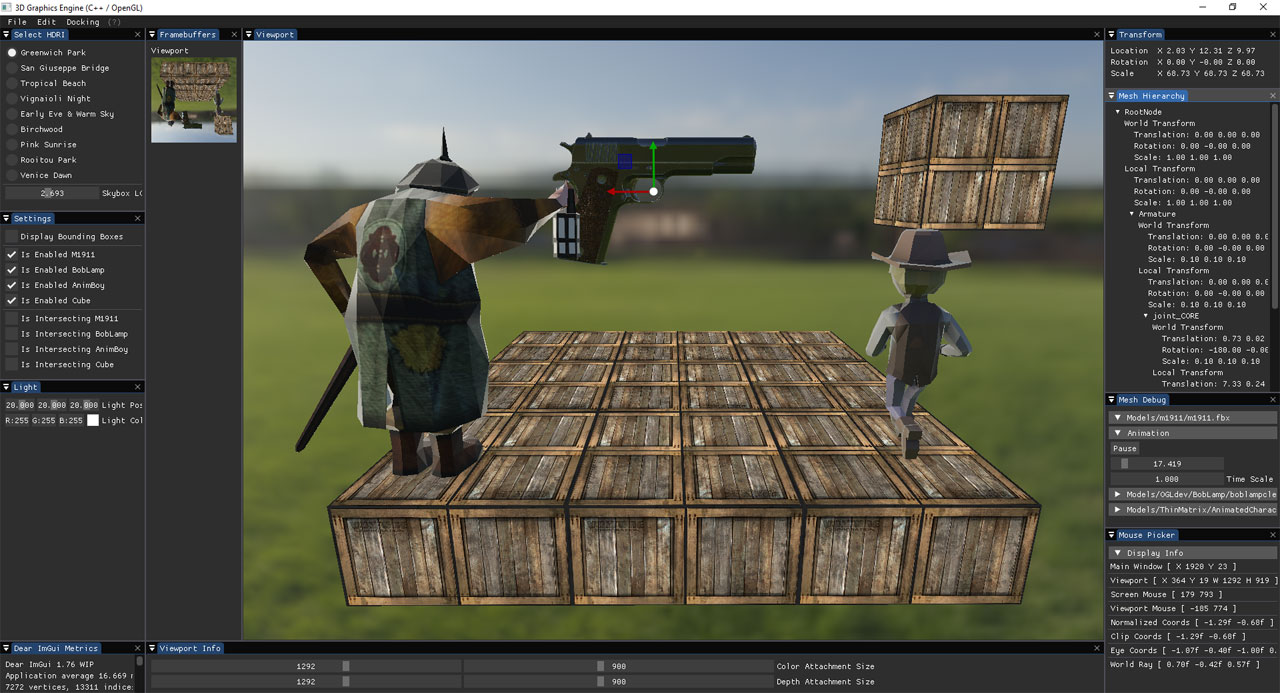
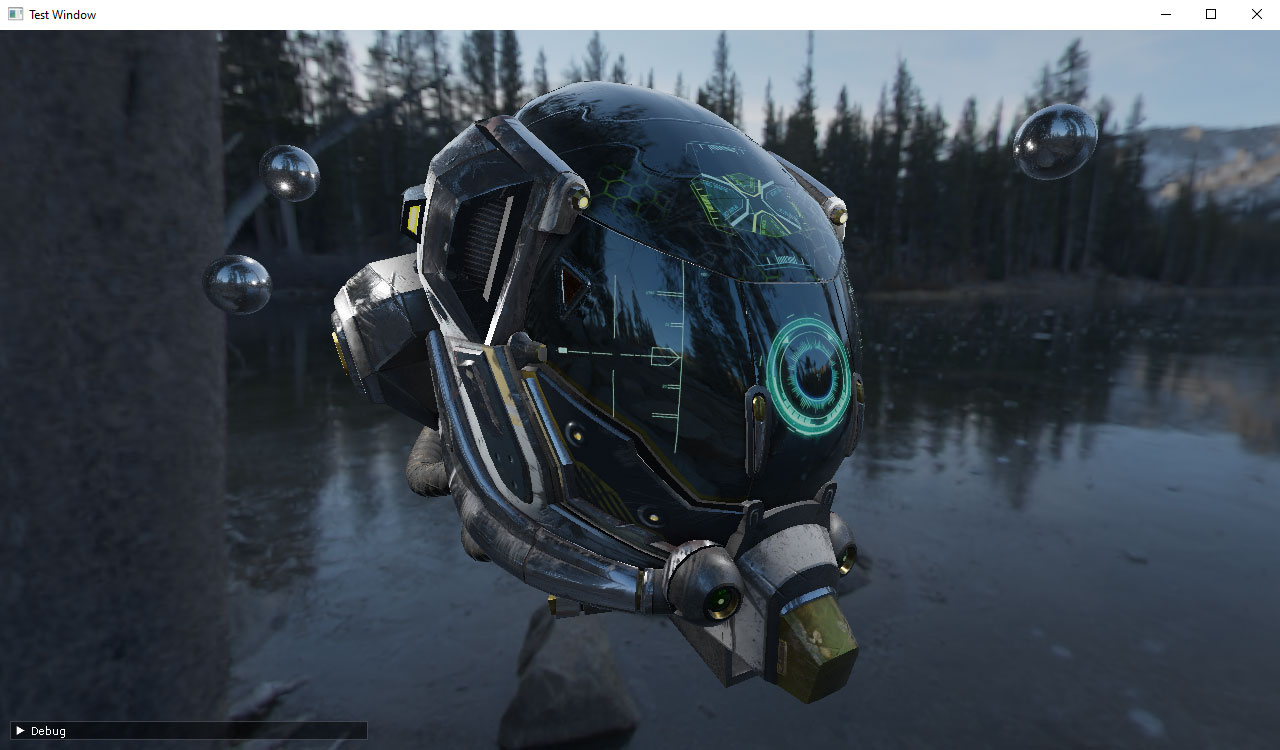
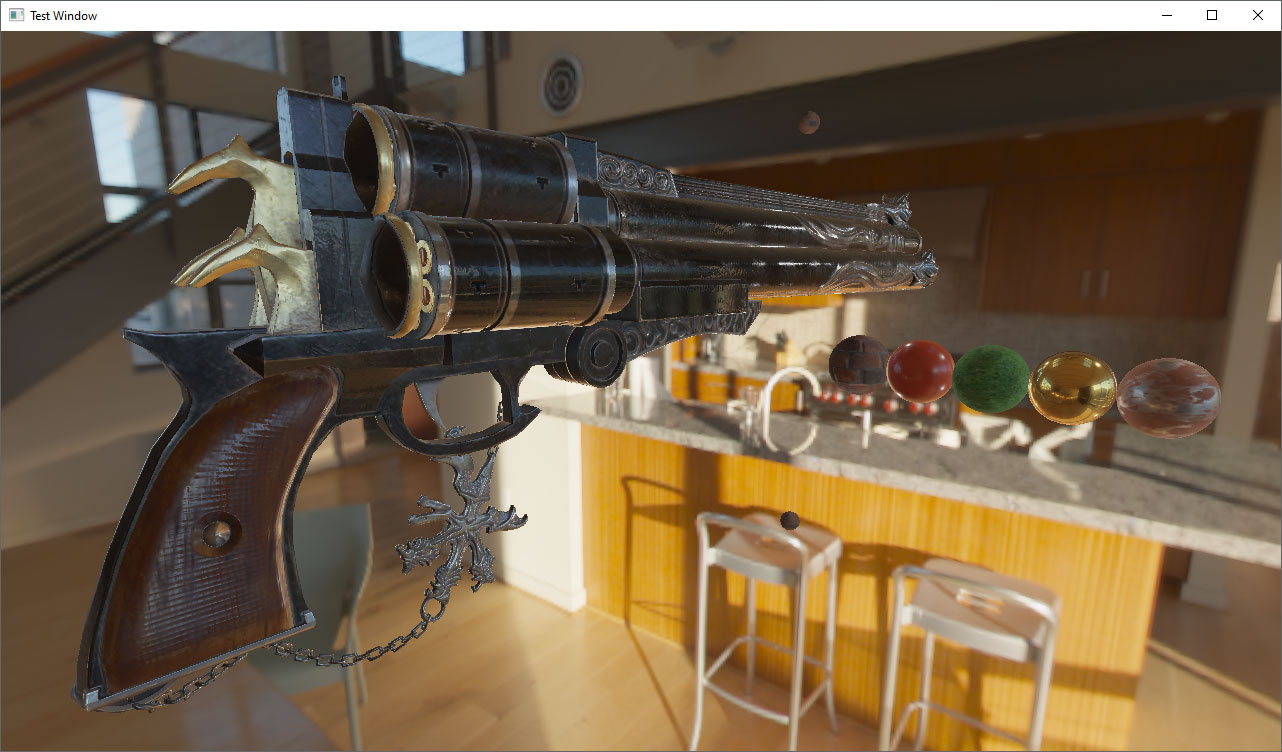
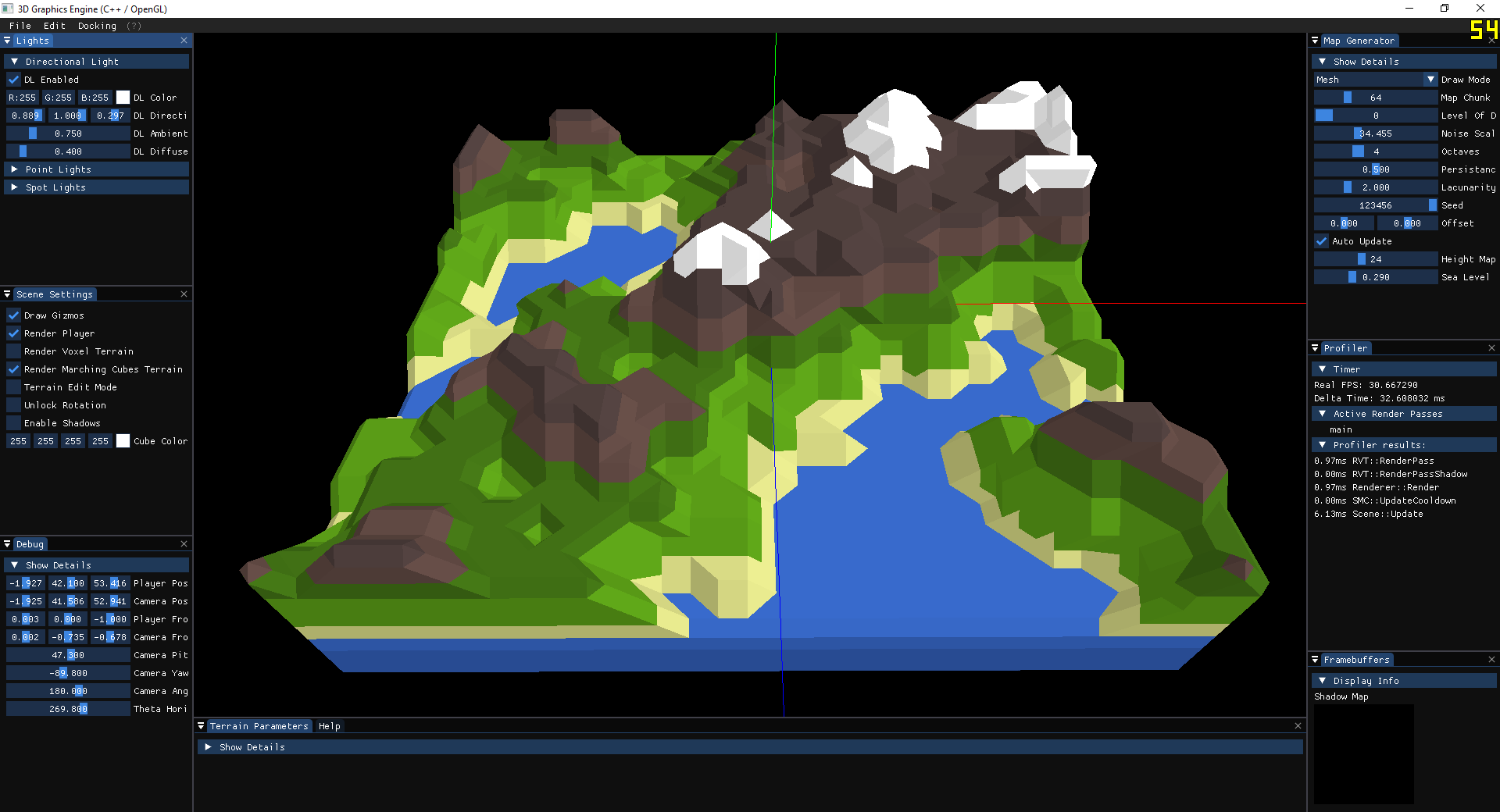
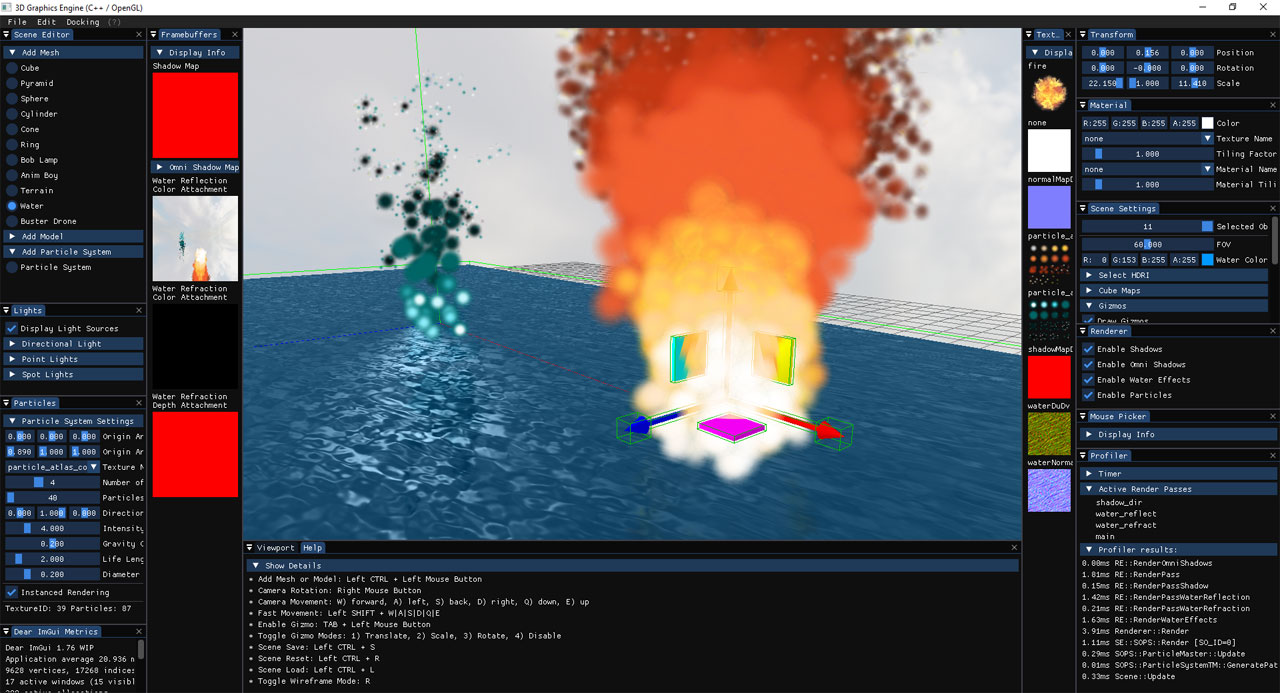
2D/3D graphics engine written in C++ language.
It currently supports the following graphics APIs:
- OpenGL 4.5+
- Vulkan 1.2
- DirectX 11
Its current purpose is to experiment with various CG concepts and techniques:
- Phong lighting model
- Shadows (directional light, omni-directional shadows)
- Physically based rendering (PBR)
- Image based lighting (IBL)
- Screen-space ambient occlusion (SSAO)
- Particle systems
- Instanced rendering
- Surface reflection and refraction
- Framebuffers
- Post-processing
- Level of detail
- Scene editor
- Perlin noise generator
- Procedural landmass generation
- Voxel based volumes
- Marching cubes algorithm
- Physics simulations
- Skeletal animation
- Yan Chernikov a.k.a. TheCherno [ Hazel ]
- ThinMatrix [ ThinMatrix YouTube channel ]
- Ben Cook [ Vulkan and OpenGL courses on Udemy ]
- Joey de Vries [ learnopengl.com ]
- Sascha Willems [ Vulkan C++ examples and demos ]
- Sebastian Lague [ Sebastian Lague YouTube channel ]
- ilya73 [ Gladiator free VR ]
Build automation based on CMake (in progress)
- Install CMake
$ git clone --recursive https://github.com/dtrajko/MoravaEngine.git
$ cd MoravaEngine
- Build the MoravaEngine with CMake
$ mkdir ./MoravaEngine/build
$ cd ./MoravaEngine/build
$ cmake ..
-
Open the solution ./MoravaEngine/build/MoravaEngine.sln
-
Change Runtime Library from Multi-threaded DLL to Multi-threaded for the project glfw3
Go to Properties > Configuration Properties > C/C++ > Code Generation > Runtime Library
Change Runtime Library to either
"Multi-threaded Debug (/MTd)" (Debug) or
"Multi-threaded (/MT)" (Release)
(All projects in MoravaEngine solution should have the Runtime Library option set to either /MTd (Debug) or /MT (Release)) -
Build projects DirectXTex and glfw3
-
Build the project MoravaEngine
- Add Mesh or Model: Left CTRL + Left Mouse Button
- Camera Rotation: Right Mouse Button
- Camera Movement: W) forward, A) left, S) back, D) right, Q) down, E) up
- Fast Movement: Left SHIFT + W|A|S|D|Q|E
- Enable Gizmo: TAB + Left Mouse Button
- Toggle Gizmo Modes: 1) Translate, 2) Scale, 3) Rotate, 4) Disable
- Scene Save: Left CTRL + S
- Scene Reset: Left CTRL + R
- Scene Load: Left CTRL + L
- Toggle Wireframe Mode: R
- Copy scene object: Left CTRL + C