





MLIR, TableGen, and PDLL support for the Zed editor.
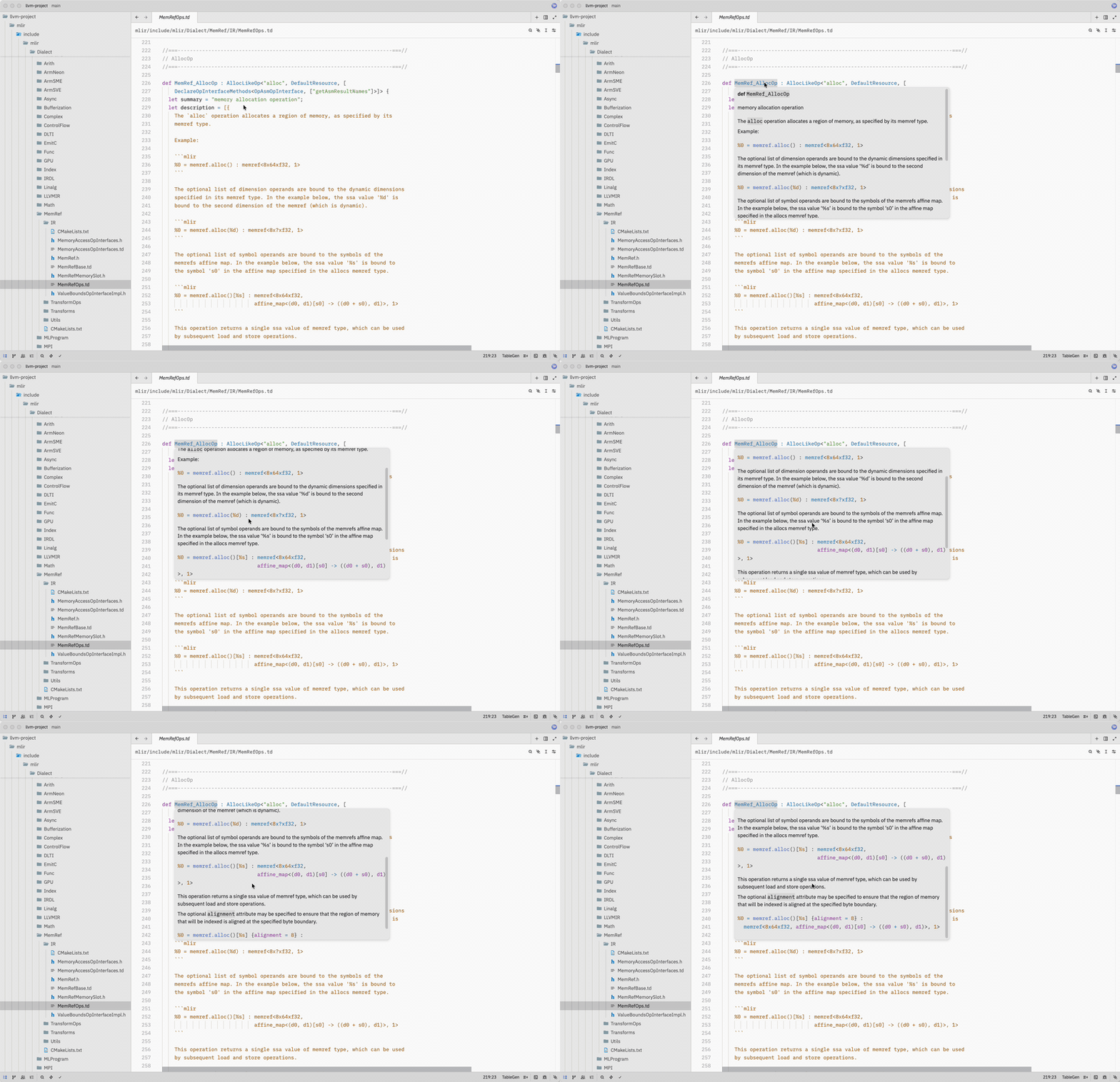
- Tree-sitter grammars for MLIR (
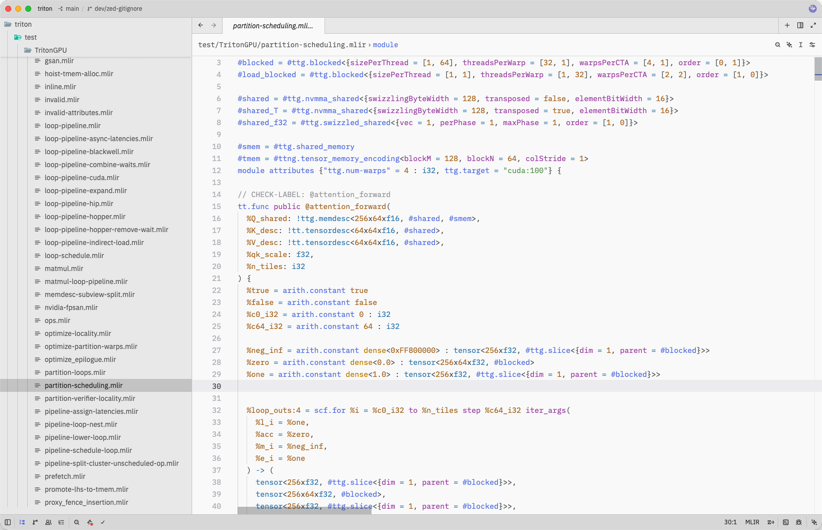
.mlir), TableGen (.td), and PDLL (.pdll) — the pinned MLIR parser parses a curated corpus of official MLIR test files withoutERRORnodes; this extension's Zed queries provide highlighting on top of those syntax trees. - MLIR inside C++ raw strings — when Zed's bundled C++ grammar injects
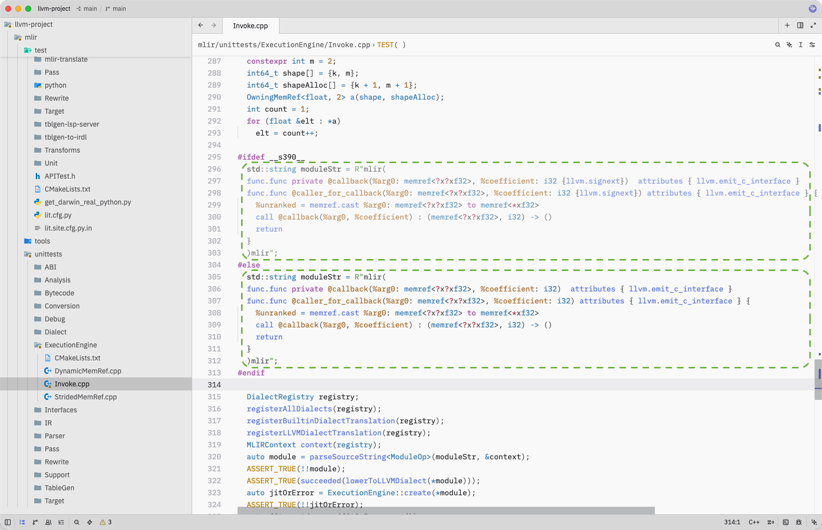
raw_string_contentby delimiter, MLIR insideR"mlir(…)mlir"strings is highlighted using this extension's MLIR grammar. - First-class custom dialect support — user-defined or out-of-tree
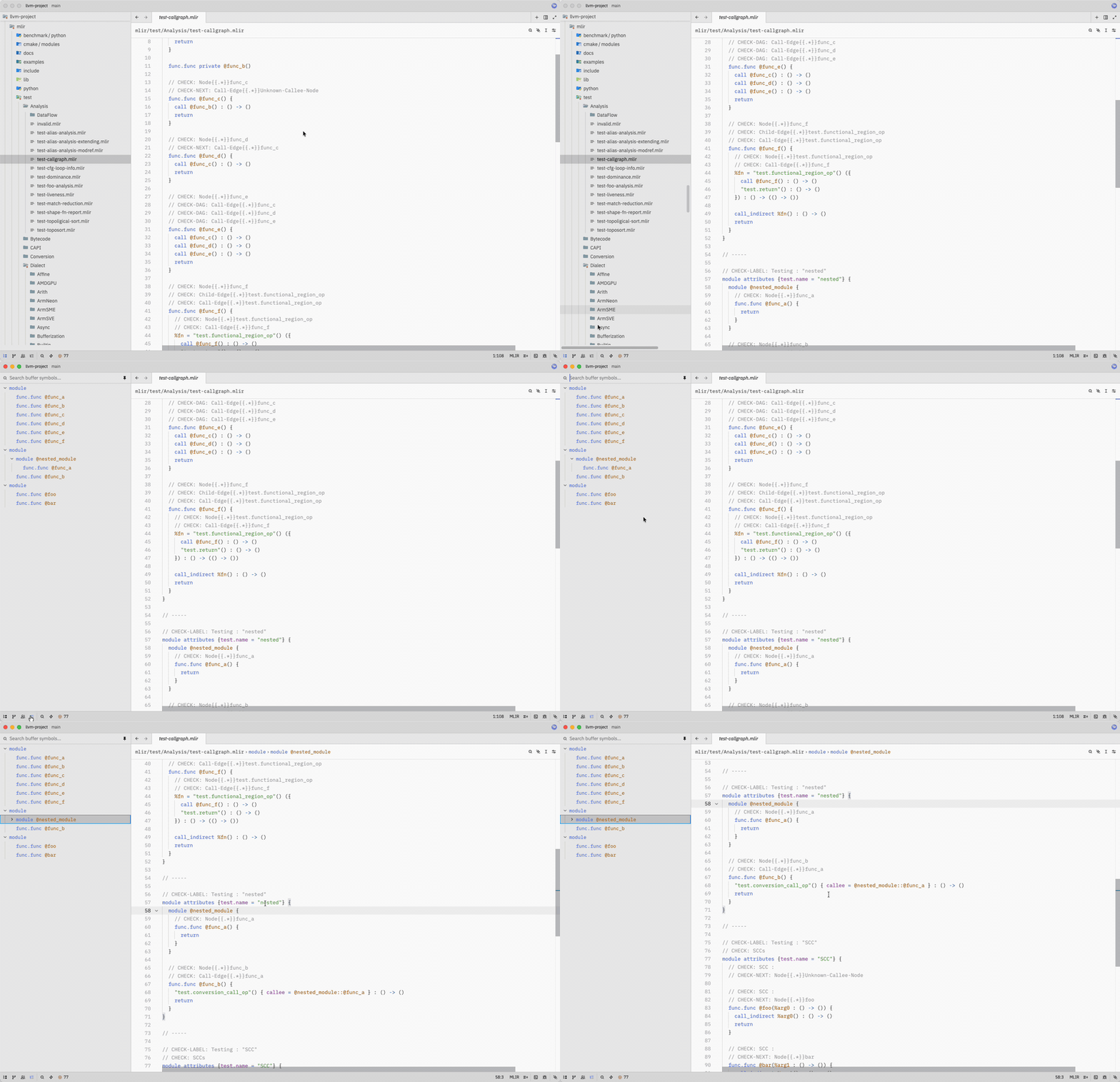
dialect.opforms are recognized and highlighted correctly, so your project's own dialects just work. - Symbol outline — navigate symbols in MLIR, TableGen, and PDLL from the outline panel.
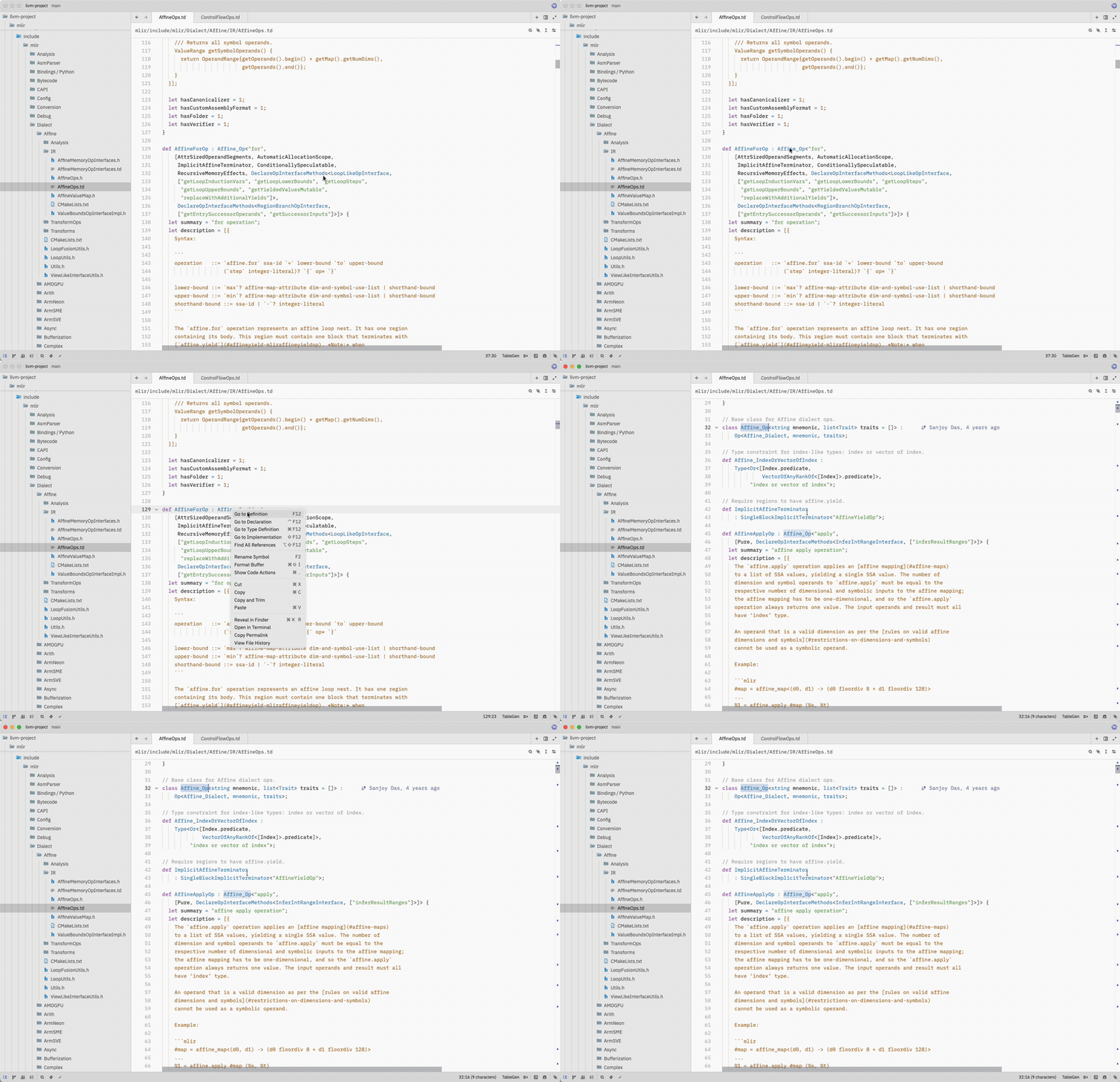
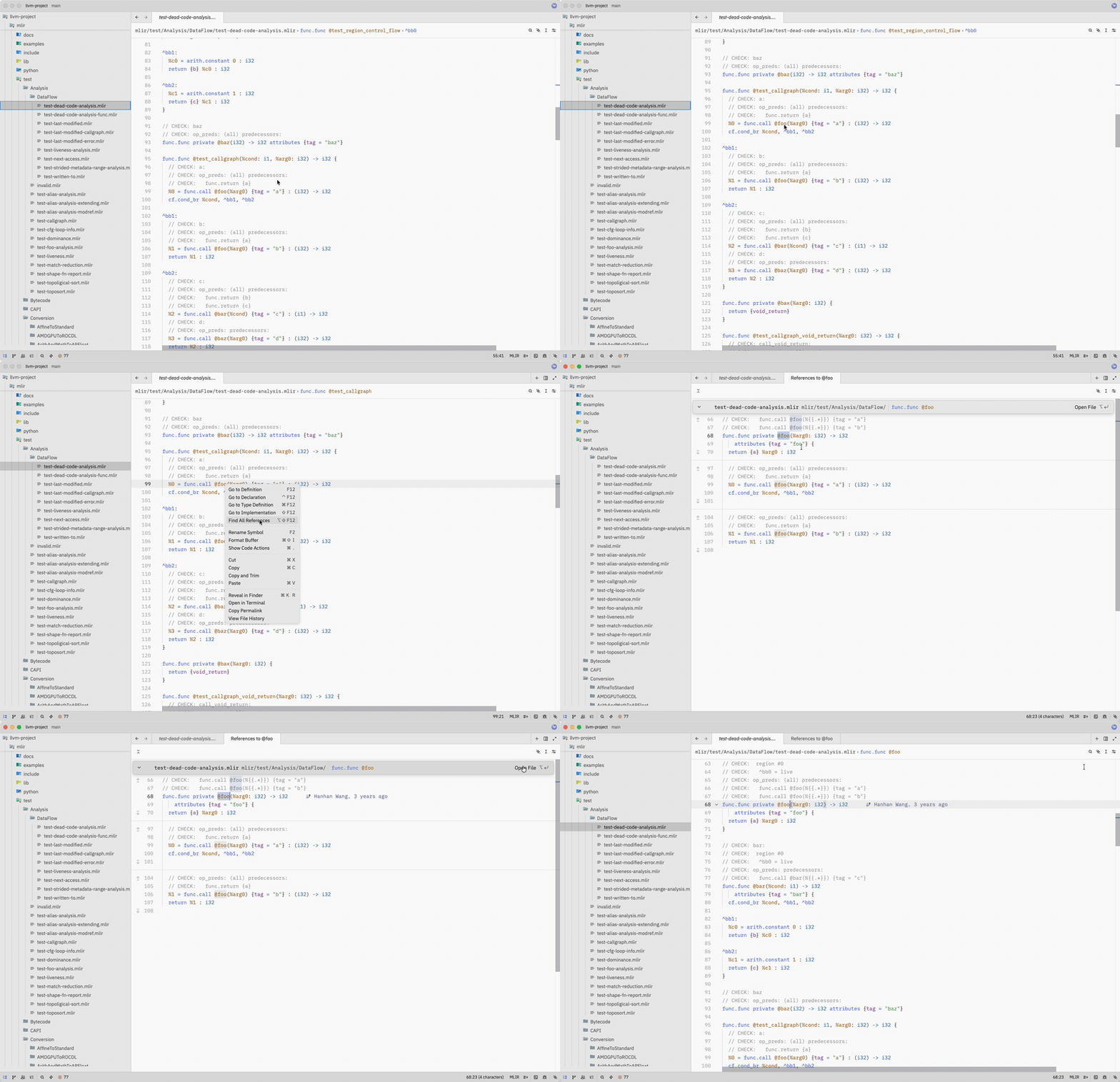
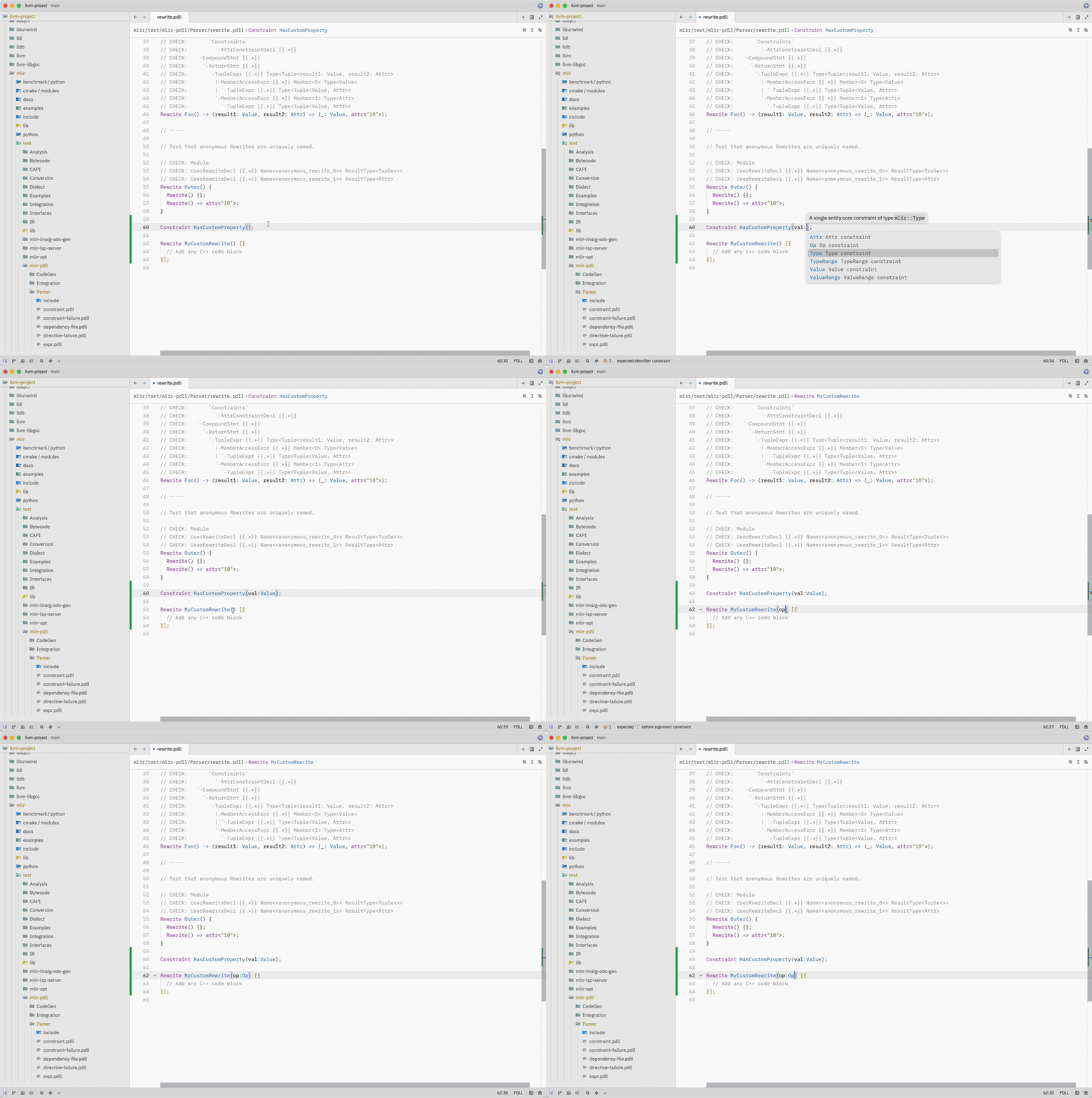
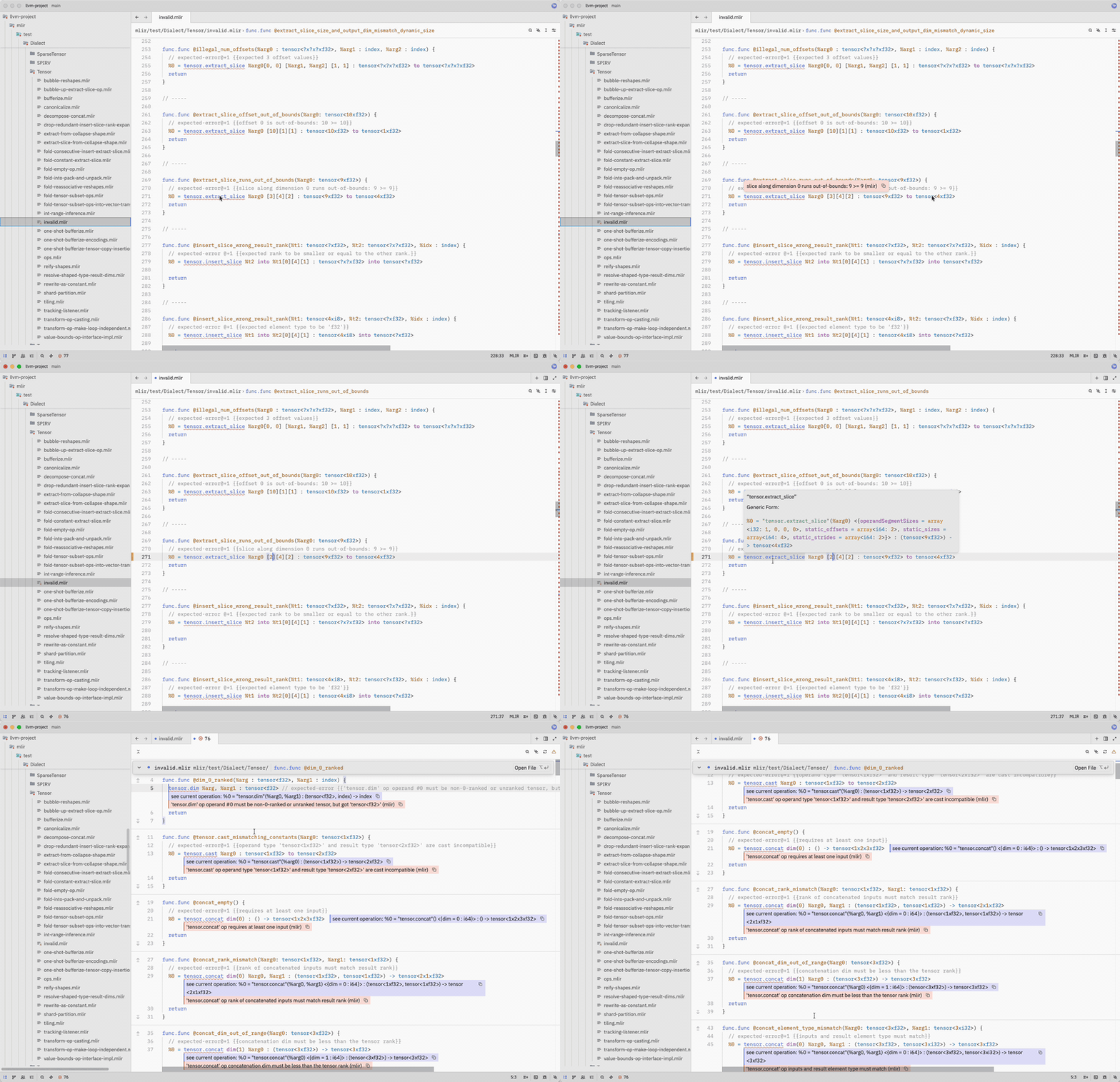
- Language Server integration for all three upstream LLVM servers:
mlir-lsp-serverfor.mlirmlir-pdll-lsp-serverfor.pdlltblgen-lsp-serverfor.td
- Rich completion labels — completion items from the MLIR and PDLL language servers are classified by their LSP kind and detail, so values, blocks, dialects, operations, types, attributes, constraints, and include paths are colored consistently.
- Editing ergonomics — bracket matching, auto-close pairs, and indentation tuned for each language.
- Vim text objects — function and comment objects in all three languages, class objects where the grammar has a matching construct, and the motions built on them.
- Zed editor
- (Optional) LLVM language servers for LSP features — see Language Support.
Open the extension gallery with Cmd+Shift+X on macOS or Ctrl+Shift+X on Linux/Windows — or Zed > Extensions from the menu bar — then search for MLIR and click Install. Nothing else is required: no Rust toolchain, and no LLVM binaries.
To run a local checkout instead — to try an unreleased change, or to work on the extension itself — clone the repository:
git clone https://github.com/felixtensor/zed-mlir.gitThen open the command palette (Cmd+Shift+P on macOS, Ctrl+Shift+P on Linux/Windows) and run zed: install dev extension, selecting the cloned directory. Zed compiles the extension to WebAssembly on install, so this path needs a stable Rust toolchain from rustup. The first build fetches dependencies and may take a minute or two; zed: open log has the details if it fails.
See CONTRIBUTING.md for the development setup, and the Zed docs on Developing Extensions for how extensions are structured.
No LLVM binaries are required. To keep Tree-sitter highlighting, symbol outlines, bracket matching, indentation, and Vim text objects without LSP features, disable language servers in your user settings or project .zed/settings.json:
See Language Server Setup for details.
Install mlir-lsp-server, mlir-pdll-lsp-server, and tblgen-lsp-server to enable the LSP features supported by each language. Configure each server's binary path in Zed; alternatively, make the containing directory available on the worktree's $PATH. See Language Server Setup for the capability matrix, build instructions, settings, and SSH remote development.
In Vim mode, af / if and ac / ic select functions and classes, gc takes the surrounding run of comments, and ]m moves between functions:
| Language | Function (af / if, ]m) |
Class (ac / ic) |
|---|---|---|
| MLIR | func.func, llvm.func |
module, builtin.module |
| PDLL | top-level Pattern, Constraint, Rewrite |
— |
| TableGen | named def, defm |
class, multiclass |
See Vim Mode for how each mapping follows the grammar's node shapes, and for the motion-depth limit in MLIR.
This extension builds on:
- MLIR — the multi-level intermediate representation framework from the LLVM project.
- tree-sitter-mlir — Tree-sitter grammar for MLIR.
- tree-sitter-tablegen — Tree-sitter grammar for TableGen.
- tree-sitter-pdll — Tree-sitter grammar for PDLL.
- The three LSP servers (
mlir-lsp-server,mlir-pdll-lsp-server,tblgen-lsp-server) are part of the LLVM project.
The out-of-tree dialect screenshot uses a TritonGPU test file from Triton.
For MLIR tooling in other editors, see:
- vscode-mlir — official VS Code extension for MLIR, PDLL, and TableGen.
- mlir-mode — Emacs major mode and LSP client, shipped in the LLVM monorepo.
Development priorities are tracked in the roadmap. See CONTRIBUTING.md for issue reporting, development, and validation guidance.
- Use the issue chooser to report a bug, request a feature, or ask a setup question.
- Follow the pull request guidance when submitting a change.
Apache License 2.0 with LLVM Exceptions.
{
  "languages": {
    "MLIR": { "enable_language_server": false },
    "PDLL": { "enable_language_server": false },
    "TableGen": { "enable_language_server": false }
  }
}