Like btop, but for your AI coding agents.
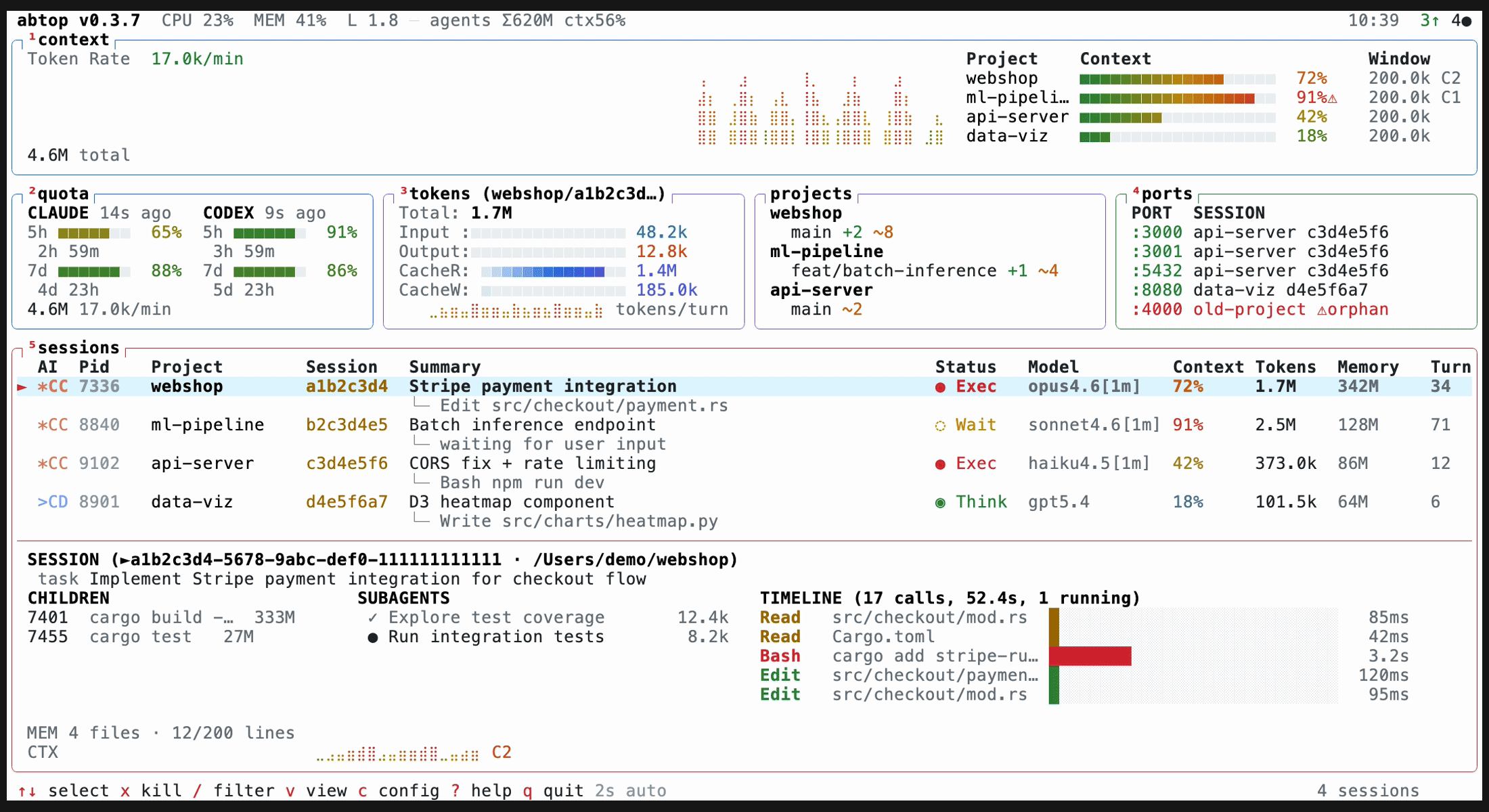
See every Claude Code, Codex CLI, and OpenCode session at a glance — token usage, context window %, rate limits, child processes, open ports, and more. Claude Code, Codex CLI, and OpenCode sessions are discovered from local process/file state, so multiple active profiles are supported across macOS, Linux, and Windows.
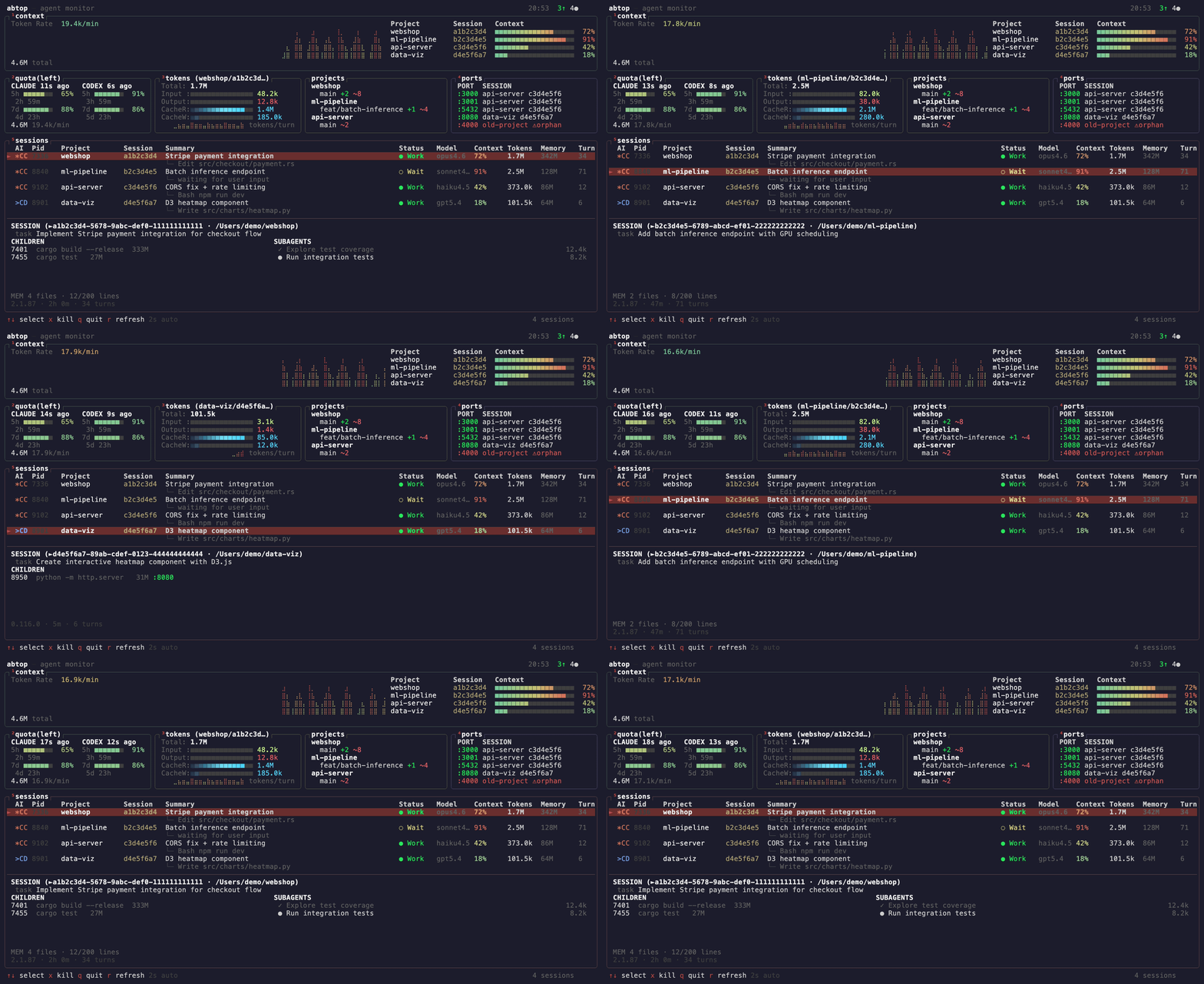
- Running 3+ agents across projects? See them all in one screen.
- Hitting rate limits? Watch your quota in real-time.
- Agent spawned a server and forgot to kill it? Orphan port detection.
- Context window filling up? Per-session % bars with warnings.
All read-only. No API keys. No auth.
Important
On Linux, ensure sqlite3 is installed to enable monitoring for OpenCode sessions.
curl --proto '=https' --tlsv1.2 -LsSf https://github.com/graykode/abtop/releases/latest/download/abtop-installer.sh | shcargo install abtopNative support — no WSL required. Uses sysinfo for process info and host CPU/MEM metrics, and netstat -ano for listening ports. Windows has no load average, so LOAD is reported as 0. OpenCode session discovery additionally requires the sqlite3 CLI (winget install SQLite.SQLite); without it abtop prints a one-time warning to stderr.
powershell -c "irm https://github.com/graykode/abtop/releases/latest/download/abtop-installer.ps1 | iex"Or cargo install abtop from any terminal with Git in PATH. Claude Code config is resolved automatically from %USERPROFILE%\.claude.
Pre-built binaries for all platforms are available on the GitHub Releases page.
abtop                    # Launch TUI
abtop --once             # Print snapshot and exit
abtop --json             # Print one JSON snapshot and exit (for scripts/tools)
abtop --setup            # Install rate limit collection hook
abtop --theme dracula    # Launch with a specific theme
abtop --mouse            # Enable mouse click/scroll navigation
Recommended terminal size: 120x40 or larger. Minimum 80x24 — panels hide gracefully when small.
Mouse capture is off by default so terminal drag selection and copy keep working. Launch with --mouse if you prefer click targets and wheel navigation.
Press Enter to focus the terminal running the selected agent. abtop supports cmux, tmux, and iTerm2 on macOS.
tmux new -s work
# pane 0: abtop
# pane 1: claude (project A)
# pane 2: claude (project B)
# → Enter on a session in abtop jumps to its pane| Feature | Claude Code | Codex CLI | OpenCode |
|---|---|---|---|
| Session Discovery | ✅ | ✅ | ✅ |
| Token Tracking | ✅ | ✅ | ✅ |
| Context Window % | ✅ | ✅ | ❌ |
| Status Detection | ✅ | ✅ | ✅ |
| Current Task | ✅ | ✅ | ❌ |
| Rate Limit | ✅ | ✅ | ❌ |
| Git Status | ✅ | ✅ | ✅ |
| Children / Ports | ✅ | ✅ | ✅ |
| Subagents | ✅ | ❌ | ❌ |
| Memory Status | ✅ | ❌ | ❌ |
OpenCode support reads the local SQLite database at ~/.local/share/opencode/opencode.db (also the default location on Windows; %LOCALAPPDATA%\opencode and %APPDATA%\opencode are probed as fallbacks) and requires sqlite3 in PATH (on Windows: winget install SQLite.SQLite).
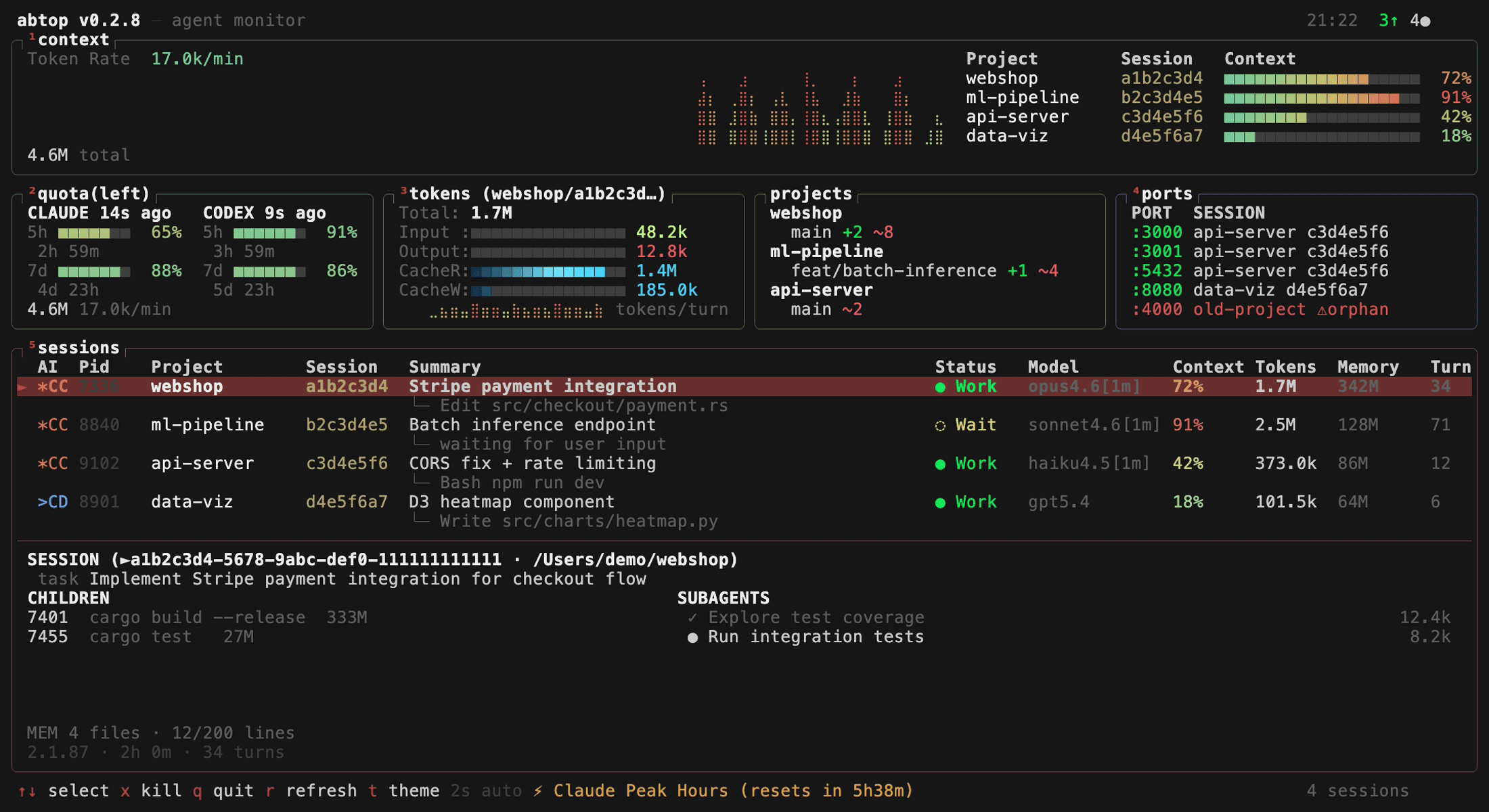
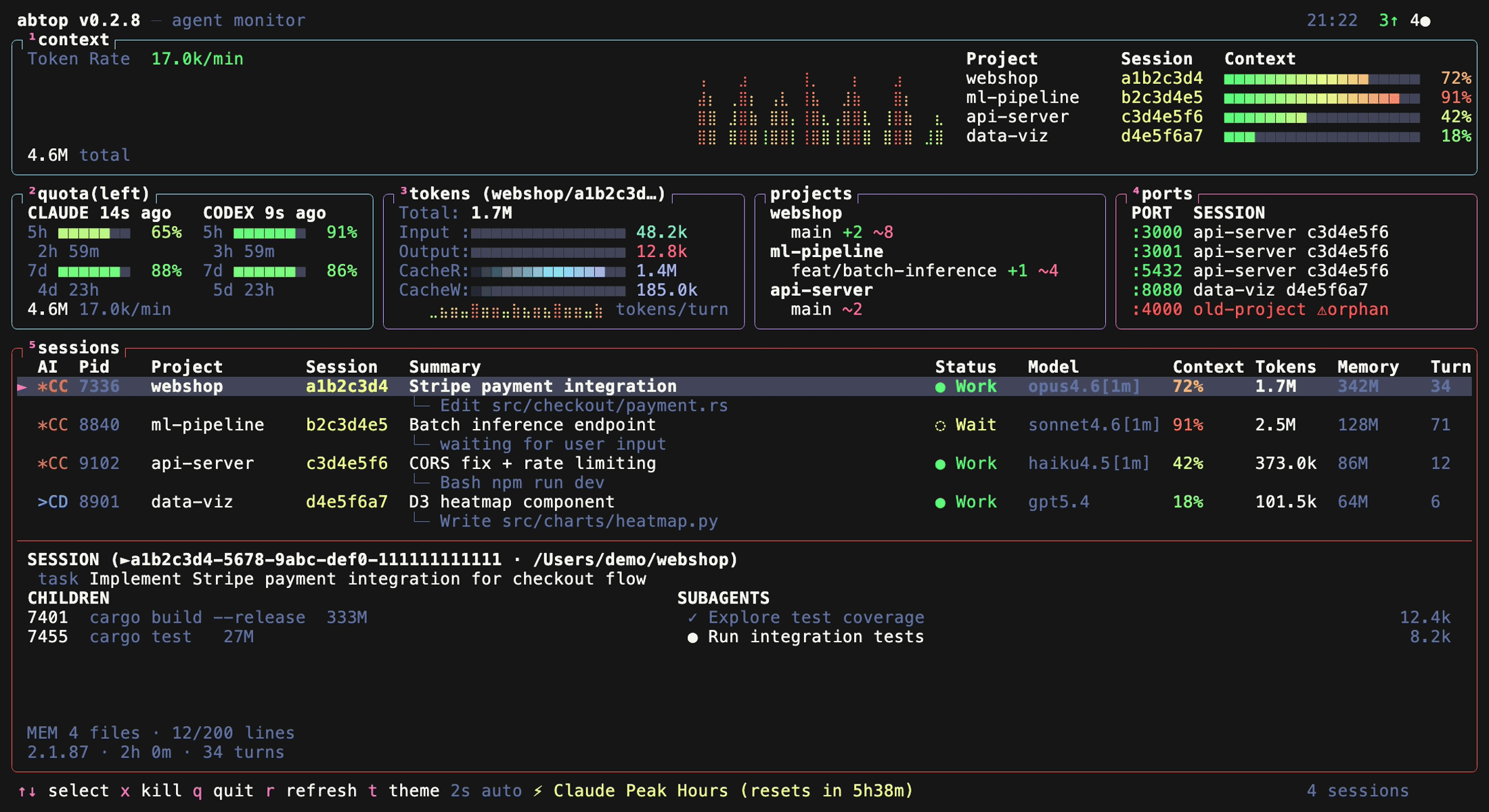
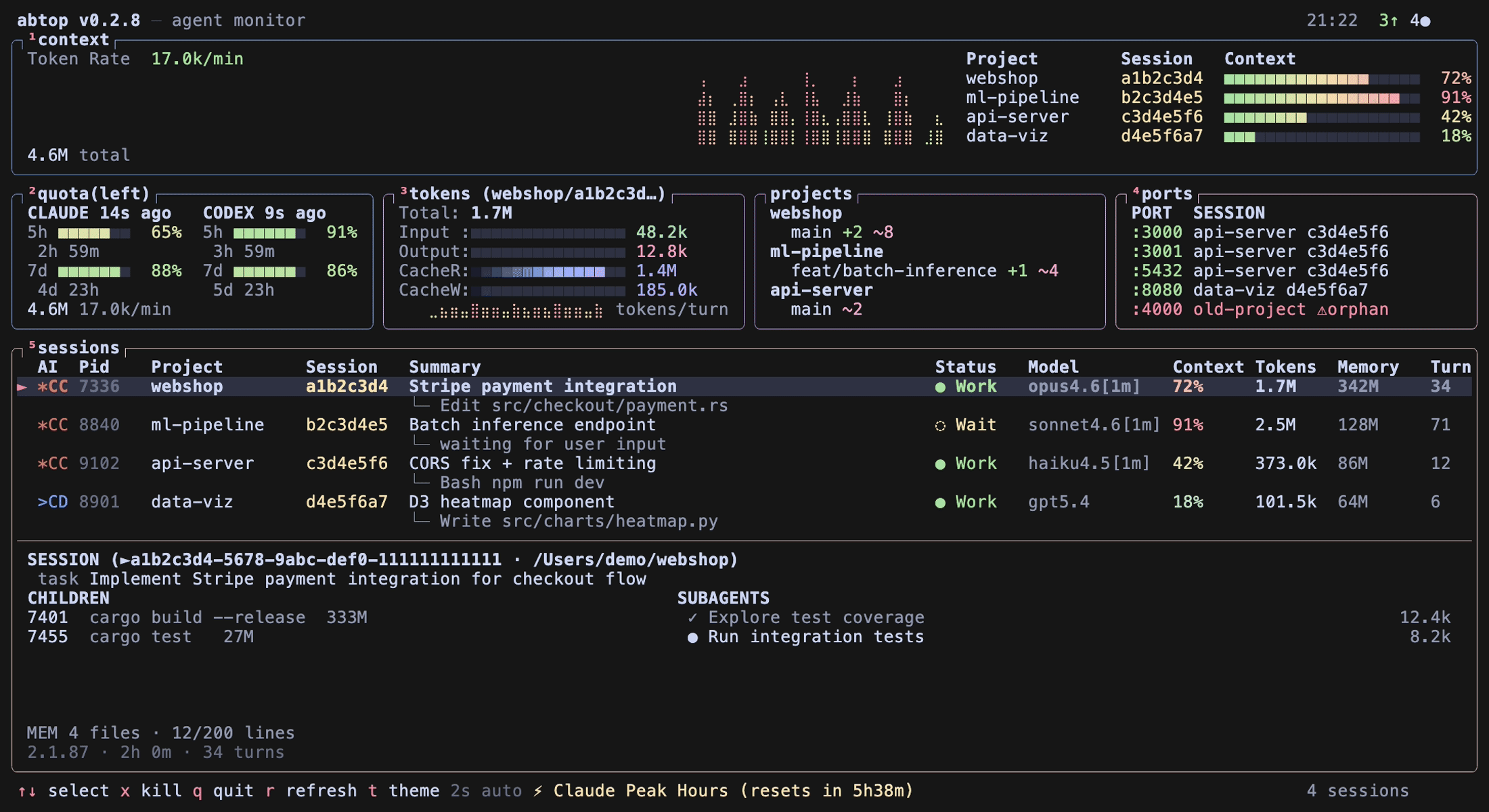
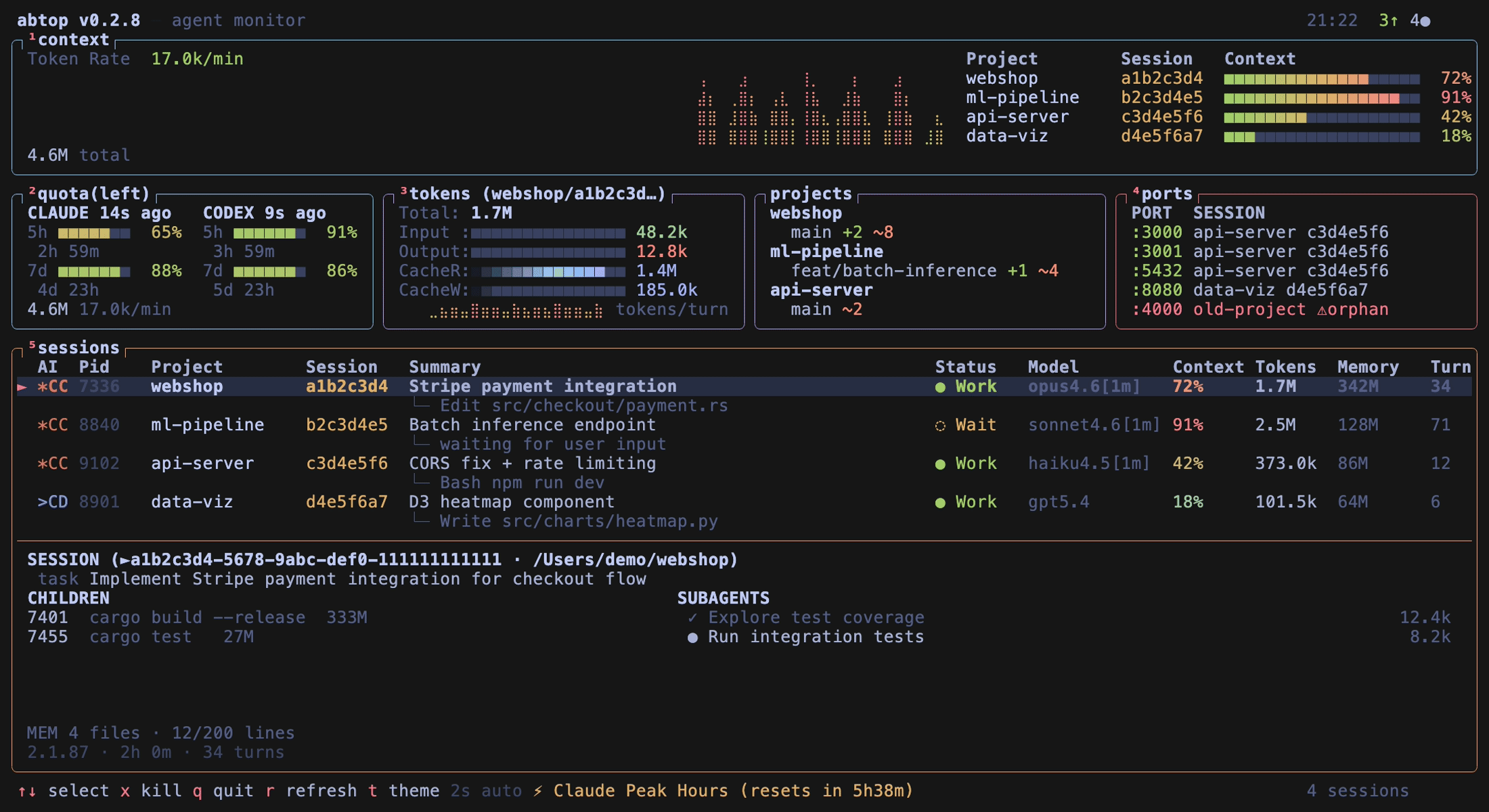
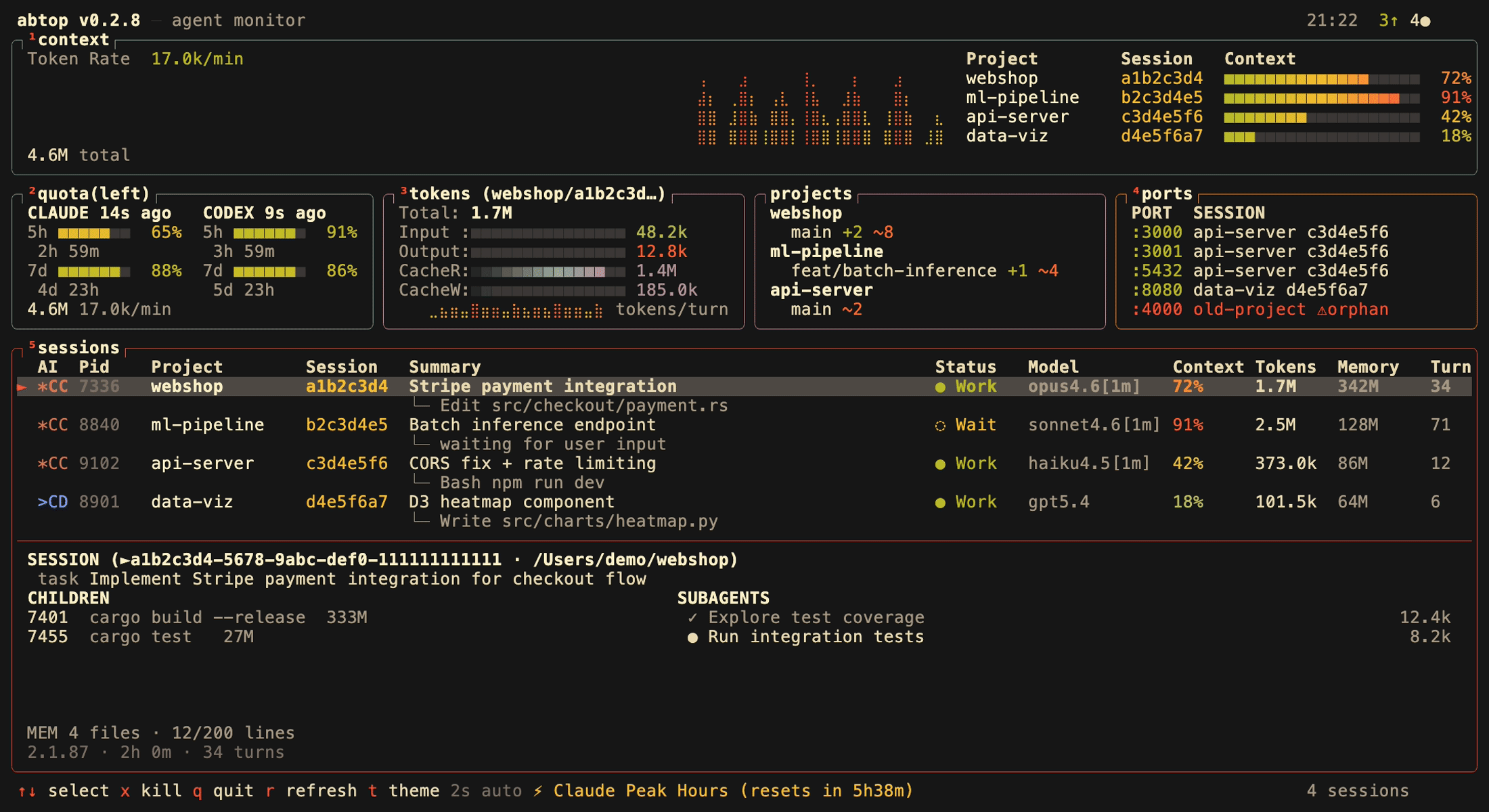
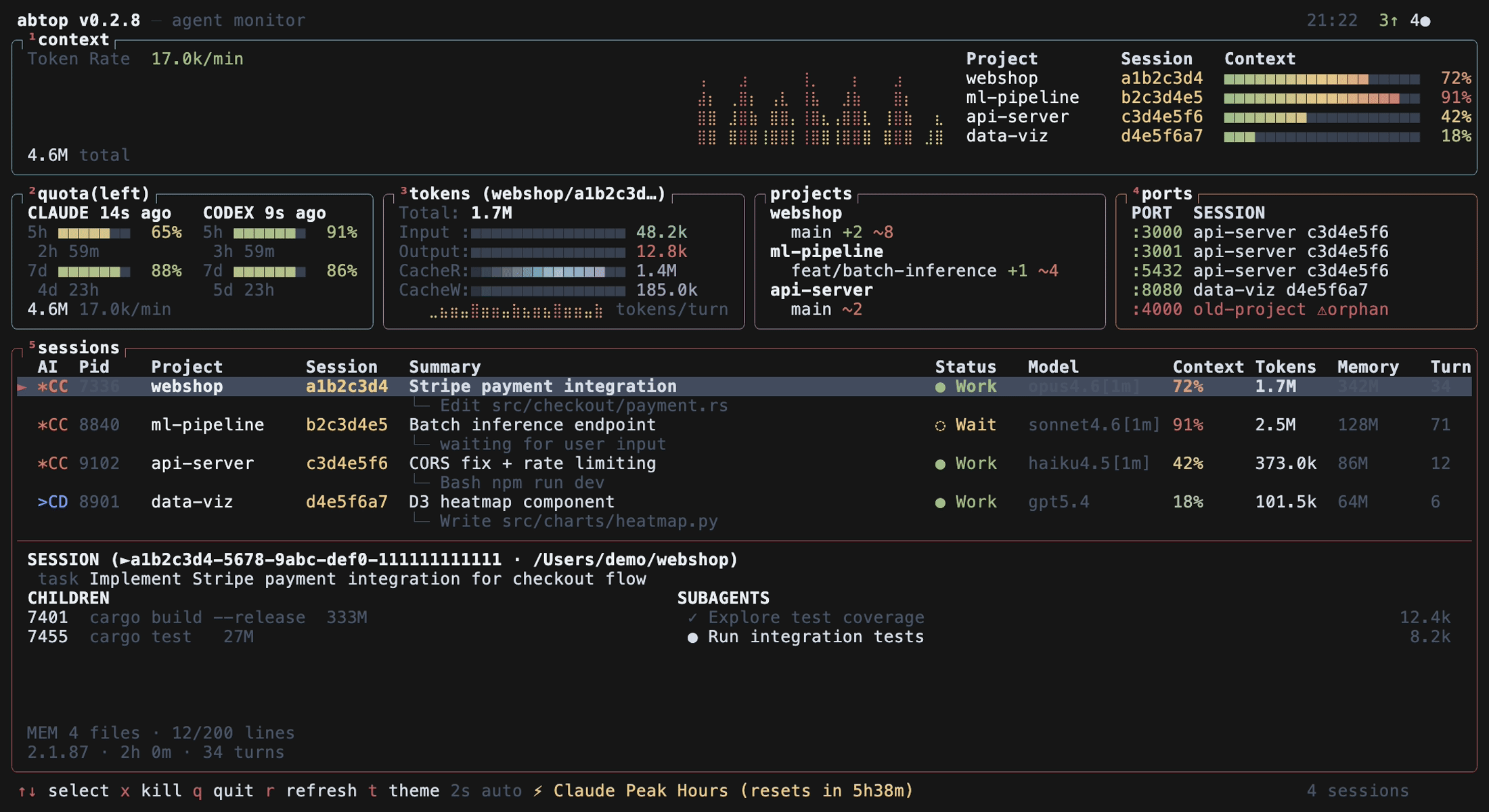
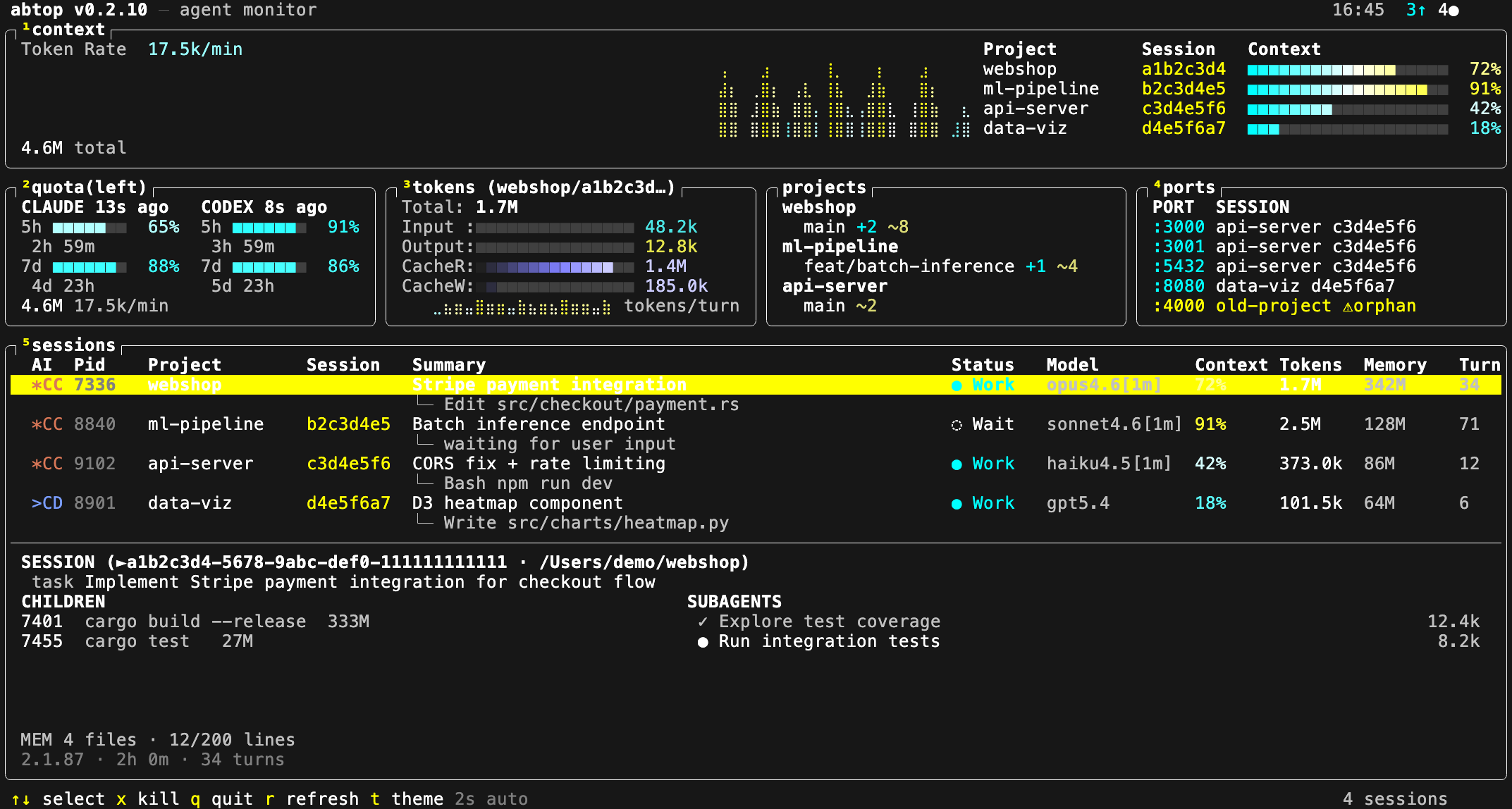
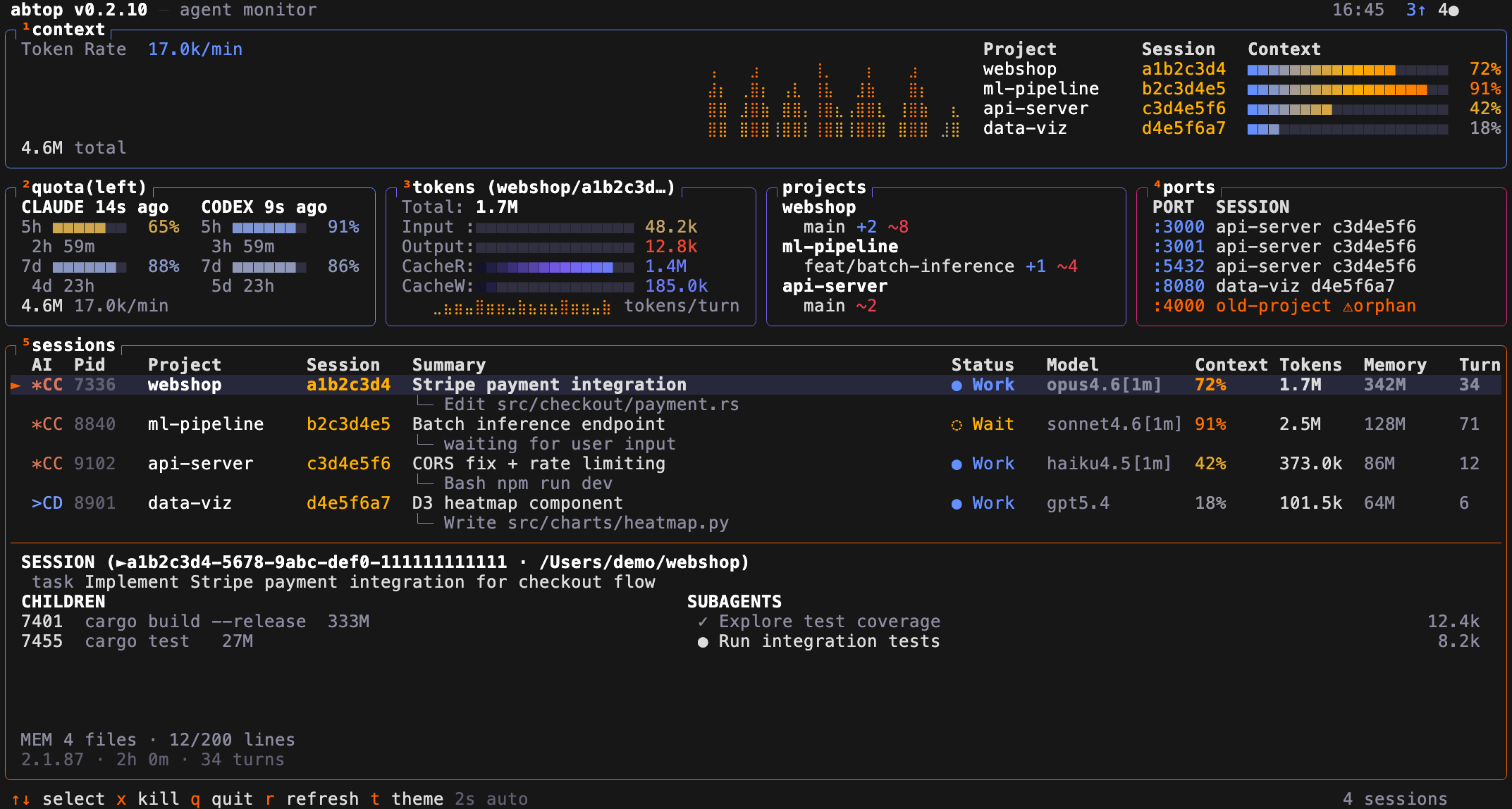
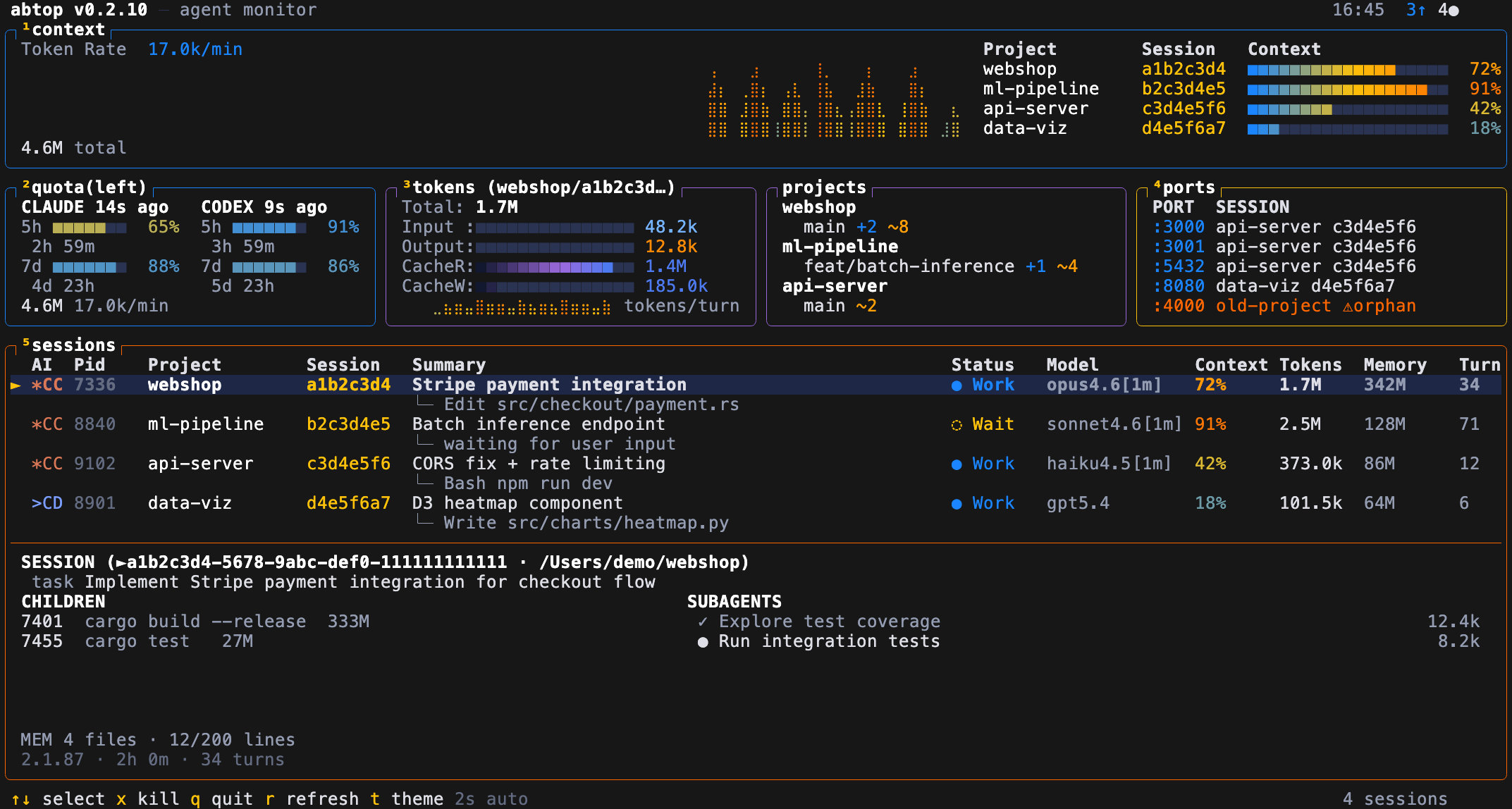
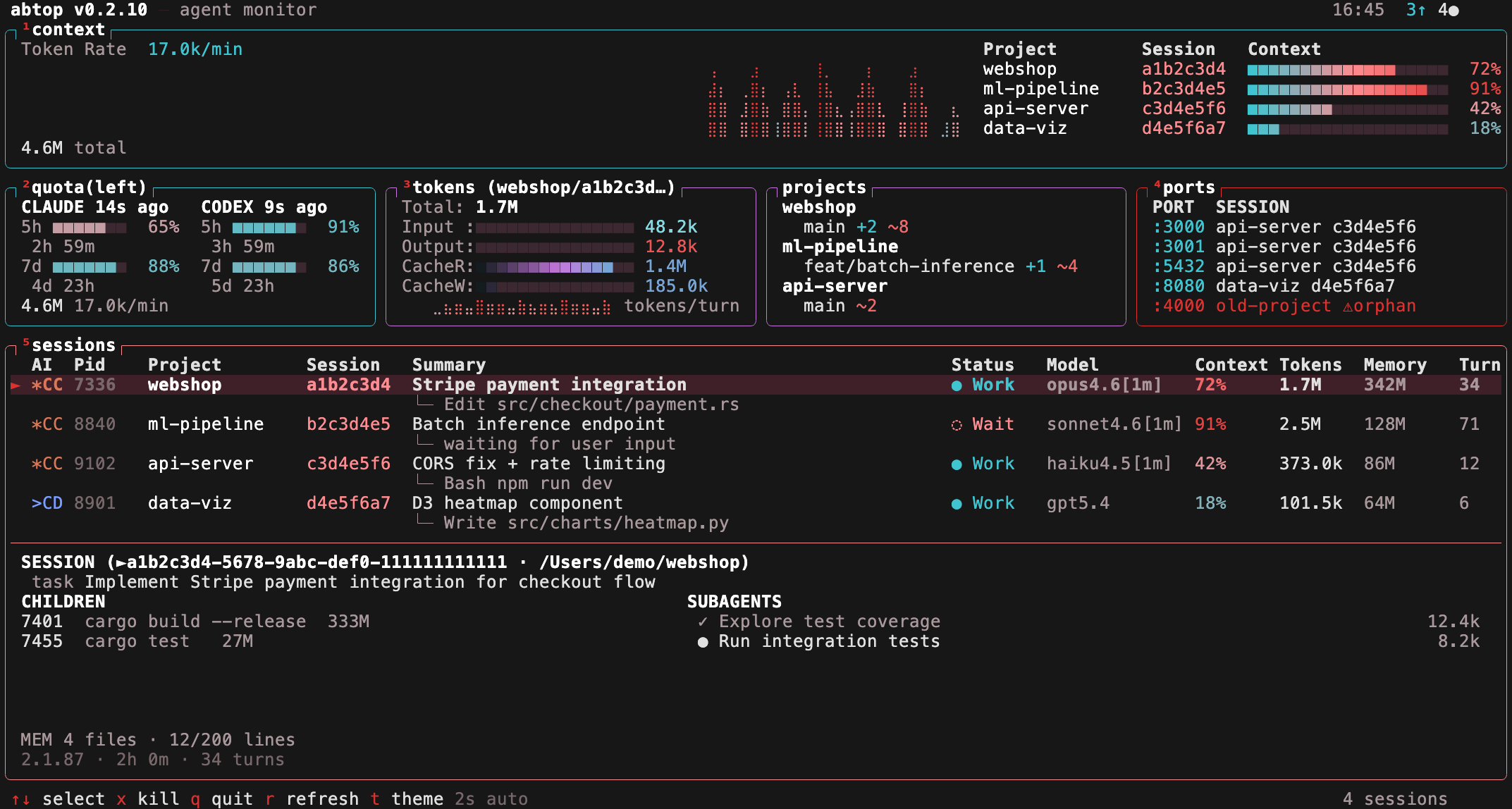
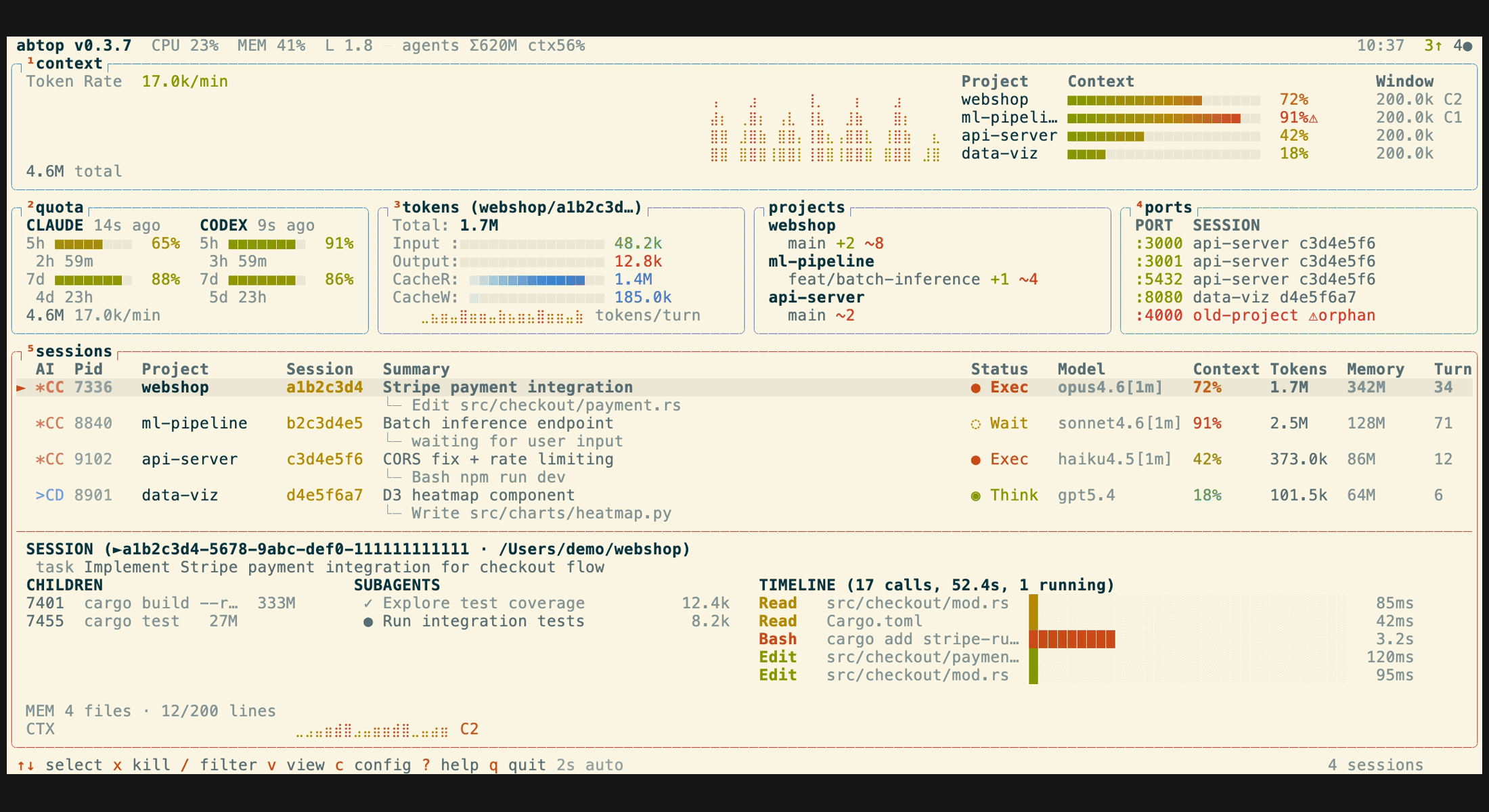
12 built-in themes, including 4 colorblind-friendly options (high-contrast, protanopia, deuteranopia, tritanopia). Press t to cycle at runtime, or launch with --theme <name>. Your choice is saved to ~/.config/abtop/config.toml.
| btop (default) | dracula | catppuccin |
|---|---|---|
 |
 |
 |
| tokyo-night | gruvbox | nord |
|---|---|---|
 |
 |
 |
Colorblind-friendly themes:
| high-contrast | protanopia |
|---|---|
 |
 |
| deuteranopia | tritanopia |
|---|---|
 |
 |
Light themes (light — Solarized cream, white — GitHub-style pure white) for bright terminals:
| light | white |
|---|---|
 |
 |
~/.config/abtop/config.toml supports:
theme = "btop"
# Hide specific agent CLIs from the TUI (case-insensitive).
# Useful if you only use one agent and want a cleaner view.
hidden_agents = ["codex"]
# Additional Claude Code profile roots to scan.
# abtop also auto-discovers ~/.claude and ~/.claude-* roots that contain
# both sessions/ and projects/.
claude_config_dirs = ["~/.claude-personal", "~/.claude-work-team"]
# UI language. Omit or leave empty to auto-detect from LANG.
language = "zh"| Code | Language |
|---|---|
en |
English (default) |
zh |
Simplified Chinese |
When language is unset, abtop auto-detects from LANG — any value starting with zh switches to Simplified Chinese, otherwise English.
| Key | Action |
|---|---|
↑/↓ or k/j |
Select session |
Enter |
Jump to session terminal |
x |
Kill selected session |
X |
Kill all orphan ports |
t |
Cycle theme |
1–5 |
Toggle panel visibility |
Esc |
Open/close config page |
q |
Quit |
r |
Force refresh |
abtop is also a library crate, so local tools can reuse its data-collection layer in-process — no re-scanning, no subprocesses — and serialize the same state the TUI renders.
abtop --json # one-shot JSON snapshot for scriptsFor long-running consumers, build an App, refresh it with
App::tick_no_summaries() (which never spawns claude --print, so it doesn't
touch your Claude quota), and call App::to_snapshot(interval_ms) to get a
JSON-serializable [Snapshot]:
use abtop::app::App;
use abtop::{config, theme::Theme};

let cfg = config::load_config();
let mut app = App::new_with_config_and_claude_dirs(
    Theme::default(), &cfg.hidden_agents, cfg.panels, &cfg.claude_config_dirs,
);
app.tick_no_summaries();
let json = serde_json::to_string(&app.to_snapshot(2_000)).unwrap();
App is not Send (it owns the collectors), so keep it on one thread and pass
the serialized JSON elsewhere. abtop-web-ui
is a reference consumer: a local-first web dashboard built on exactly this API.
abtop reads local files and local process/open-file metadata only. No API keys, no auth. In the TUI and --once output, tool names and file paths are shown, but file contents and prompt text are never displayed. Session summaries are generated via claude --print, which makes its own API call — this is the only indirect network usage.
The JSON snapshot includes richer local dashboard data, including summary, chat_messages, working directories, config roots, tool-call previews, child process commands, token counts, and port metadata. Chat text is bounded and redacted by the collectors, but it is still derived from local transcripts and may contain sensitive project context. Treat JSON snapshots as local/private data and avoid writing them to shared logs or exposing them on a network without your own access controls.
Huge thanks to @tbouquet for driving much of abtop's recent shape — themes, config overlay and panel toggles, session filtering, subagent tree view, the context window gauge with compaction detection, plus a steady stream of fixes and security hardening along the way.
MIT