
Velflix is a Laravel Netflix clone project using TALL stack (Tailwindcss, Alpinejs, Laravel, Livewire ).
Note Work in Progress

see full page here


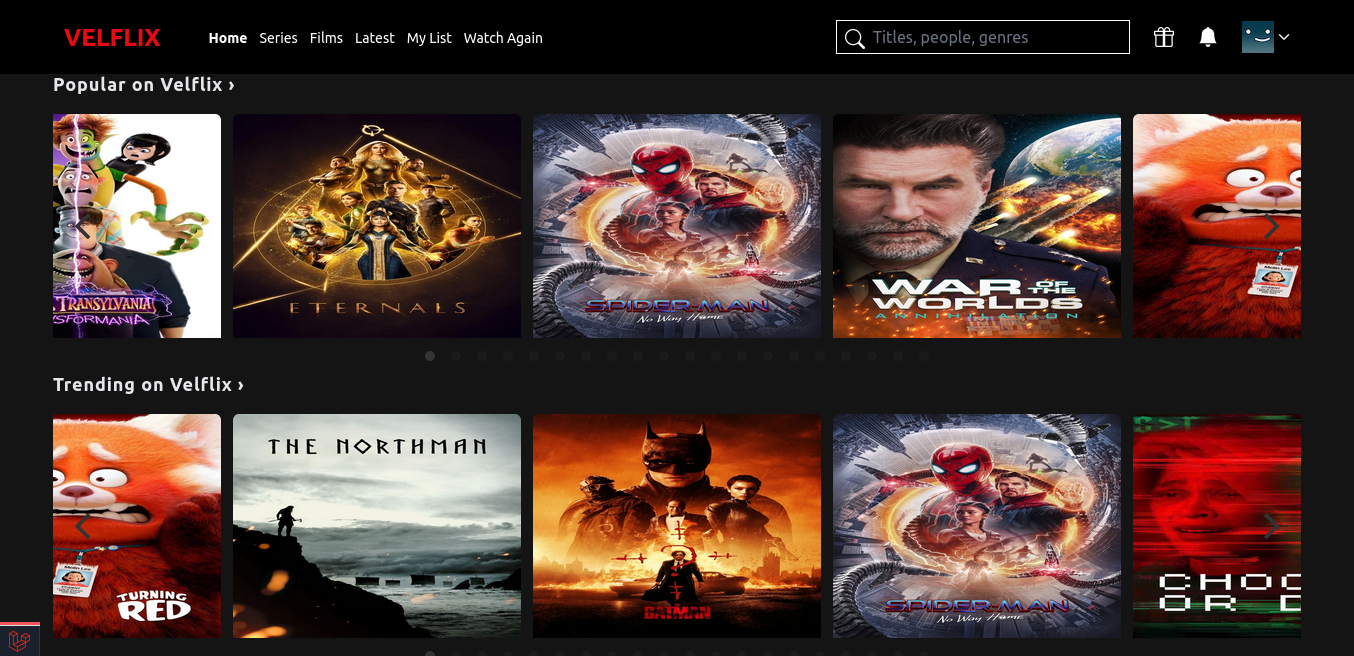
see full page here

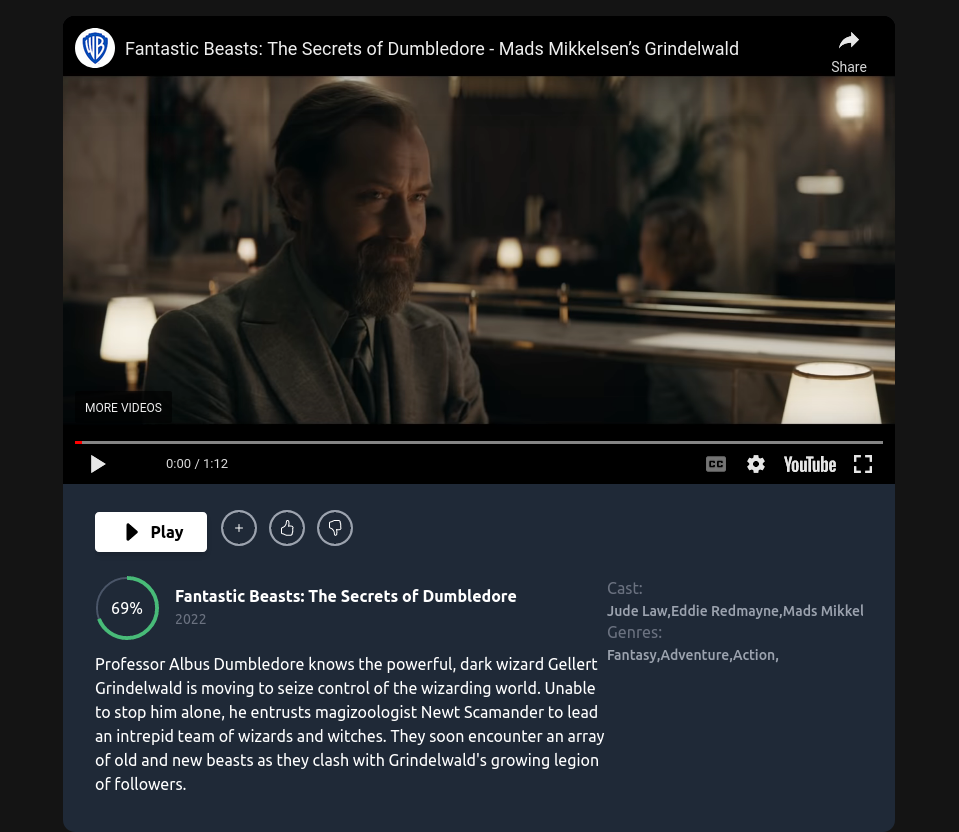
| Package | Version |
|---|---|
| Node | V14.19.1+ |
| Npm | V6.14.16+ |
| Composer | V2.2.6+ |
| Php | V8.0.17+ |
| Mysql | V 8.0.27+ |
Warning Make sure to follow the requirements first.
Here is how you can run the project locally:
-
Clone this repo
git clone https://github.com/josuapsianturi/velflix.git
-
Go into the project root directory
cd velflix -
Copy .env.example file to .env file
cp .env.example .env
-
Create database
velflix(you can change database name) -
Create account and get an API key themoviedb here. Make sure to copy
API Read Access Token (v4 auth). -
Go to
.envfile- set database credentials (
DB_DATABASE=velflix,DB_USERNAME=root,DB_PASSWORD=) - paste
TMDB_TOKEN=(your API key)
Make sure to follow your database username and password
- set database credentials (
-
Install PHP dependencies
composer install
-
Generate key
php artisan key:generate
-
install front-end dependencies
npm install && npm run build -
Run migration
php artisan migrate -
Run seeder
php artisan db:seedthis command will create 2 users (admin and normal user):
email: admin@gmail.com , password: password
email: user@gmail.com , password: password
-
Run server
for valet users visit
velflix.testin your favorite browserphp artisan serve
-
Visit
localhost:8000in your favorite browser.Make sure to follow your Laravel local Development Environment.
-
Newsletter feature configuration (optional)
- Go to mailchimp
- Register your account, get API key and paste it into
.envfile. If you need help, you can follow these steps:- Click Sign Up Free
- Enter your data, check your email and verify
- select Free, Next
- Do you have a list of contacts? (NO)
- Do you sell products or services online? (Neither, Products)
- continue
- Go to Profile > Extras > API keys
- Create a key and copy API key
- open the velflix project, go to
.envfile and paste it intoMAILCHIMP_KEY=paste API key here - Go to web.php and paste this code at the bottom or you can follow the documentation here
   Route::get('ping', function() {
   $mailchimp = new MailchimpMarketing\ApiClient();
   $mailchimp->setConfig([
       'apiKey' => config('services.mailchimp.key'),
       'server' => 'us5',
   ]);

   $response = $mailchimp->lists->getAllLists();
   ddd($response);
   });
make sure you fill in the
servercorrectly, check the link at the top of your admin Mailchimp, for me itshttps://us5.admin.mailchimp.com/account/api/so i give the value of server isus5. if you get us6, change the server value to beus6.
- visit
localhost:8000/pingorvelflix.test/pingand copy value of id in the"lists" > 0 > "id" - open project, in .env file paste the id into
MAILCHIMP_LIST_SUBSCRIBERS=paste id hereand we ready to go - visit
localhost:8000orvelflix.testtest email for subscribing , and refresh your admin mailchimp it should be Your audience has increased 1 contact.
- Setup Laravel Socialite login with Google account (optional)
- Go to the Google Developers Console get "GOOGLE_CLIENT_ID" and "GOOGLE_CLIENT_SECRET". paste it into
.envfile. if you need help, you can follow these steps: - Click Credentials menu, click "select a project" at the navbar > ALL > No organization > new project.
- project name 'velflix', location should be no organization > Create.
- Go to OAuth consent screen menu > Select External and Create
- App Information > app name 'velflix' choose user support email, fill email in developer contact information, save and continue
- Go to Credentials menu > click
+Create Credentialsat the top > select "OAuth Client ID" > select Application type "Web Application" > Name 'velflix' - At the Authorized redirect URIs > +ADD URI > paste this into it
http://127.0.0.1:8000/login/google/callback> Create.
NOTE: you can change the port to be
8080or others, but make sure when you runphp artisan serve, your project run in the same port.
- Copy
Your Client IDandYour Client Secret - Open velflix project, go to
.envfile and paste it inGOOGLE_CLIENT_ID=paste_hereandGOOGLE_CLIENT_SECRET=paste_hereand we ready to gophp artisan serve
- let's test, visit the project in your browser > Login > Login Google > choose account > and if success, it should be redirect to the movies page.
Let me know if you get in trouble.
- To run PHP testing for Laravel
Warning Every time you run testing, you should run
php artisan db:seedfirst
vendor/bin/pest- To run E2E testing
npx cypress run- To run coding style checks
vendor/bin/pint- To run static analysis with Psalm
vendor/bin/psalm- To run static analysis with PHPStan
vendor/bin/phpstan analysePlease see CONTRIBUTING for details.
Velflix is an open-sourced software licensed under the MIT license