



The easiest way to create a DEB of your CustomTkinter project! You can create a small DEB without deep packaging experience.
pip install CTkDeb[gui]Packaging requires the dpkg-deb tool (it is pre-installed on most Debian-like systems, so you probably won't need to install it separately).
Run this in the project folder (relative to which the paths in the config are specified)
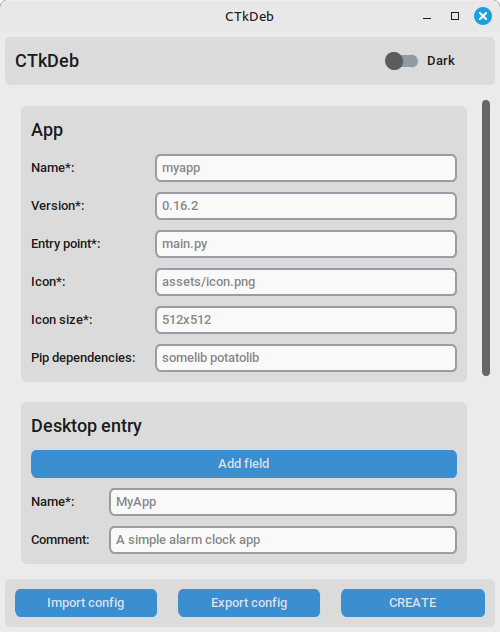
ctkdeb-gui
ctkdeb config.json
View all arguments:
ctkdeb --help
from ctkdeb import Packager

packager = Packager("config.json")
packager.create_deb()
Arguments:
| Argument | Type | Description |
|---|---|---|
| json_path | str or dict | Path to the JSON config (or its dict), required |
| project_folder | str | Path to the project folder (if the command is not executed from it) |
| desktop_entry | str | Path to the custom desktop entry (or its text) |
| output_folder | str | Path to the output folder |
- Do I need to specify Tkinter and CustomTkinter as dependencies?
No, CTkDeb has already taken care of that; just specify third-party dependencies, if any.
App icon: Claude Sonnet 5.