

Modern message bubble widget for Go Fyne GUI toolkit.
- Automatically update colors when switching between light/dark themes
- Set colors for the bubble, message, and time for light and dark themes
- Support for text selection, which is probably important for any chat
- Changing the corner radius
- Other customization options
go get github.com/limafresh/messagebubble/v3@latest
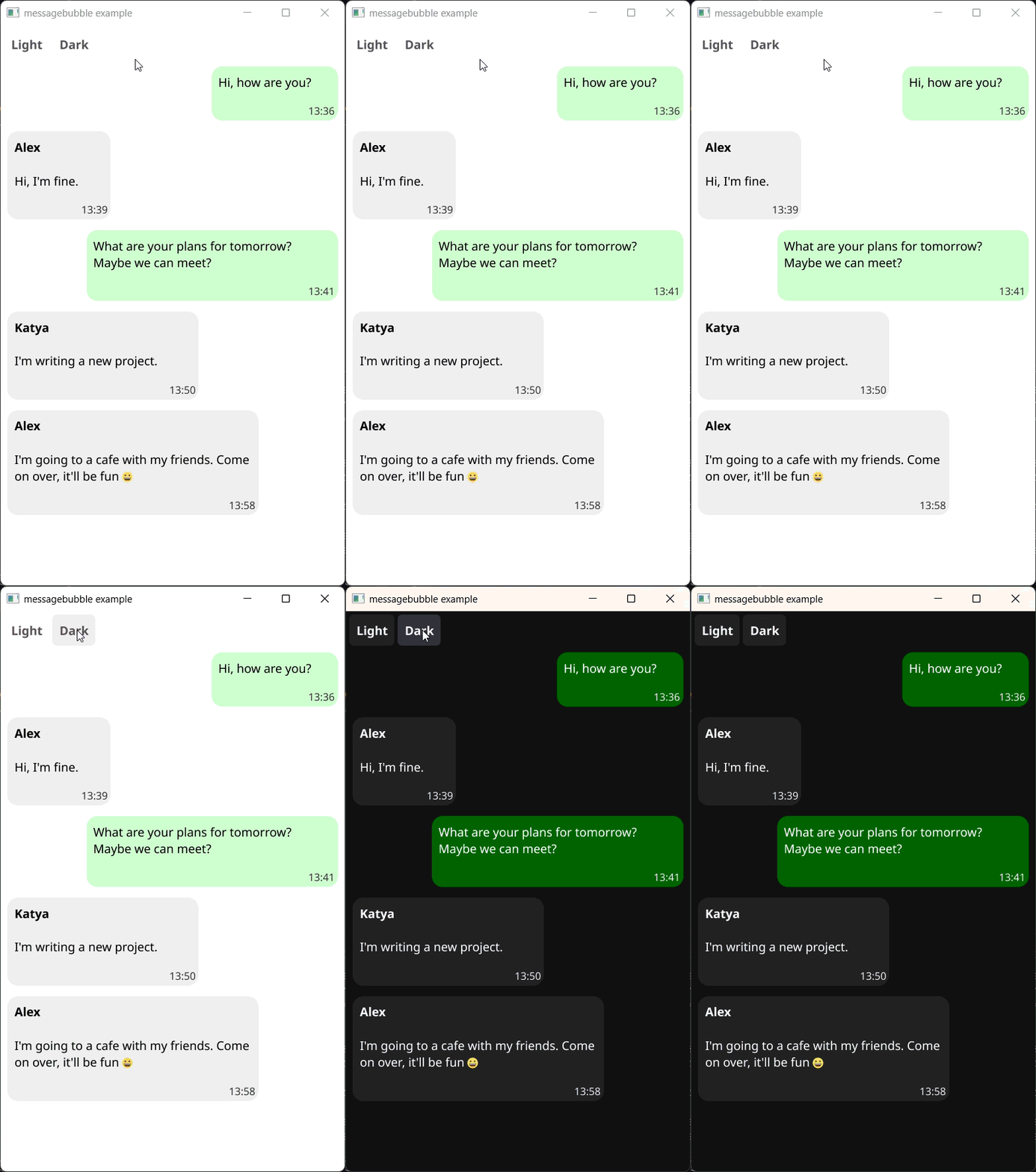
bubble := messagebubble.NewMessageBubble(
	"Alex", // sender's name
	"Hi, how are you?", // message text
	"13:36", // sending time
	false, // mine: true, other: false
)| Field | Value | Description |
|---|---|---|
Sender |
string | The name of the sender |
Text |
string | The message text |
Time |
string | The sending time |
IsMine |
bool | Whether the message is mine (true) or not (false) |
BubbleColors |
[]color.NRGBA | Colors for the bubble (light and dark variants) |
TextColors |
[]color.NRGBA | Colors for the message text (light and dark variants) |
TimeColors |
[]color.NRGBA | Colors for the time label (light and dark variants) |
CornerRadius |
float32 | The radius of the bubble's corners |
TimeSize |
float32 | The size of the time label |
MaxWidth |
float32 | The maximum width of the bubble |
HideSender |
bool | Whether to hide the sender label |
HideTime |
bool | Whether to hide the time label |
Example:
bubble.CornerRadius = 16
bubble.HideTime = true
bubble.BubbleColors = []color.NRGBA{
	{255, 51, 0, 255}, // for light theme
	{153, 0, 255, 255}, // for dark theme
}DefaultCornerRadiusDefaultTimeSizeDefaultMaxWidth
DefaultBubbleColorsMineDefaultBubbleColorsOtherDefaultTextColorsDefaultTimeColors
For example, let's change CornerRadius of all bubbles in vbox:
for _, obj := range vbox.Objects {
	if bubble, ok := obj.(*messagebubble.MessageBubble); ok {
		bubble.CornerRadius = 16
	}
}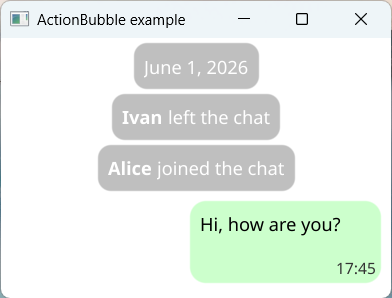
messagebubble.NewActionBubble("Ivan", "left the chat")