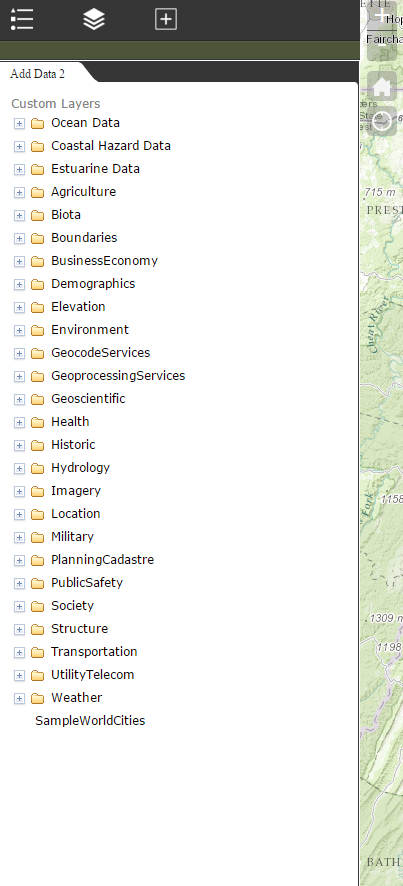
Add Data
The Add Data widget allows users of the application to add layers from the iMAP server (or other layers through customization). Once the layers are added to the map, users can turn on popups through the Layer List widget and identify locations.
See in action here
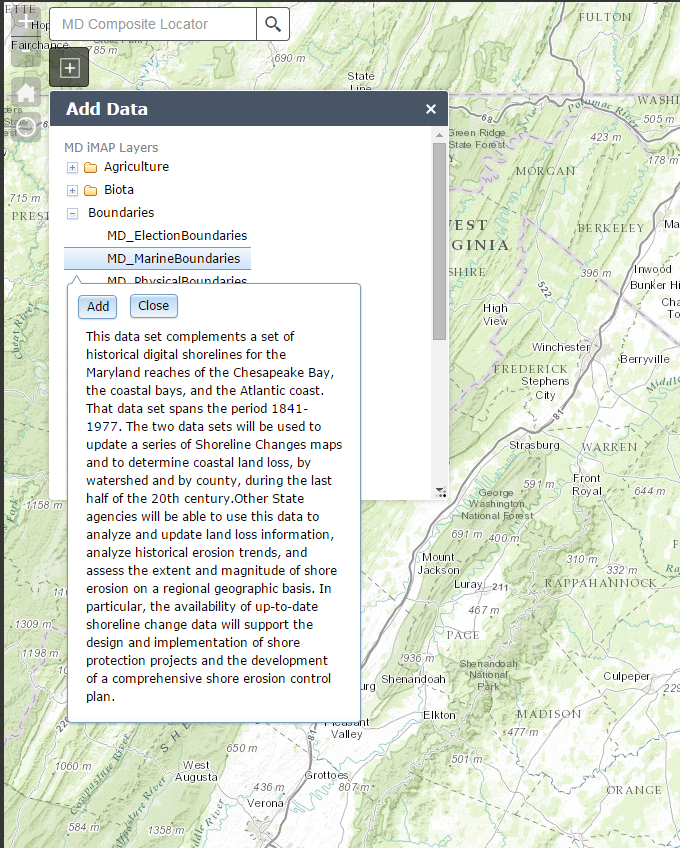
💡 It can be customized through the developer version of the web app builder to point to another either a local or external JSON file. The code for the layers just needs to be set up in the following pattern:
  {
    "name" : "geodata.md.gov",
    "id" : "root",
    "children" : [{
        "name" : "Agriculture",
        "id" :   "Agriculture",
        "url" :  "http://geodata.md.gov/imap/rest/services/Agriculture/",
        "children" : [{
            "name" :  "MD_AgriculturalDesignations",
            "id" :    "MD_AgriculturalDesignations",
            "url" :   "http://geodata.md.gov/imap/rest/services/Agriculture/MD_AgriculturalDesignations/MapServer/",
            "type" :  "MapServer"
        }]
    }]
  }