Snippets
All snippets will correspond to the shortest prefix possible for easier memorization. Typically, a snippet will be the first keyword without the bracket.
Due to Atom's advanced fuzzy search, you won't even have to finish typing the full snippet prefix, just a few characters that match will typically be enough to display the snippet/suggested results menu and then you can just select and hit enter to autocomplete.
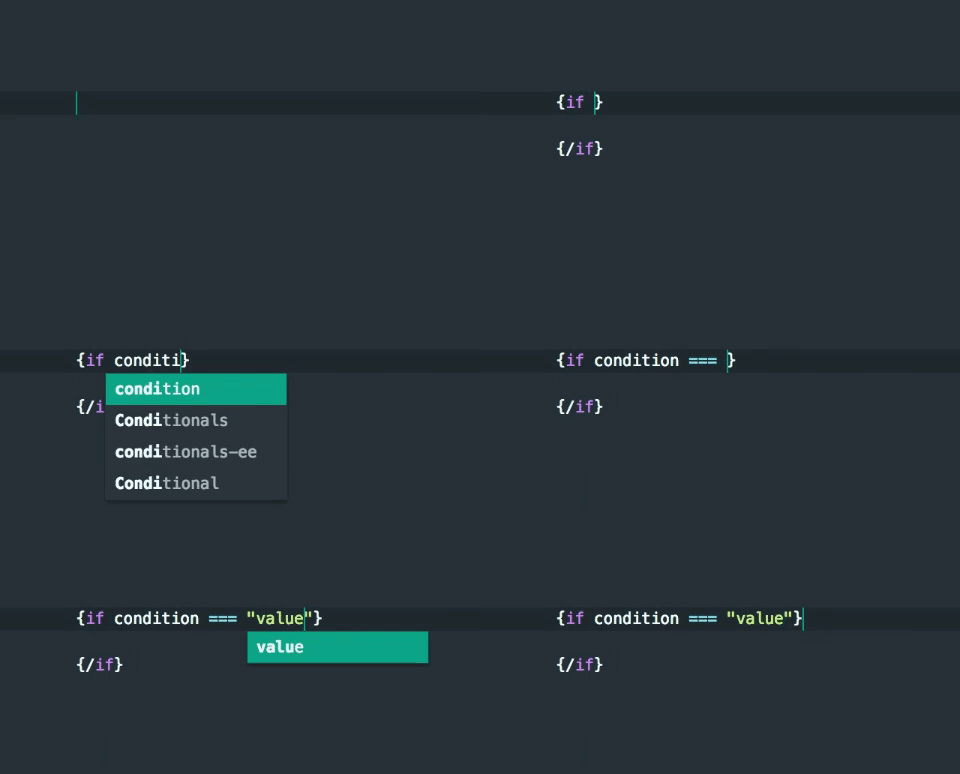
Cursors will be positioned appropriately for added convenience.
When trying to run a snippet inside of an html attribute or quotes, the auto-complete package in Atom runs a bit differently. You will have to hit tab to complete the snippet instead of hitting enter from the suggested results menu.