


- Quick Start
- vs dwm
- Features
- Screenshots
- Installation
- Usage
- Key Bindings
- Configuration
- How It Works
- Contributing
- Star History
- Related
- License
git clone https://github.com/tinyopsec/nwm
cd nwm
make && sudo make install
echo "exec nwm" >> ~/.xinitrc
startx
Note
The default terminal is st and the default launcher is dmenu_run. Change them in nwm.h before compiling if you use something else (see Configuration).
For display managers, place a session file at /usr/share/xsessions/nwm.desktop (see Usage).
nwm takes direct inspiration from dwm but diverges in a few concrete ways:
| Area | dwm | nwm |
|---|---|---|
| Lines of code | ~2000 | ~900 - fits in one reading session |
| RAM at idle | ~2-3 MB | ~1 MB - leaner process image |
| Tiling arithmetic | Can accumulate pixel remainder | Integer division, no drift |
| Gap support | Requires patching | Built in via gappx |
Mod+Tab behavior |
Inconsistent across patches | Deterministic XOR for both tags and layouts |
OpenBSD pledge(2) |
Not supported | Supported natively |
| POSIX compliance | Uses GNU extensions in places | Strict POSIX C99 throughout |
| Status bar | Built-in bar, requires patching to remove | No bar - use any external panel or none |
| Config complexity | ~100 lines of config + patch management | Single flat nwm.h, no patch stack |
| Audit surface | Large - bar, fonts, drawing code | Minimal - window management only |
dwm's bar and font rendering alone account for a significant portion of its codebase. nwm drops all of that. No drawing, no text, no color schemes beyond three border hex values.
If you already run a patched dwm, nwm is roughly what you end up with after applying the gaps and pertag patches - except the behavior is defined once, not assembled from diffs.
| Category | Details |
|---|---|
| Layouts | Tiling (master/stack), floating, monocle |
| Workspaces | 9 tags via bitmasks; windows may carry multiple tags |
| Mouse support | Move, resize, toggle floating via modifier + button |
| Gaps | Configurable gappx on all sides |
| Borders | Inactive, focused, and urgent colors at compile time |
| Fullscreen | Toggle via keybind or _NET_WM_STATE_FULLSCREEN |
| Urgent hints | XUrgencyHint and _NET_ACTIVE_WINDOW handled |
| Auto-float | _NET_WM_WINDOW_TYPE_DIALOG windows float automatically |
| EWMH | _NET_WM_STATE, _NET_ACTIVE_WINDOW, _NET_CLIENT_LIST, _NET_SUPPORTING_WM_CHECK |
| ICCCM | WM_DELETE_WINDOW, WM_TAKE_FOCUS, WM_NORMAL_HINTS, WM_HINTS |
| OpenBSD | pledge(2) support; also builds on FreeBSD |
| Compilation | Clean under gcc -std=c99 -pedantic -Wall -Wextra |
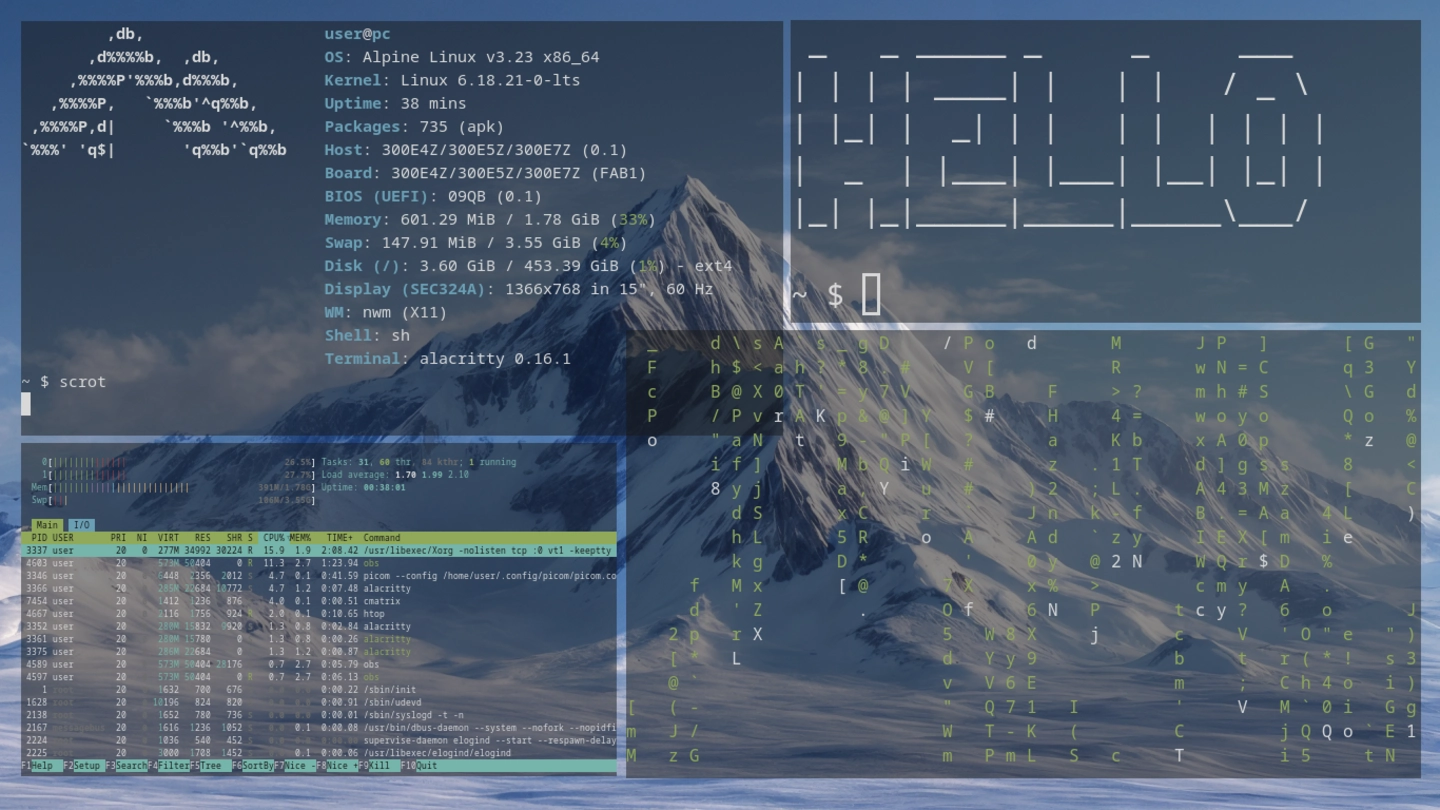
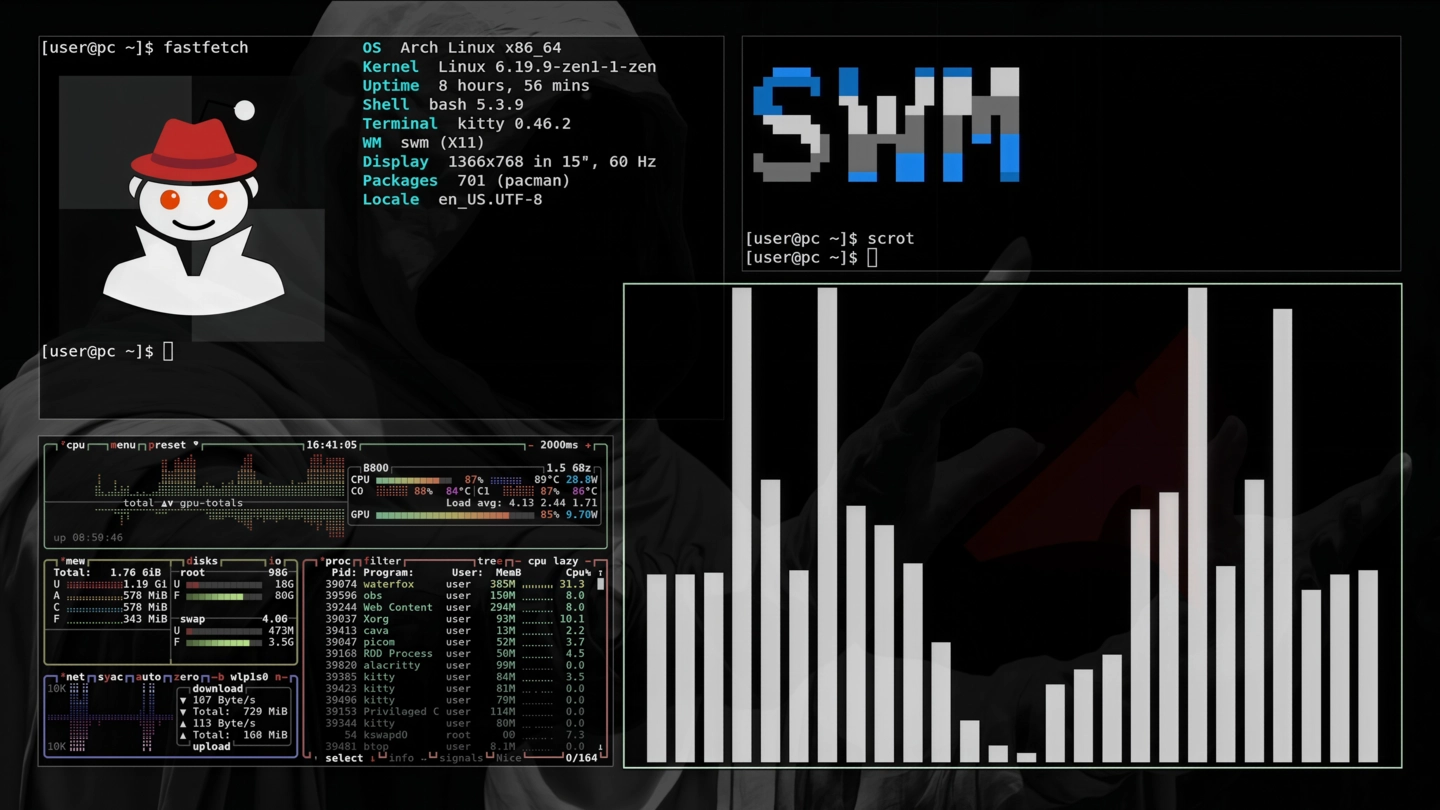
| Dependency | Arch | Debian / Ubuntu | Void | Alpine |
|---|---|---|---|---|
| Xlib | libx11 |
libx11-dev |
libX11-devel |
libx11-dev |
| C compiler | gcc or clang |
build-essential |
gcc |
build-base |
No runtime dependencies beyond Xlib.
git clone --depth 1 https://github.com/tinyopsec/nwm
cd nwm
make
sudo make install   # installs to /usr/local/bin/nwm
Change PREFIX in the Makefile to install elsewhere.
yay -S nwmPackage: aur.archlinux.org/packages/nwm
FreeBSD / OpenBSD / NetBSD / DragonFly
Install Xlib via the system package manager, then edit the top of the Makefile to point at your system's X11 paths. The relevant lines are already present but commented out:
# Uncomment for OpenBSD / FreeBSD:
# INCS = -I/usr/X11R6/include
# LIBS = -L/usr/X11R6/lib -lX11
Then build normally:
make && sudo make installnwm uses pledge(2) on OpenBSD automatically - no extra steps needed.
sudo make uninstallAdd to ~/.xinitrc:
picom &
feh --bg-scale ~/wallpaper.png &
exec nwm
nwm has no built-in autostart. Launch background processes from .xinitrc or a wrapper script before the exec line.
For display managers:
# /usr/share/xsessions/nwm.desktop
[Desktop Entry]
Name=nwm
Comment=Minimal tiling X11 window manager
Exec=nwm
Type=ApplicationDefaults in nwm.h:
static const char *termcmd[]  = { "st", NULL };
static const char *dmenucmd[] = { "dmenu_run", NULL };
To use alacritty and rofi:
static const char *termcmd[]  = { "alacritty", NULL };
static const char *dmenucmd[] = { "rofi", "-show", "run", NULL };
Important
Recompile after any change to nwm.h: make && sudo make install
The default modifier is Super (Win). To use Alt instead, change #define MODKEY Mod4Mask to Mod1Mask in nwm.h.
| Key | Action |
|---|---|
Mod + Return |
Spawn terminal |
Mod + d |
Spawn launcher (dmenu) |
Mod + j |
Focus next window in stack |
Mod + k |
Focus previous window in stack |
Mod + h |
Shrink master area by 5% |
Mod + l |
Grow master area by 5% |
Mod + i |
Increase master window count |
Mod + o |
Decrease master window count |
Mod + Space |
Promote focused window to master |
Mod + t |
Tiling layout |
Mod + f |
Floating layout |
Mod + m |
Monocle layout |
Mod + F11 |
Toggle fullscreen |
Mod + Shift + Space |
Toggle floating for focused window |
Mod + q |
Kill focused window |
Mod + Shift + e |
Quit nwm |
| Key | Action |
|---|---|
Mod + 1-9 |
Switch to tag |
Mod + Ctrl + 1-9 |
Toggle tag view (show alongside current) |
Mod + Shift + 1-9 |
Move focused window to tag |
Mod + Ctrl + Shift + 1-9 |
Toggle tag assignment on focused window |
Mod + 0 |
View all tags |
Mod + Shift + 0 |
Assign focused window to all tags |
Mod + Tab |
Return to previous tag view (XOR two-slot) |
Note
Mod+Tab is not a simple "previous tag" shortcut. It uses the same two-slot XOR mechanism as layout switching - it always restores the exact tag bitmask that was active before the last view change, including combined multi-tag views.
| Button | Action |
|---|---|
Mod + Button1 |
Move window |
Mod + Button2 |
Toggle floating |
Mod + Button3 |
Resize window |
Dragging or resizing a tiled window beyond snap pixels from its position automatically makes it floating. The snap threshold is configurable in nwm.h.
All bindings are defined in the keys[] and buttons[] arrays in nwm.h.
nwm is configured at compile time by editing nwm.h. There is no config file, no IPC, no reload mechanism.
Important
After every change to nwm.h, run make && sudo make install and restart nwm.
| Option | Default | Description |
|---|---|---|
borderpx |
2 |
Border width in pixels |
gappx |
6 |
Gap size between windows and screen edges |
col_nborder |
#1e1e1e |
Inactive border color |
col_sborder |
#7c9e7e |
Focused border color |
col_uborder |
#c47f50 |
Urgent window border color |
mfact |
0.5 |
Master area ratio (0.05-0.95) |
nmaster |
1 |
Initial number of master windows |
snap |
16 |
Edge snap / float-on-drag threshold in pixels |
attachbottom |
0 |
Set to 1 to append new windows at bottom of stack |
focusonopen |
1 |
Set to 0 to keep focus on the current window when a new one opens |
#define MODKEY Mod4Mask   /* Super / Win key */
// #define MODKEY Mod1Mask /* Alt key */static const char col_nborder[] = "#1e1e1e"; /* inactive */
static const char col_sborder[] = "#7c9e7e"; /* focused */
static const char col_uborder[] = "#c47f50"; /* urgent */nwm manages windows through a flat client list and a parallel focus stack. The tiling algorithm divides the screen into a master area and a stack area, computing tile sizes with integer arithmetic - no floating-point accumulation, no pixel drift across redraws.
Tags are bitmasks. Each client carries a tag bitmask; the active view is a bitmask. A client is visible when the bitwise AND of its tags and the current view is nonzero. This means one window can appear on multiple tags simultaneously.
Layout and tag history both use a two-slot XOR system. nwm keeps the current and previous values in a two-element array and flips an index bit on each change. Mod+Tab flips the index back - always returning to whatever was active before, whether that was a layout or a tag view.
flowchart TD
    start([Start]) --> chkwm[check for another WM]
    chkwm --> setup[setup: init display, atoms, colors,\ngrab keys, scan existing windows]
    setup --> run[run: main event loop]
    run --> next{XNextEvent}
    next -->|KeyPress| kp[KeyPress handler\nkp]
    next -->|ButtonPress| bp[ButtonPress handler\nbp]
    next -->|MapRequest| mapreq[MapRequest handler\nmapreq]
    next -->|ConfigureRequest| cfgreq[ConfigureRequest handler\ncfgreq]
    next -->|ClientMessage| cmsg[ClientMessage handler\ncmsg]
    next -->|DestroyNotify| destnot[DestroyNotify handler\ndestnot]
    next -->|EnterNotify| entnot[EnterNotify handler\nentnot]
    next -->|PropertyNotify| propnot[PropertyNotify handler\npropnot]
    next -->|UnmapNotify| unmapnt[UnmapNotify handler\nunmapnt]
    next -->|FocusIn| fcin[FocusIn handler\nfcin]
    next -->|MappingNotify| mapnot[MappingNotify handler\nmapnot]
    next -->|Other| run
    kp --> keyfn{execute key action}
    keyfn --> spawn(spawn process)
    keyfn --> killcl(kill client)
    keyfn --> quit(quit WM)
    keyfn --> view(view / toggle view)
    keyfn --> tag(tag client)
    keyfn --> tgltag(toggle tag on client)
    keyfn --> fcs(change focus)
    keyfn --> incnm(change master count)
    keyfn --> setmf(set master factor)
    keyfn --> setlt(set layout)
    keyfn --> zoom(zoom client)
    keyfn --> tglfs(toggle fullscreen)
    keyfn --> tglfl(toggle floating)
    bp --> btnfn{execute button action}
    btnfn --> mv(move client)
    btnfn --> tglfl
    btnfn --> rz(resize client)
    mapreq --> mg[mg: create Client struct,\nconfigure, add to list,\nmap window, arrange]
    cmsg --> cmsg_act{handle client message}
    cmsg_act --> setfs(set fullscreen state)
    cmsg_act --> seturg(set urgent state)
    destnot --> unmng[unmng: remove client,\nfree, update lists, arrange]
    entnot --> fc[fc: focus client under pointer]
    fcin --> setfocus[setfocus: restore input focus]
    propnot --> prop_act{update properties}
    prop_act --> updwmh(update WM hints)
    prop_act --> updtype(update window type)
    prop_act --> seturg
    unmapnt --> unmng
    mapnot --> grabkeys(grabkeys: reacquire key binds)
    mg --> ar
    unmng --> ar
    fc --> ar
    setfs --> ar
    fcs --> ar
    view --> ar
    tag --> ar
    tgltag --> ar
    incnm --> ar
    setmf --> ar
    setlt --> ar
    zoom --> ar
    tglfl --> ar
    mv --> ar
    rz --> ar
    spawn -.->|fork+exec| app([external app])
    ar[ar: rearrange layout\ntile / monocle]
    ar --> shide[shide: hide/show/resize clients]
    shide --> rst[rst: restack windows]
    run -->|running = 0| cleanup[cleanup: free clients,\nungrab keys, destroy windows]
    cleanup --> stop([Stop])
Bug reports and patches are welcome via GitHub Issues and pull requests.
Code requirements
- No comments in production code
- No external dependencies
- No over-abstraction or wrapper layers
- Compiles clean:
gcc -std=c99 -pedantic -Wall -Wextra - Total source stays under 1000 lines
Optional features behind #ifdef or compile-time constants are considered. Core event loop changes are reviewed carefully.
Suckless ecosystem
| Project | Link |
|---|---|
| dwm | dwm.suckless.org |
| st terminal | st.suckless.org |
| dmenu | tools.suckless.org/dmenu |
| suckless.org | suckless.org |
Specifications
| Spec | Link |
|---|---|
| EWMH | freedesktop.org |
| ICCCM | x.org |
| Xlib manual | x.org |
Packages
| Distro | Link |
|---|---|
| AUR (Arch) | aur.archlinux.org/packages/nwm |
MIT. See LICENSE for details.