Agent-first pipeline from drone footage to an edited film. It analyzes camera-motion smoothness (OpenCV), helps judge the footage's appeal and pace, cuts the chosen shots into uniform clips, splices them into a montage with crossfade transitions (ffmpeg), adds AI-generated music (Stable Audio) and prepares YouTube publishing assets (thumbnail + title + description).
Important
Bring your own agent and LLM. Shotpilot is not a standalone app and has no built-in AI: you drive it through an AI coding agent you already use, such as Claude Code, Codex CLI or OpenCode, with whatever LLM subscription or API costs that agent comes with. Without an agent it is a regular command-line tool you operate by hand.
Project page: shotpilot.video (source in site/).
Created by Tomek Skupinski.
Agent-first means the primary operator is an AI coding agent: the human
drops in footage, says what they want and approves decisions; the agent runs
the CLI, looks at the generated review images, applies the codified decision
rules and asks when a call is genuinely the human's to make. Built for
Claude Code and works with any agent that
reads AGENTS.md and the open Agent Skills format (e.g.
Codex CLI via .codex/skills,
OpenCode via its Claude Code compatibility). Everything
also works by hand — the CLI is a normal command-line tool with --json output.
Films made end-to-end with this pipeline — selection, pacing, montage with crossfades and the YouTube publishing assets were all driven by the agent through the CLI:
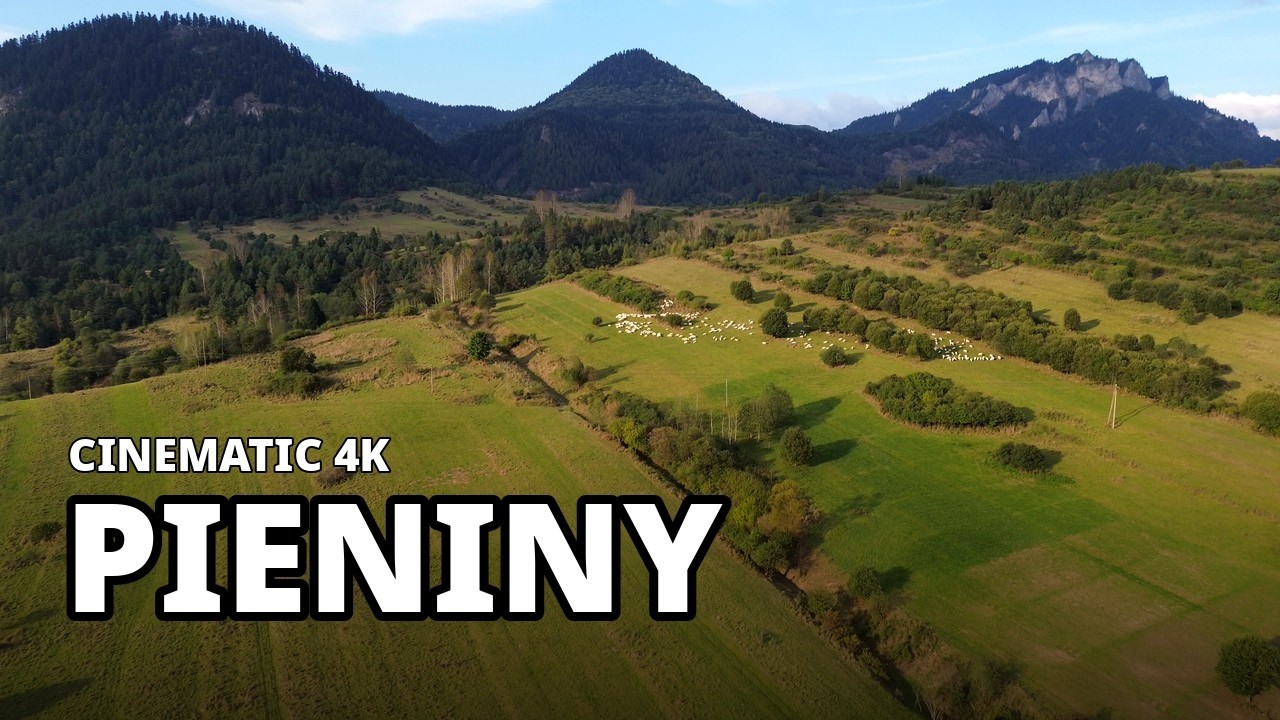
Pieniny — Three Crowns & the Dunajec — Cinematic 4K Drone Film
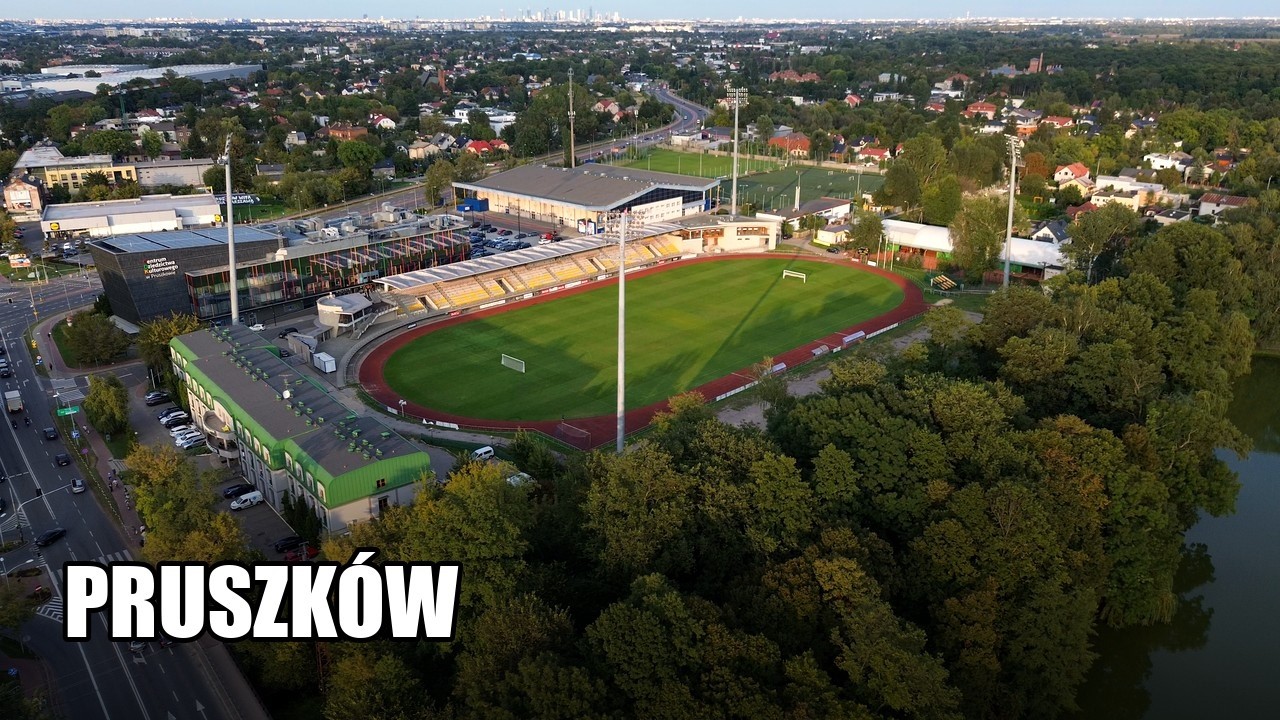
Pruszków, WKD Komorów — 4K DJI Mini 3 Drone Video
- You need to bring your own AI agent. There is no bundled model, no API key to paste, no "AI inside": the intelligence comes from the coding agent you run in this repo (Claude Code, Codex CLI, OpenCode, ...), and you pay for that agent's LLM usage yourself, separately from this tool.
- Early days. This is the beginning of the project, and it has been largely vibe-coded — built iteratively with an AI agent around one person's real workflow, not engineered as a product. Expect rough edges, missing features and breaking changes.
- It can be very resource-hungry. Selection, speed variants and montage
renders re-encode 4K video with x264 (roughly 4× real time per clip) and
--smoothmotion interpolation needs ~6 GB RAM per clip on top of that. A full run over an SD card's worth of footage keeps all CPU cores busy for a long while — be careful on a machine you're using for other work. - Back up your footage. The pipeline is designed to never modify or delete originals (selects are re-encoded copies, cleanup is archiving), but this is young software driven by an AI agent: always keep your own backup of the source footage. Use at your own risk — no responsibility is taken for any data loss (see LICENSE).
- An AI coding agent (Claude Code, Codex CLI, OpenCode, ...) with its own LLM access - the intended way to use shotpilot; strictly optional only if you want to drive the CLI by hand
- Python ≥ 3.10 and a venv (the
./shotwrapper expects.venv/) - ffmpeg / ffprobe on
PATH - macOS or Linux (the manifest locking uses
fcntl; no Windows support) - Optional: a Stability AI API key — only for
shot music --generate(paid; everything else is free and offline)
python3 -m venv .venv && .venv/bin/pip install -r requirements.txt # once- Drop your footage into
input/— or point at another folder (e.g. an SD card):./shot config --input-dir /Volumes/SDCARD(persistent,--resetrestores the default), or one-off:SHOT_INPUT_DIR=/Volumes/SDCARD ./shot status. - Open your coding agent (Claude Code, Codex CLI, OpenCode, ...) in the repo
and say e.g. "review the new footage" (skill
shot-review), "check the pacing" (pace-review), "edit the film" (montage), or "autopilot" (autopilot— selection + pacing with no questions asked, with a decision report inoutput/autopilot-report.md). - Results:
output/selects/(clips for the montage),output/cuts/(rendered films),output/<name>/report.html(smoothness reports). - To review the agent's work visually, run
./shot ui— a local, read-only web UI with the selects gallery (thumbnails, stars, tags, decision notes), the cut sequences and every source file, with in-browser playback of both the clips and the original 4K footage.
./shot status shows the whole project state at any point; the manifest
output/project.json is the persistent source of truth for every decision.
Everything the agent decided, one ./shot ui away — stars, tags, decision
notes and the range each select was cut from, with the clips and the original
4K sources playing right in the browser:

The cuts view mirrors the montage: sequence order with a running timeline, speed variants, render and music state:

One interface for humans and agents, named after the domain object it works
on — the shot (and after Shotpilot itself). All commands take multiple
files (native batch) and support --json (result on stdout, logs on stderr,
exit != 0 on error). Full flag semantics: ./shot <command> --help.
| Command | Purpose |
|---|---|
./shot status |
project dashboard: inputs, selects with ratings/notes, sequence, render, music, publishing |
./shot ui |
the same state as a read-only web UI: selects gallery, cut sequences, inputs — with video preview (localhost, blocks until Ctrl-C) |
./shot scan FILE... |
smoothness analysis + contact sheet in one pass (mtime cache) |
./shot sheet FILE... |
contact sheet alone (a scan already makes one) |
./shot frames FILE T... |
1280px evaluation frames at given seconds |
./shot jitter FILE --from A --to B |
settles jitter vs a smooth maneuver within a range |
./shot select FILE A B --label X |
cut a select from the source + manifest entry (--stars, --note); --plan FILE.jsonl cuts a whole batch and resumes after interruptions |
./shot pace --selects |
screen pace (% of frame width/s) + speed-up recommendation; --profile finds dull stretches for shot trim |
./shot speed CLIP N |
sped-up variant _xN |
./shot tag CLIP... |
content tags (scene/shot/light/role) + metadata; --reject/--unreject |
./shot trim CLIP A B |
re-cut a select from the SOURCE; variants and pace refresh automatically |
./shot sequence [FILE...] |
montage order + lint (variety, narrative structure); --target SEC; no args: preview |
./shot montage |
splice the sequence (crossfade = re-encode; --xfade 0 = stream-copy draft; --smooth = motion interpolation for mixed frame rates) |
./shot smooth [CLIP...] |
warm the interpolation cache before a final --smooth render |
./shot locate [T | FILE] |
read-only mapping montage timeline ↔ source shots |
./shot grade |
color grading, non-destructive (baked at montage render): --analyze color stats, per-select corrections, the cut's look (--look preset / --look-lut .cube), log normalize (--source --input-lut), --preview before/after grid |
./shot music |
--generate (Stable Audio, paid), --probe (loudness/energy analysis), TRACK... = mux onto the render |
./shot publish |
YT thumbnail (--frame), title + description (--title --description-file) |
./shot archive NAME |
move the whole output/ state to archive/<date>_<name>/ + clean start |
./shot restore ARCHIVE |
bring an archived project back into output/ (reverses archive) |
./shot config |
machine configuration: input folder, worker cap (--jobs), hardware acceleration (--hwaccel) |
./shot validate |
check the manifest, summaries and config against the JSON Schema contract (pipeline/schemas/) |
Alternative versions of the same footage: sequence/montage/smooth/locate/
music accept --cut NAME — each cut keeps its own sequence, target, render and
music in the manifest (skill version).
pipeline/motion.py— global camera transform per frame (feature tracking → optical flow → affine): dx, dy, rotation, zoom; analysis at 640 px over an ffmpeg pipe, cached inmotion.csv.pipeline/segments.py— smoothness scores the acceleration of motion (rolling RMS): a fast uniform flyover is smooth, a jerk is an acceleration spike. Hysteresis + merging + minimum length.pipeline/pace.py— screen pace (median of translation+dolly+rotation, % of frame width per second); speed-ups viasetpts(no audio).pipeline/report.py/contact.py—review.png(plot + KEPT/CUT thumbnails) andcontact.png— at-a-glance review artifacts for the agent or the human.pipeline/montage.py/lint.py— crossfade splicing on a shared timeline formula, sequence linting for variety and narrative structure.
Decision criteria (star ratings, pacing calibration, tag vocabulary, ordering
rules, thumbnail/title patterns) are codified in docs/decision-rules.md —
the agent workflows in .claude/skills/ all point there.
- Source footage is never modified; selects are re-encoded copies.
- Renders and paid operations (music generation) happen only after approval; music generation has explicit cost gates in the decision rules.
- Cleanup is archiving (
shot archivemoves, nothing deletes);shot restorebrings a project back.
.env(gitignored) —STABILITY_API_KEYfor music generation.config.json(gitignored) — machine config, written byshot config.publish-template.txt(gitignored) — your channel's YouTube description boilerplate; copypublish-template.example.txtto start.CLAUDE.local.md(gitignored) — facts about your footage and preferences for the agent, loaded alongsideAGENTS.md.luts/(in git, ships empty) — drop your own.cubefiles here: log→Rec.709 conversions forshot grade --source --input-lutand creative looks for--look-lut;shot grade --list-lookslists what it finds.
./tests/smoke.sh # full cycle on synthetic video (~1 min), exit 0 = OK- Output structure for multiple projects (currently one project = one
output/).
MIT.
The landing page in site/ embeds Latin subsets of three open-source font
families (Bricolage Grotesque, Instrument Sans, Spline Sans Mono), which are
licensed separately under the SIL Open Font License 1.1 - see
site/fonts/OFL.txt.