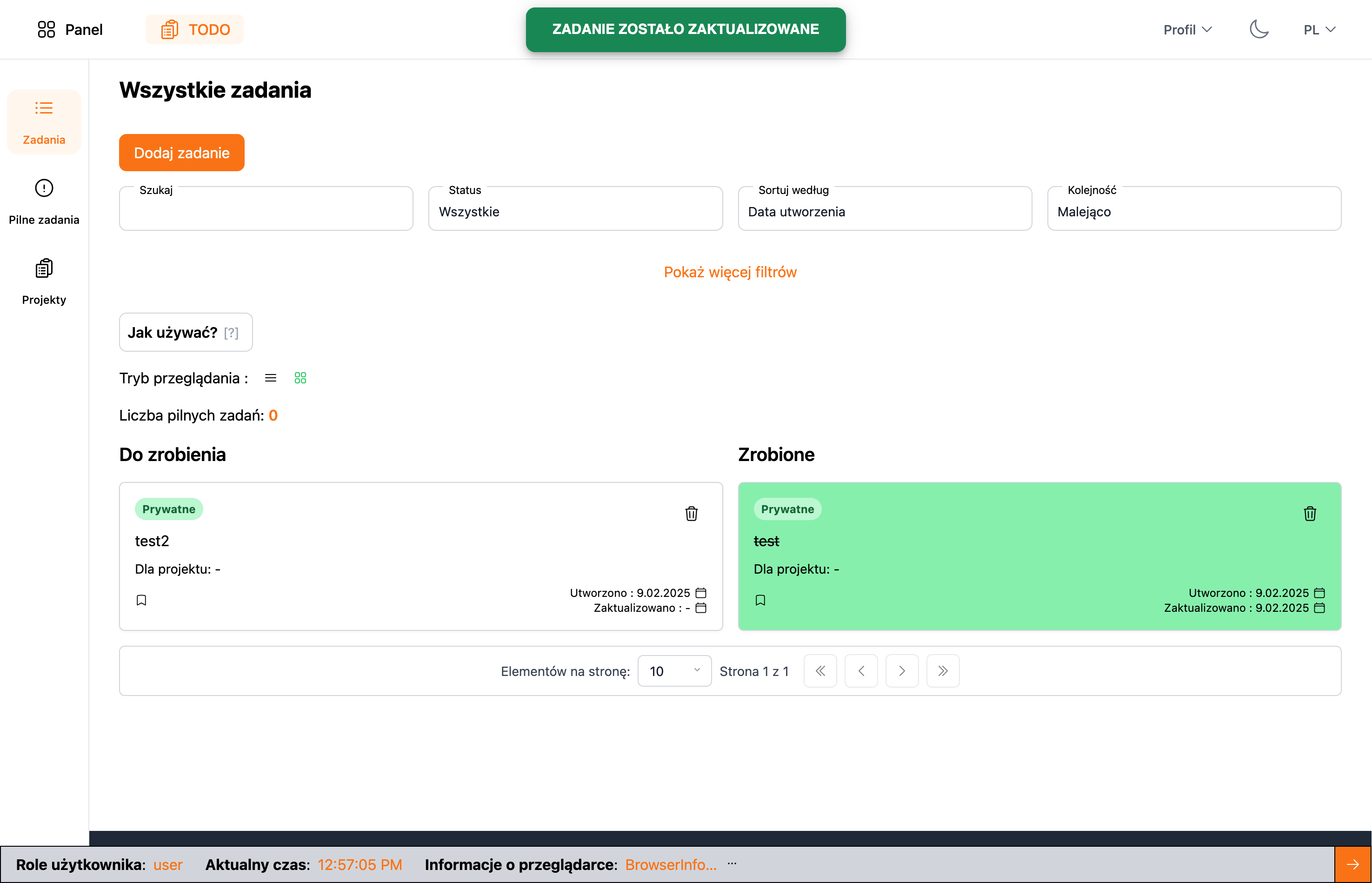
A web application for managing projects and tasks for specific projects. The application consists of a monorepo containing separate back-end and front-end applications.
- NestJS (Fastify adapter)
- TypeORM
- PostgreSQL
- Jest
- OpenAPI (Swagger)
- Angular
- RxJS
- NGXS
- Tailwind CSS
- JWT authentication - the application uses JWT tokens for user authentication and includes a token refresh mechanism (http only secure cookie)
- the application allows logging in on multiple devices simultaneously
- the application includes an exception handling mechanism
- the application includes a logging mechanism
- the application is fully translated into English and Polish
- the application includes an email sending mechanism, separate for dev and prod (strategy pattern)
- the application includes a file handling mechanism (strategy pattern)
- the application includes a recurring task handling mechanism (cron)
- the application uses WebSockets for real-time notifications
- the application has separate environments for dev and prod
- the application has a separate configuration file
- the application includes RBAC (Role Based Access Control)
- the application includes CLS (Continuation Local Storage)
- API documentation is written using OpenAPI (Swagger)
- and many other features that can be found in the application code
- the application includes a state management system using NGXS
- the application is fully translated into English and Polish
- the application includes custom Tailwind CSS theme with dark/light mode support
- components are fully reusable, written according to DRY principles and using Atomic Design methodology
- the application is written according to new Angular standards - including the use of signals
- and many other features that can be found in the application code
- Turborepo for script automation and monorepo structure management
- ESLint and Dprint for static code analysis and maintaining consistent code quality
- Docker for development environment
Note: During application development, SOLID principles, DRY, composition over inheritance, dependency injection, design patterns, architectural patterns, testing, and other good programming practices were applied.
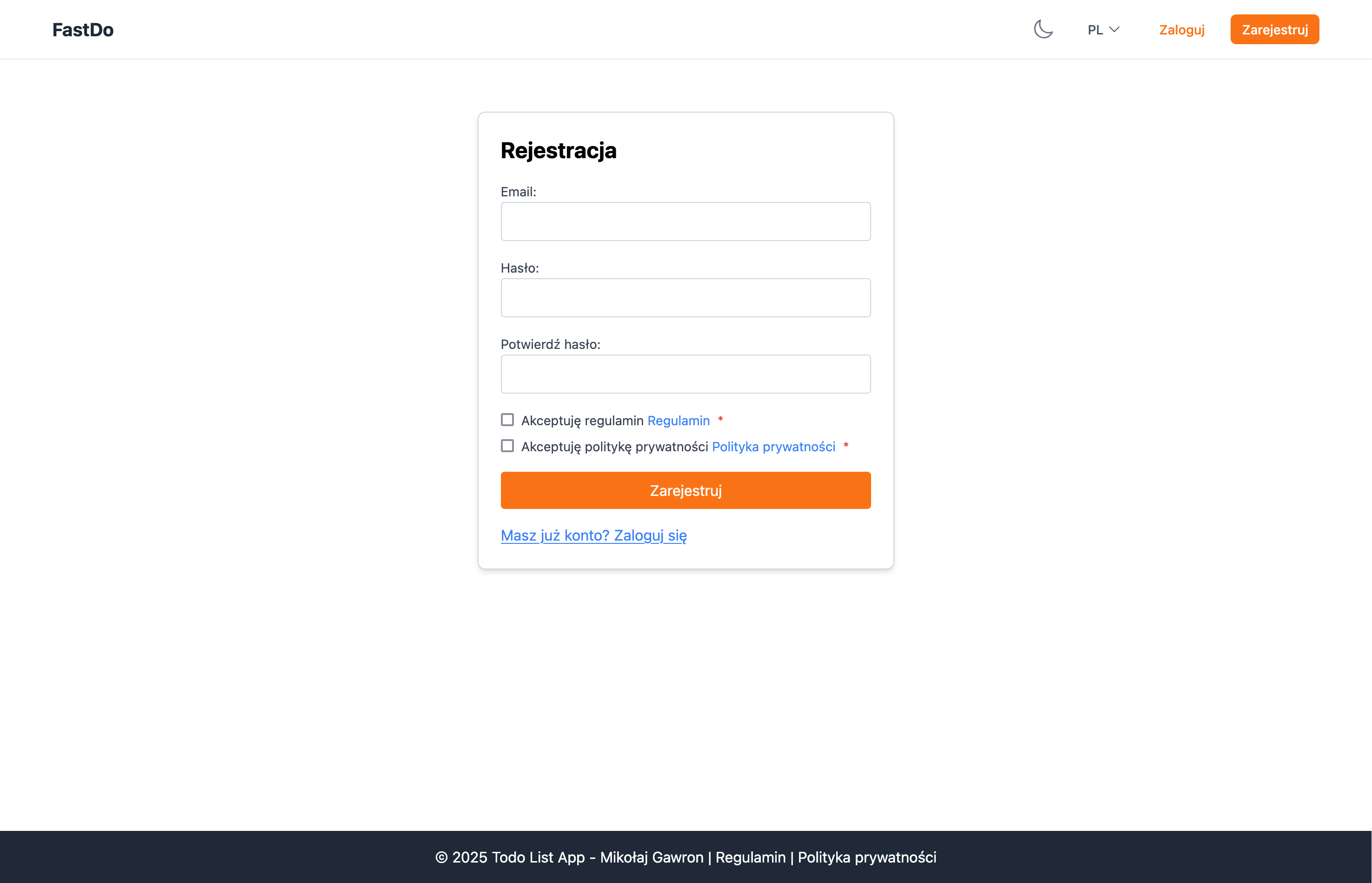
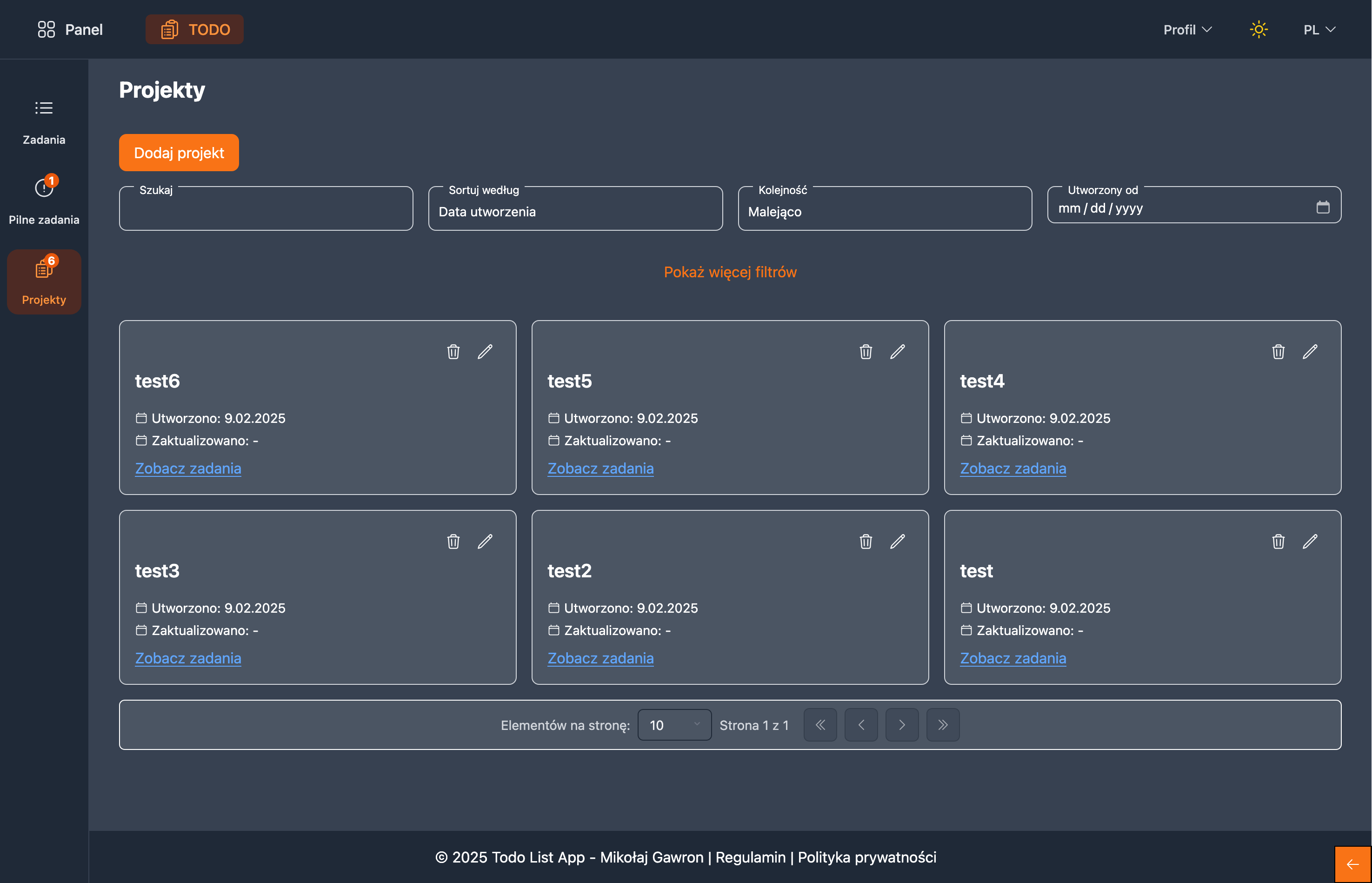
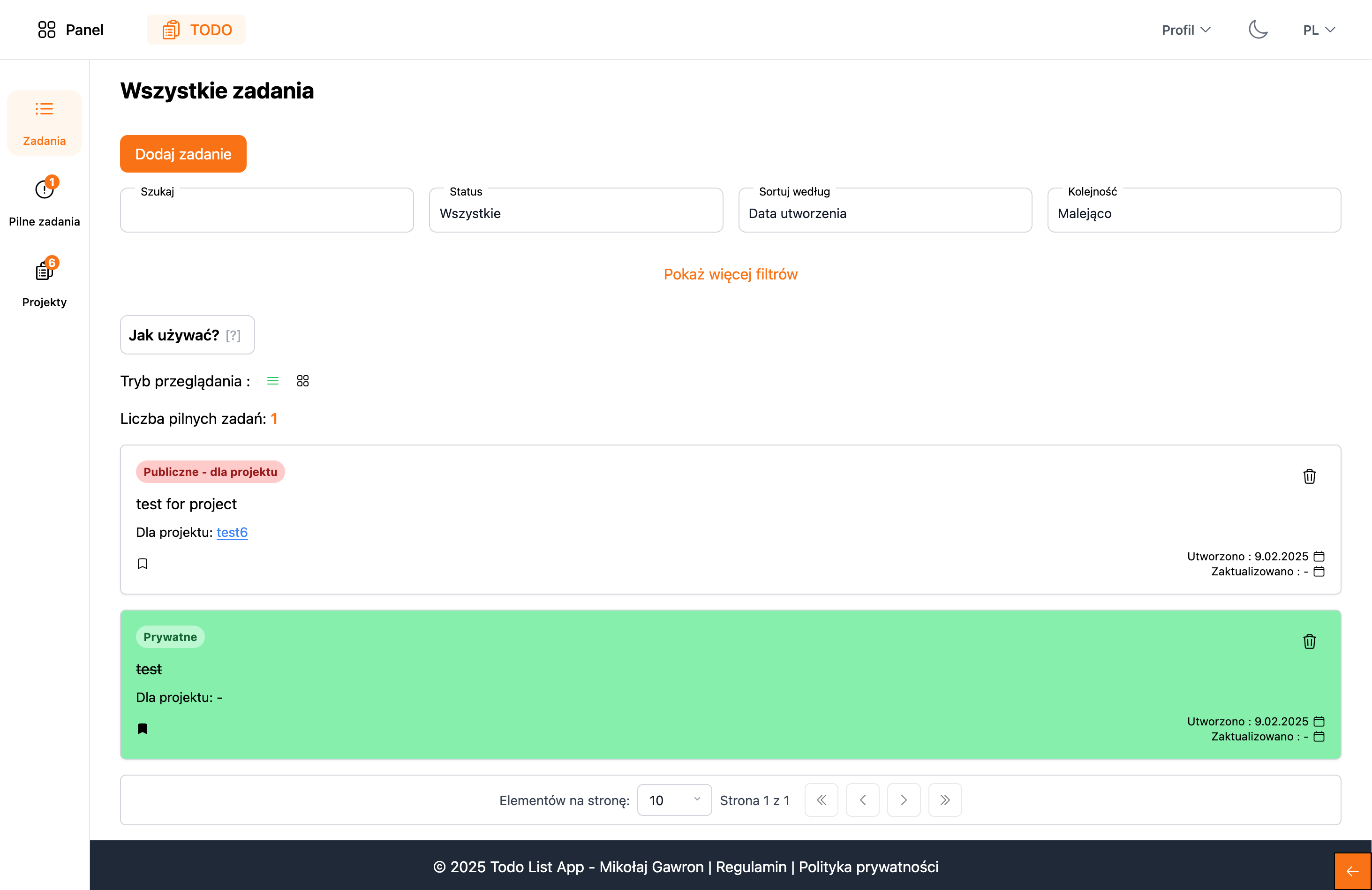
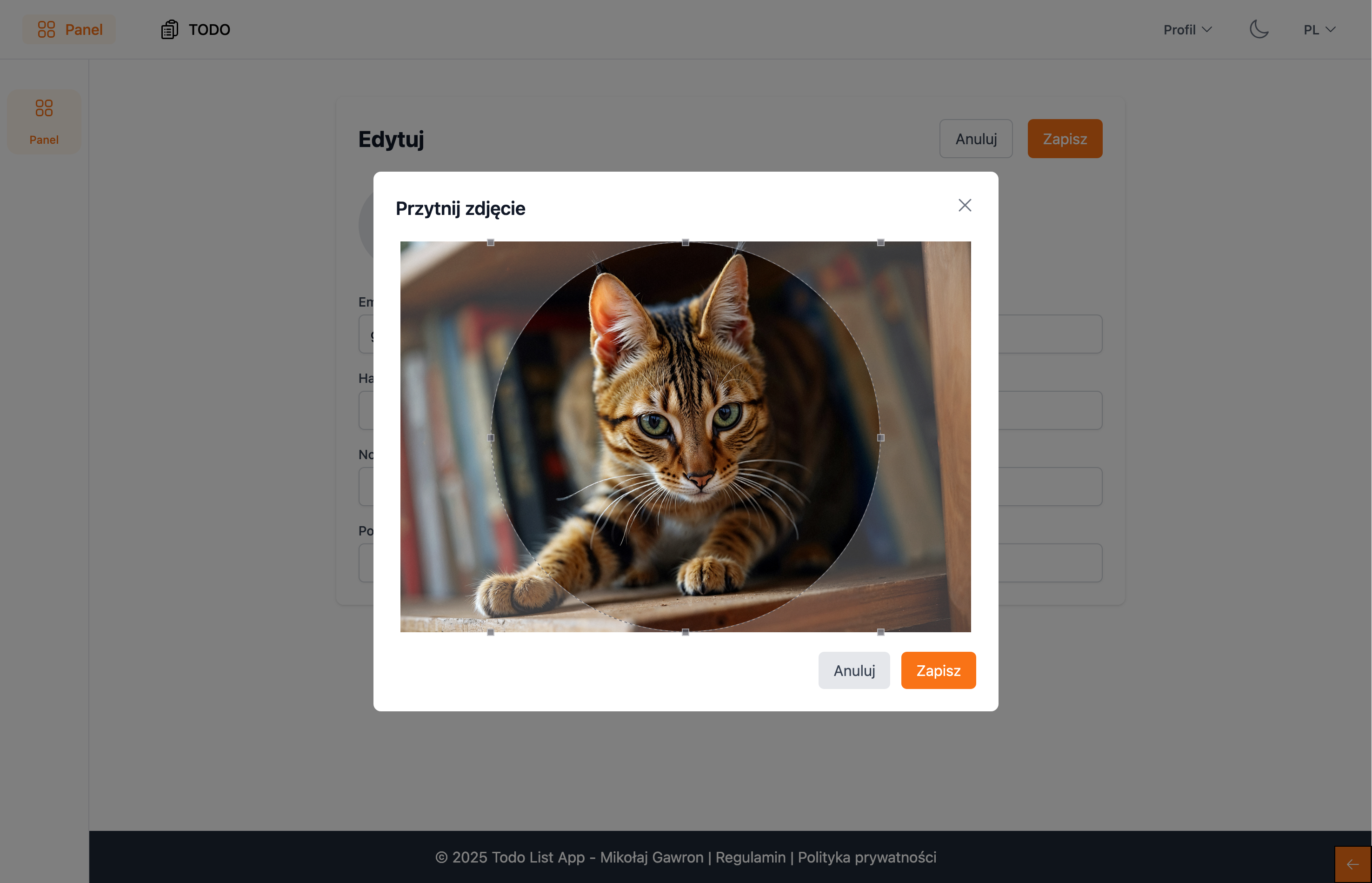

- Download the project to your local environment
- run:
pnpm install
# or
npm install
Note: at this point, all dependencies needed to run the project will be installed and .env files will be created in the back-end structure
- In the created .env files, define your own API keys and configuration data.
- In the front-end structure, define your API address in the
environment.tsfile
If you want to run the project locally:
- Check if you have a database running, the project uses
PostgreSQLdatabase - run:
pnpm run dev
# or
npm run dev
If you want to run the project in Docker containers:
- copy the
.env.docker.dev.examplefile to.envin the main project directory - run:
docker-compose -f docker-compose.dev.yml --env-file .env up -dBy default, if you use one of the above paths:
- the back-end application should be available at http://localhost:3000
- the front-end application should be available at http://localhost:4200
Paste the addresses into your web browser.