(日本語の説明は下部をご覧ください / Japanese version below)
Cursor Avatar is a free desktop companion app — click anywhere on your screen and your VRoid (VRM) avatar appears near your cursor, nodding, smiling, striking a cute pose, and cheering you on with a speech bubble. 🥰
Cursor Avatar is a spin-off of AI Avatar. AI Avatar is a free app where your VRoid (VRM) avatar cheers you with all its might. Lives in your VS Code sidebar or browser side panel.
Jump to: ✨ Features · 📖 Details · 🗺️ Roadmap
Click for the YouTube demo ↓
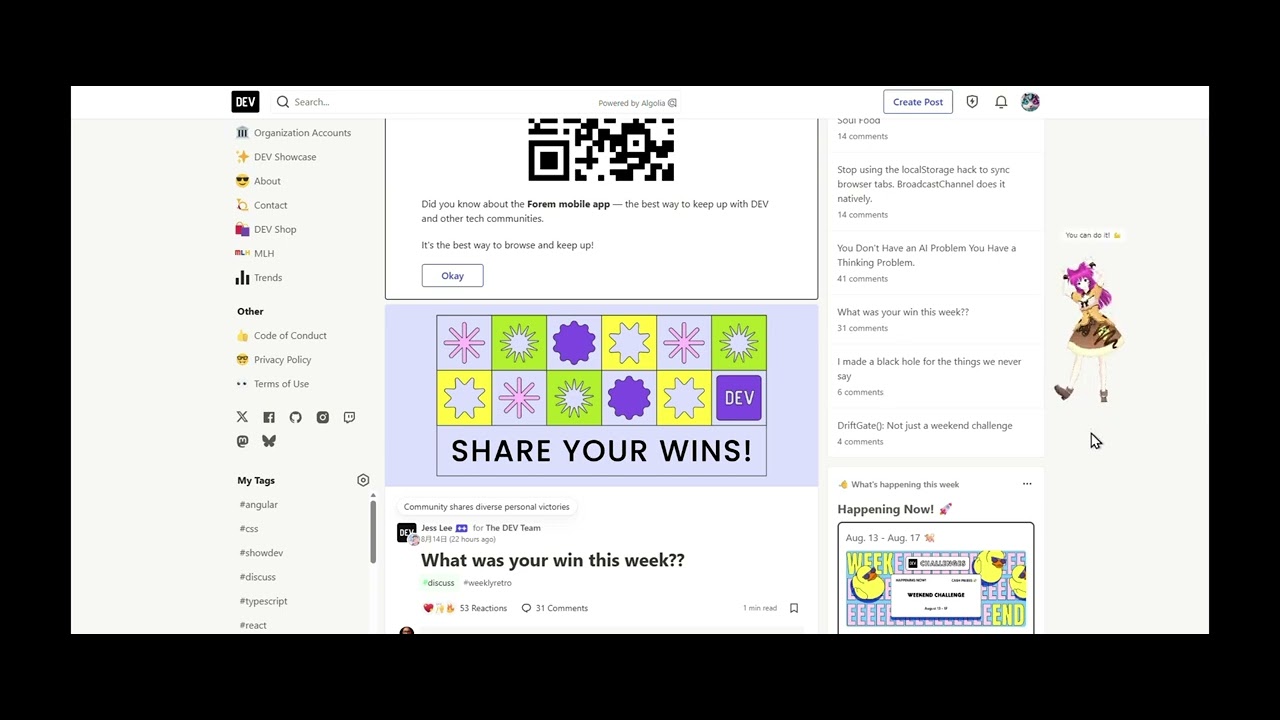
🛒 Download from GitHub Releases
- 🖱️ Click anywhere — avatar pops up near your cursor on every global click
- 💃 Cute animations — nod, smile, and a random cute pose on each appearance
- 💬 Speech bubble — encouraging message with every reaction
- ⏱️ Auto fade — avatar fades out after 3 seconds
- 👻 Hover to dim — avatar fades to 25% opacity when cursor is over it; red X button dismisses instantly
- 🔁 Change Avatar — swap the VRM character anytime from the system tray
- 🌐 Language toggle — switch speech bubble messages between EN and JP from the tray menu
- 🚀 Launch at startup — toggle auto-start at Windows login from the tray menu
- Download
Cursor-Avatar-win.zipfrom GitHub Releases (not "Source code") - Extract all and double-click
Cursor Avatar.exe— no installation needed - If Windows SmartScreen warns you, click More info → Run anyway (the app is safe but not yet code-signed)
- The app starts in the system tray
- Click anywhere on your screen — your avatar appears!
Right-click the tray icon → Change Avatar → select any .vrm file. Your choice is saved automatically and restored on next launch. If you move the .vrm file, select it again from the tray.
You can create your own 3D avatar for free using VRoid — no 3D modeling skills needed. Design your character and export it as a .vrm file.
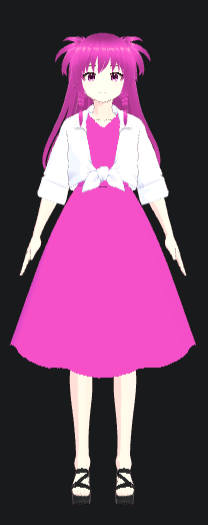
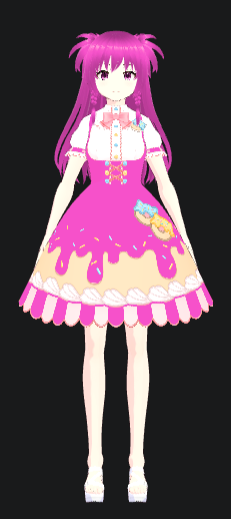
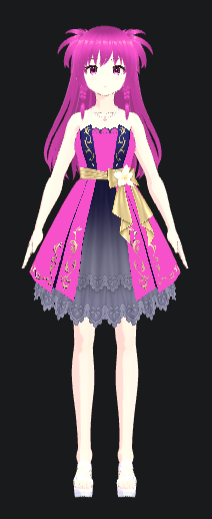
Or use the Candy Pink sample avatar — a kind and cheerful girl. Good at making fake smiles.
| v2 | v3 | v4 | v5 | v6 | v7 | v8 cat |
|---|---|---|---|---|---|---|
 |
 |
 |
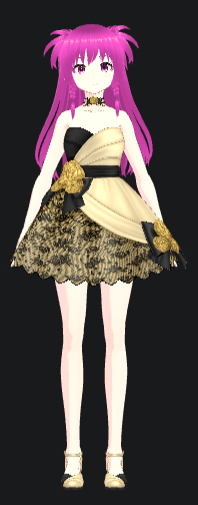 |
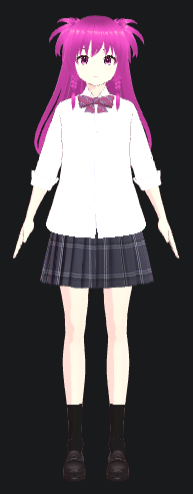 |
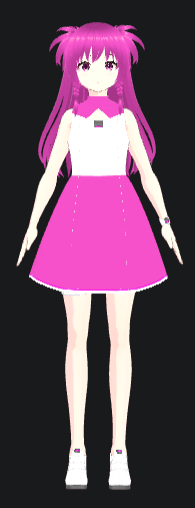 |
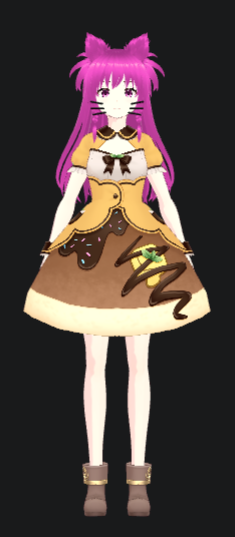 |
👉 Download Candy Pink from GitHub
Right-click the tray icon → Language: EN to switch to JP, or Language: JP to switch back to EN.
Speech bubble messages will show in the selected language. The setting is saved automatically and restored on next launch.
Right-click the tray icon → Launch at Startup: ON/OFF to toggle. When ON, Cursor Avatar starts automatically when you log in to Windows.
If you move the
.exe, toggle Launch at Startup OFF then ON again to re-register the new location.
Right-click the tray icon → Quit.
v1 ✅
- 🎉 Cursor Avatar initial release!
v2 — Now creating!
- 🍎 Mac support
- Other fun updates!
Cursor Avatar は無料のデスクトップ companion アプリです。画面のどこかをクリックするとカーソルの近くに VRoid(VRM)アバターが現れ、うなずいて微笑んでかわいいポーズを決め、吹き出しで応援してくれます。🥰
Cursor Avatarは AI Avatar のスピンオフ。AI AvatarはVRoid(VRM)アバターが全力で応援してくれる無料アプリ。VS Code サイドバーやブラウザのサイドパネルで動作します。
Click for the YouTube demo ↓
- 🖱️ どこでもクリック — 画面上のクリックでカーソル付近にアバターが出現
- 💃 かわいいアニメーション — 出現のたびにうなずき・笑顔・ランダムポーズを再生
- 💬 吹き出し — リアクションのたびに励ましメッセージを表示
- ⏱️ 自動フェード — 3秒後に自動でフェードアウト
- 👻 ホバーで半透明 — カーソルが重なると25%透明に、赤い×ボタンで即閉じる
- 🔁 アバター変更 — システムトレイからいつでも VRM キャラを変更可能
- 🌐 言語切替 — トレイメニューから吹き出しメッセージを EN/JP で切り替え
- 🚀 自動起動 — トレイメニューから Windows ログイン時の自動起動をトグル
- GitHub Releases から
Cursor-Avatar-win.zipをダウンロード ("Source code" ではなく) - すべて展開して
Cursor Avatar.exeをダブルクリック — インストール不要 - Windows SmartScreen の警告が出た場合は 詳細情報 → 実行 をクリック(コード署名未対応ですが安全です)
- アプリがシステムトレイに常駐します
- 画面のどこかをクリック — アバターが現れます!
トレイアイコンを右クリック → Change Avatar → .vrm ファイルを選択。選択したアバターは自動保存され、次回起動時に復元されます。.vrm ファイルを移動した場合は、トレイから再度選択してください。
VRoid を使えば3Dモデリングの知識なしに無料でオリジナルアバターを作れます。キャラクターをデザインして .vrm ファイルとしてエクスポートしてください。
サンプルアバター Candy Pink もご利用いただけます — 優しく明るい女の子。作り笑いが得意。
| v2 | v3 | v4 | v5 | v6 | v7 | v8 cat |
|---|---|---|---|---|---|---|
|
|
|
|
|
|
|
👉 Candy Pink を GitHub からダウンロード
トレイアイコンを右クリック → Language: EN で JP に切り替え、Language: JP で EN に戻します。
選択した言語で吹き出しメッセージが表示されます。設定は自動保存され、次回起動時に復元されます。
トレイアイコンを右クリック → Launch at Startup: ON/OFF でトグル。ON のとき、Windows ログイン時に Cursor Avatar が自動で起動します。
.exeを移動した場合は、Launch at Startup を一度 OFF にしてから ON に戻すと再登録されます。
トレイアイコンを右クリック → Quit
v1 ✅
- 🎉 Cursor Avatar 初回リリース!
v2 — Now creating!
- 🍎 Mac 対応
- 他の楽しいアップデート!