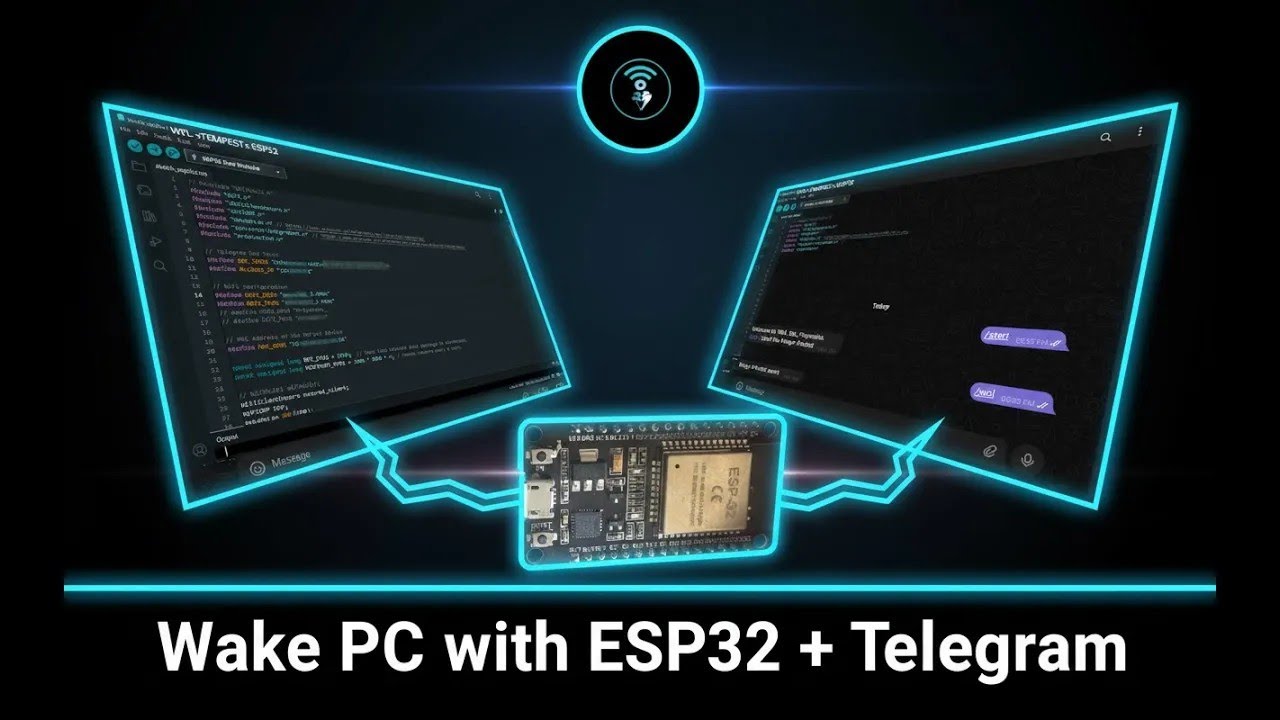
| An ESP32-based Telegram bot that can remotely power on your PC using Wake-on-LAN (WOL) magic packets. This project turns a low-power ESP32 dev board into a dedicated device for waking your PC from anywhere, controlled securely through your personal Telegram account. |

|
- Wake your PC from anywhere with
/wolcommand - Controlled securely via Telegram Bot Token + User ID
- Lightweight, low-power solution (ESP32 uses <0.5W)
- Automatic reboot every 4 hours to prevent freezes
- Works without Raspberry Pi, static IP, or local servers
- Board: ESP32-WROOM-32 Dev Kit (SquadPixel, DOIT DevKit V1, etc.)
- Install Arduino IDE
- Add ESP32 board package (
https://dl.espressif.com/dl/package_esp32_index.json) in File → Preferences - Install CP210x USB-to-UART Bridge drivers
- In Arduino IDE, select Board → ESP32 Arduino → DOIT ESP32 DEVKIT V1
Here’s how the Arduino IDE looks once configured:

- In Telegram, search @BotFather →
/newbot - Copy the Bot Token it provides
- Get your Telegram User ID via @userinfobot
- Save both — they’ll be added into the code
Install required libraries in Arduino IDE:
Update the .ino file with your credentials (use placeholders before pushing to GitHub):
#define BOT_TOKEN  "your_bot_token_here"
#define ALLOWED_ID "your_user_id_here"

#define WIFI_SSID  "your_wifi_ssid"
#define WIFI_PASS  "your_wifi_password"

#define MAC_ADDR "XX:XX:XX:XX:XX:XX" // target PC MAC address- Connect ESP32 via USB and select correct COM port in Arduino IDE
- Upload the sketch
- Open Serial Monitor to confirm WiFi + Telegram connection
Here’s the ESP32 board used in this project:

Once powered, the ESP32 automatically connects to WiFi + Telegram and listens for commands.
/start→ shows available commands/wol→ sends the magic packet, waking up your PC
Example bot interaction:

Here’s a live demo of the project in action:
This project was inspired and adapted from: