Home
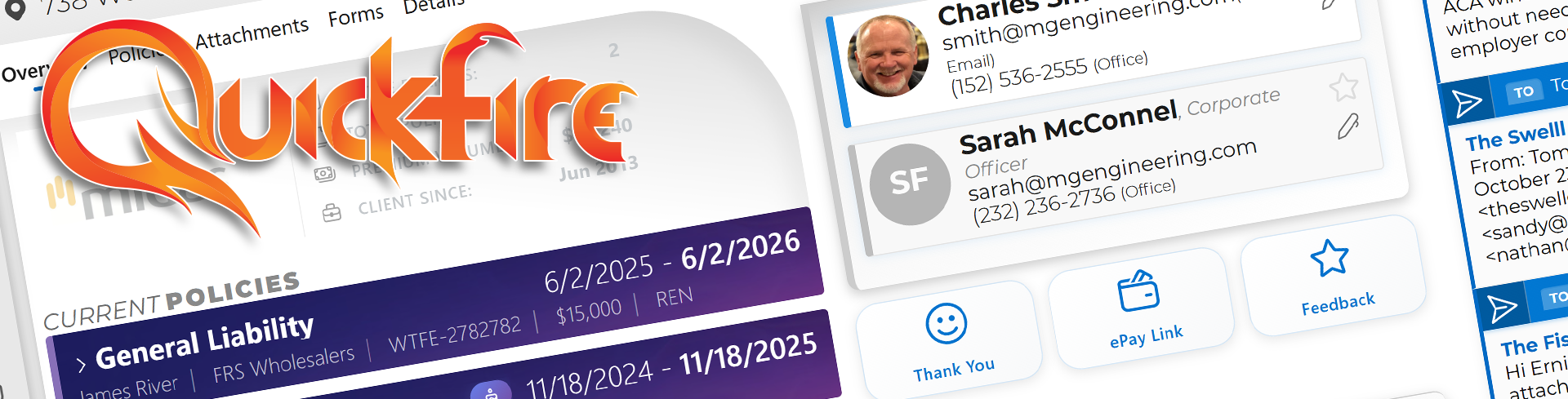
Quickfire is an insurance AMS built for P&C teams, independent agencies, wholesalers, and brokers. It keeps renewals and new business in one workflow, with desktop-grade speed on Blazor and flexible deployment (cloud or local).
This wiki tracks the product surface, integrations, and system behavior so you can move between docs and code quickly.
- 360-degree account workflow - clients, renewals, forms, accounting, calls, mail, and documents share one stateful UI.
- Agent-ready automation - intent detection, SmartPaste, Proposler data shaping, and navigation agents run on the same stack.
- Desktop-speed delivery - MAUI shell, Windows tray controller, and gateway webhooks keep Outlook, DocuSign, and phones in sync.
- Ops-managed integrations - API credentials, paylinks, carrier logins, and feature toggles live in the DB.
- Homepage - the daily control center for tasks, priorities, and workflows.
- Interface - global navigation, FireSearch, agents, and UI shell behavior.
- Settings - users, preferences, templates, tasks, and system settings.
- features/Clients - the 360-degree account hub and activity surface.
- features/Renewals - renewal workflows, tasks, submissions, and proposals.
- reference/Release-Notes - what shipped and when.
- Features: features/Accounting, features/Carriers, features/Chat, features/Forms, features/Marketing, features/Utilities
- Agents & AI: agents/Custom-User-Agents-Intro, integrations/OpenAI, agents/Roadmap
- Integrations: integrations/Applied-Epic, integrations/DocuSign, integrations/ePayPolicy, integrations/Microsoft Graph, integrations/RingCentral-and-OfficeAtHand
- Reference: reference/Default-Product-Types, reference/Desktop-and-Interop
- Use Ctrl/Cmd+K in the GitHub wiki to jump between pages.
- Each page cites the owning files (for example,
src/Quickfire.Blazor/Domain/Clients/Pages/Clients.razor) so you can open code beside the doc. - Before opening a ticket, check agents/Roadmap to avoid duplicate work.
Last updated: 2025-12-27