
Terminal applications written in Rust and built on one framework, so they look and behave alike: the same themes, icons, languages, keys and mouse behaviour. Shape comes from colour, never from bracket or box-drawing characters.
Everything here is open source under the MIT licence and in beta.


curl -fsSL https://raw.githubusercontent.com/quvyta/quvyta/main/install.sh | shThe script (Linux) lets you pick what to install, installs Rust if it is missing, and adds ~/.cargo/bin to your PATH with your consent. On any system, every application can also be installed on its own with cargo install.
| Command | What it does | |
|---|---|---|
| code | qcode |
Runs coding agents (Claude Code, opencode, Gemini CLI, Codex) side by side in Podman or Docker containers, as tabs of one workspace. |
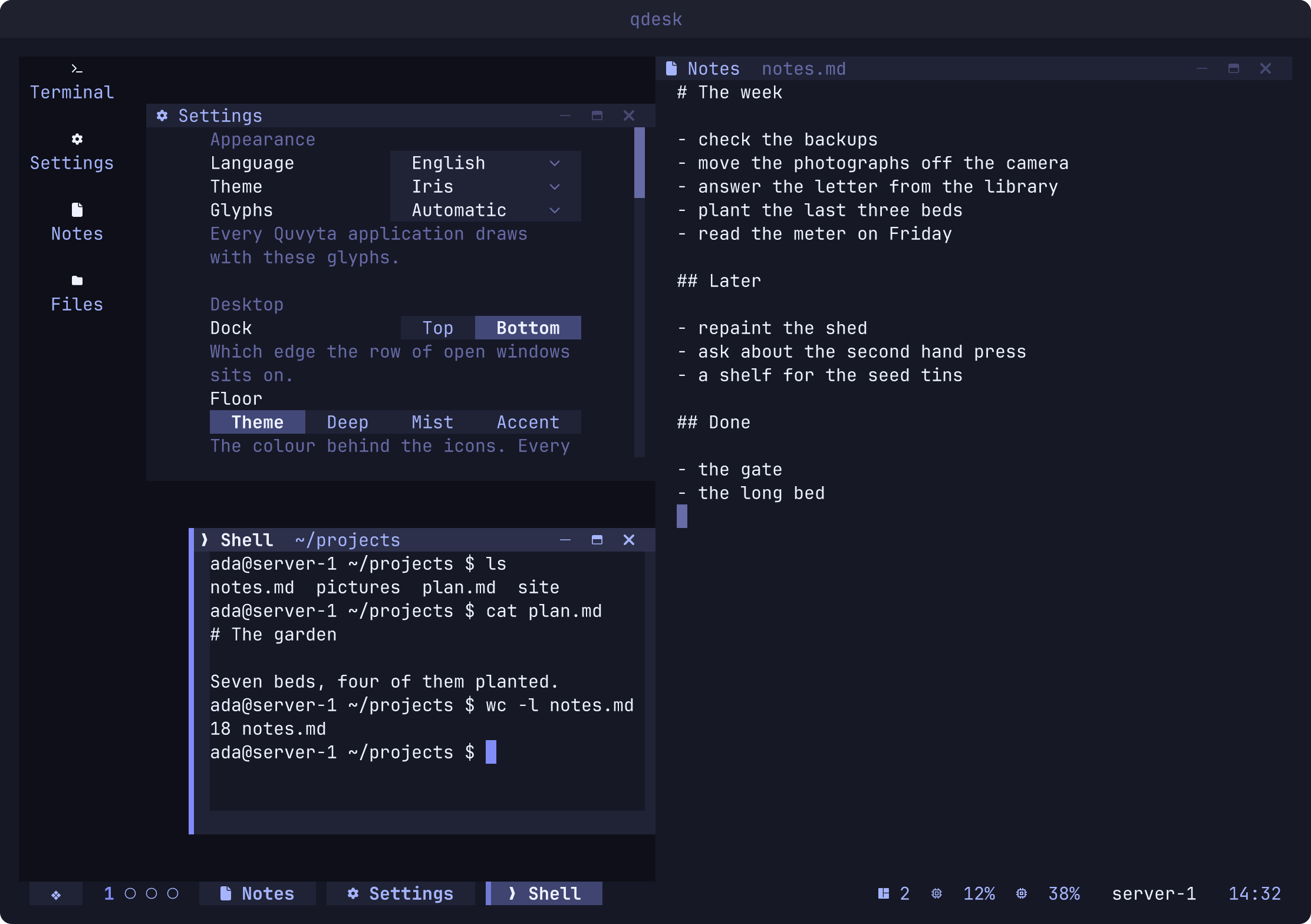
| desktop | qdesk |
A desktop inside the terminal: windows, icons, a dock, widgets and a launcher, over SSH too. |
| explorer | qexp |
A file explorer: icons for every kind of file, opening with the right program, archives with a right click. |
| browser | qbrow |
A real web browser in the terminal: an unmodified Chromium draws the pages. |
| cli | qcli |
A small coding agent that reads, edits and runs in one folder and asks before it changes anything. Alpha. |
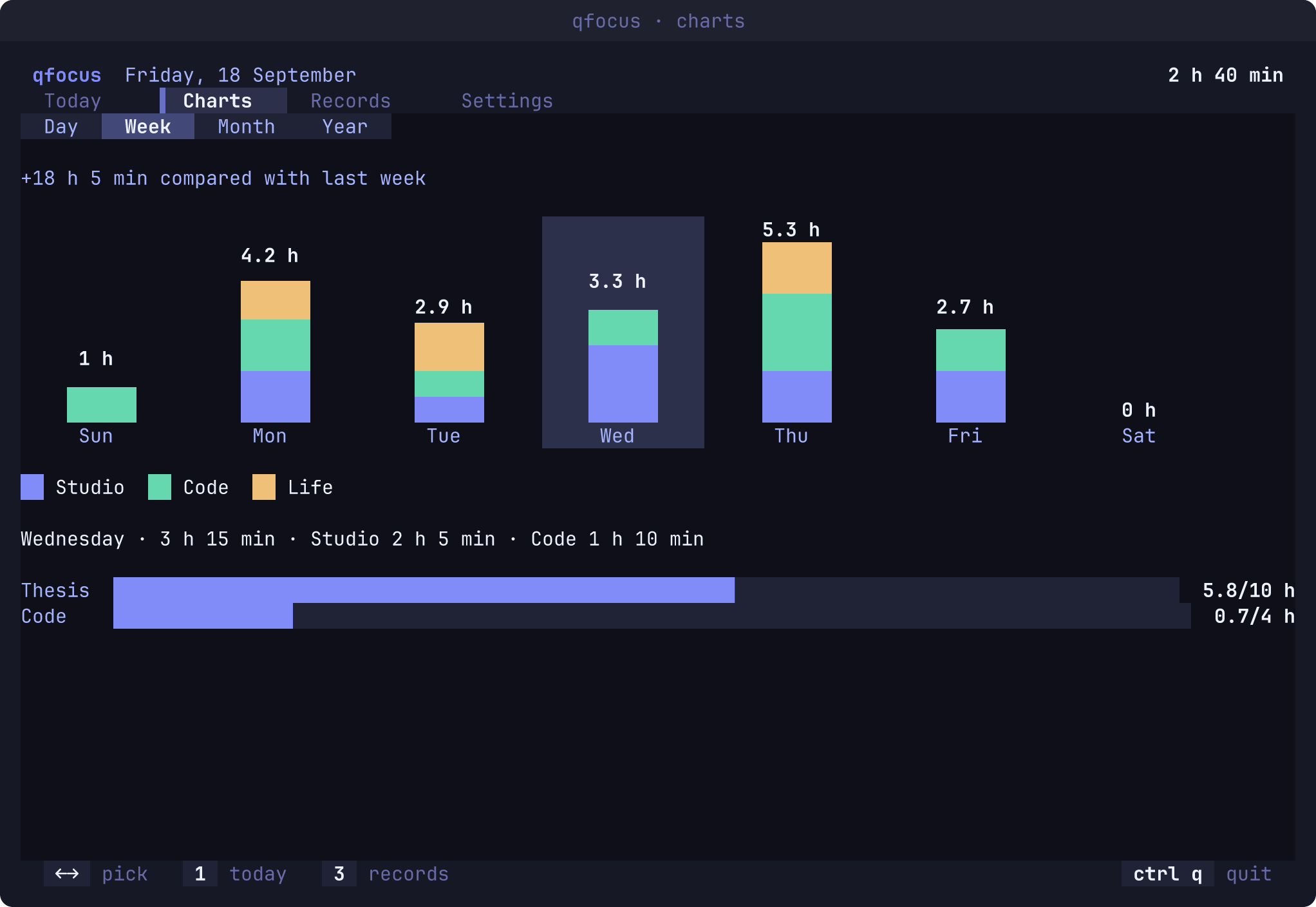
| focus | qfocus |
Tracks what you focus on, with timers, records and charts. |
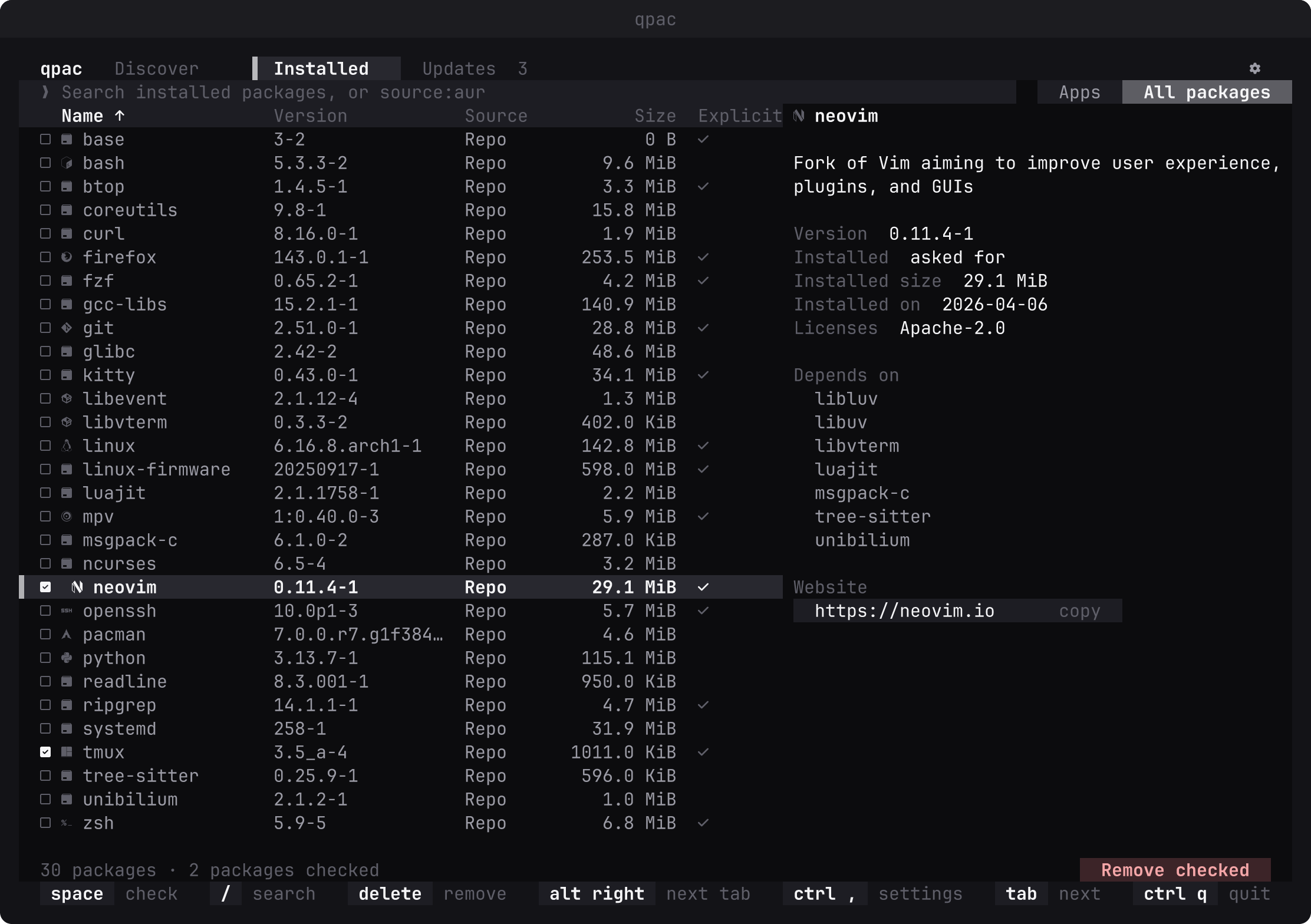
| packages | qpac |
One simple package manager for pacman, the AUR, Flatpak and Snap. Arch Linux for now; other distributions are planned. |
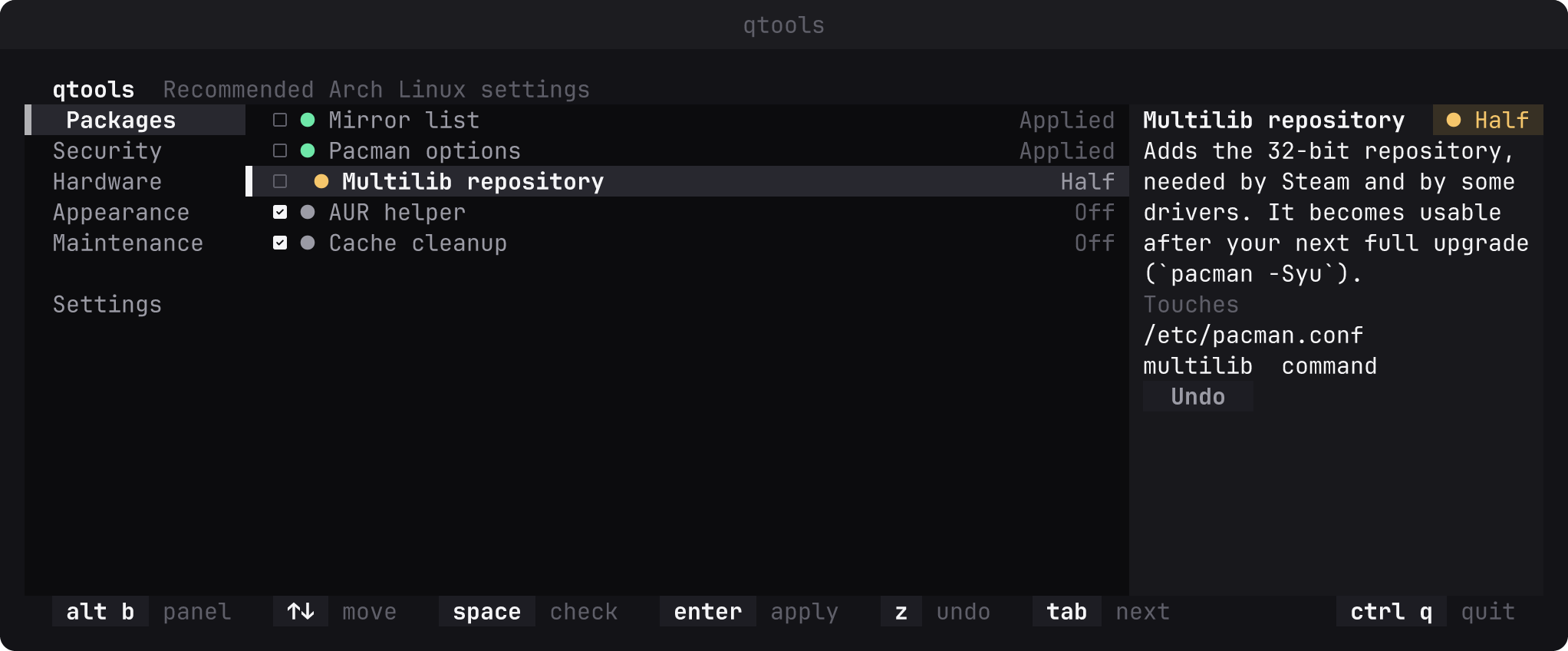
| tools | qtools |
Applies the settings Arch Linux users usually set up by hand, and undoes them. Arch Linux for now. |
| quvyta | quvyta |
The launcher: installs, opens and updates the other applications. |
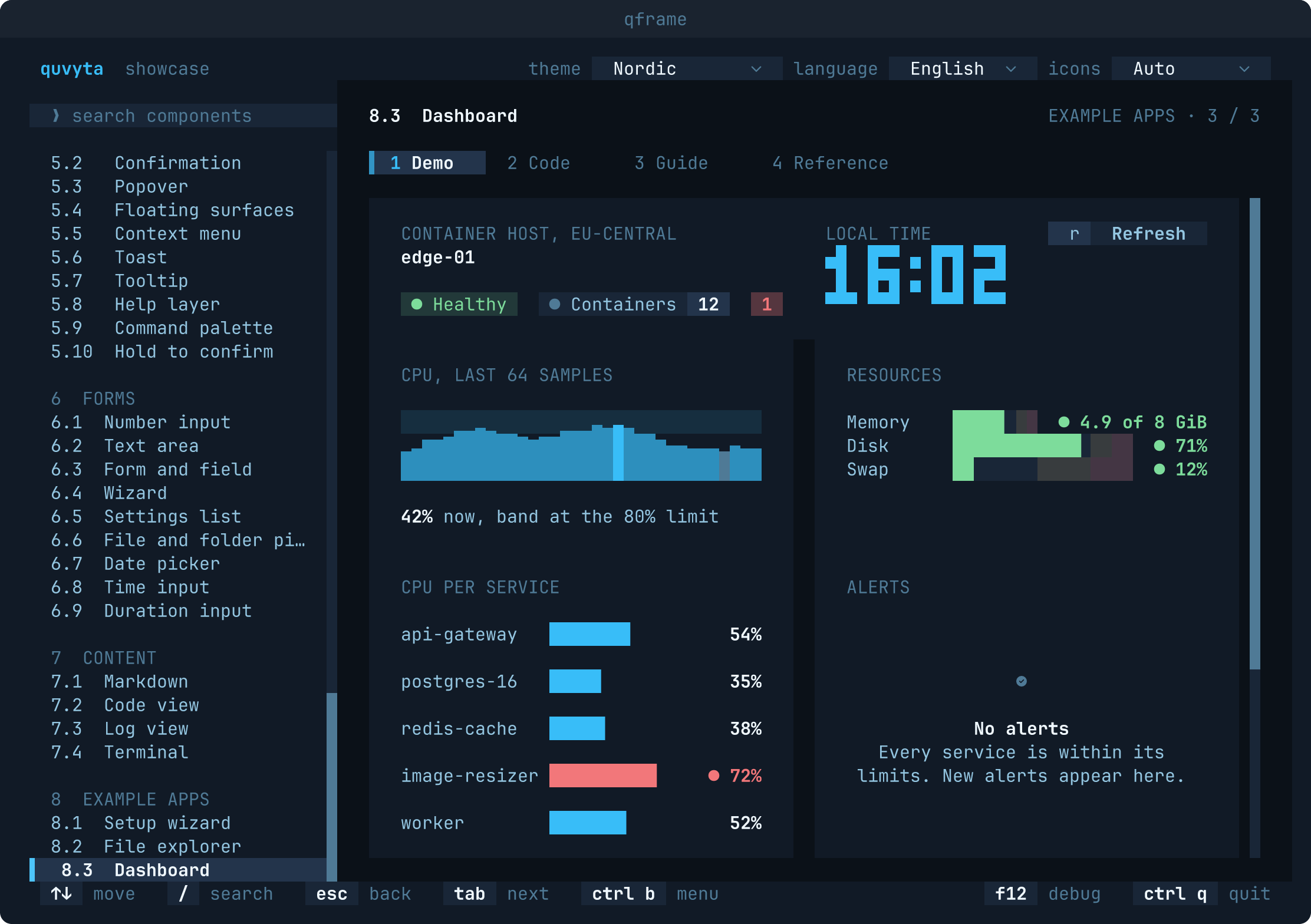
| framework | qframe |
The Rust framework they are all built on, with a showcase of every component. |
cargo add quvyta-framework
cargo install quvyta-framework-showcase && qframe